Open AU3 files with File Viewer Plus
Do you need to open an AU3 file?
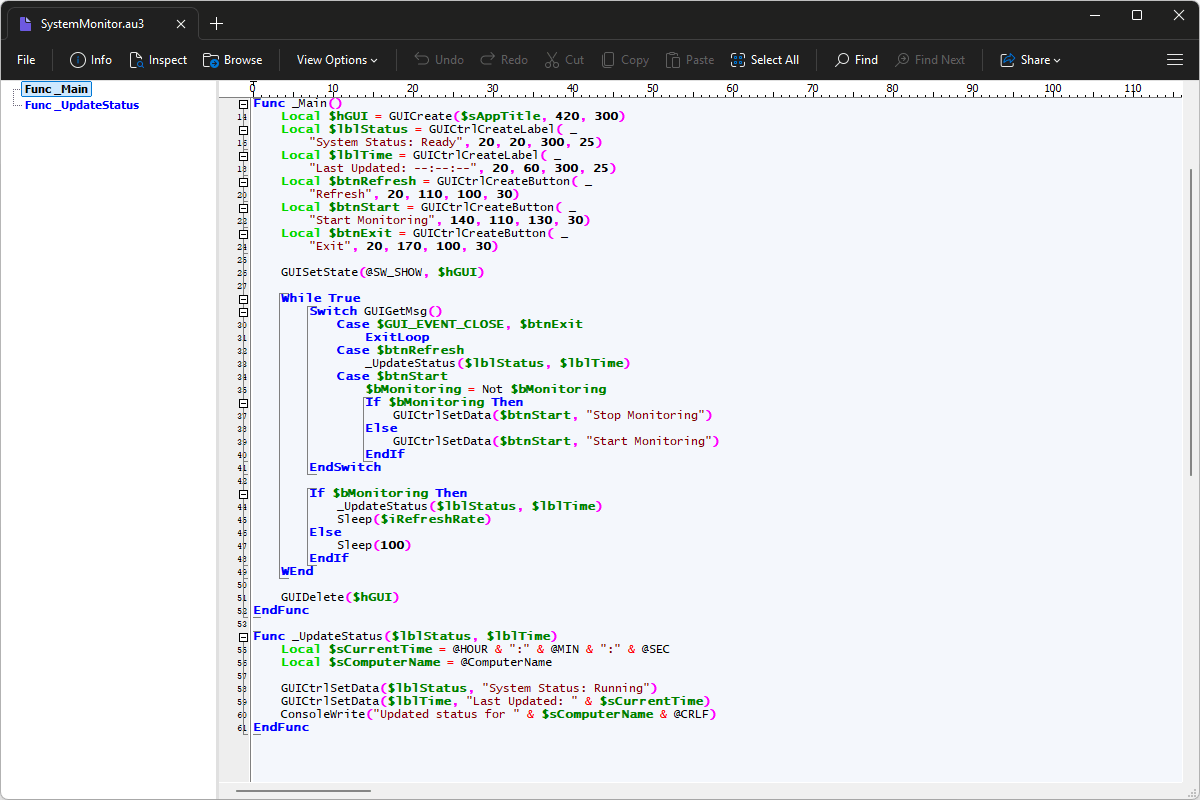
File Viewer Plus can open AU3 (AutoIt Script) files and provides a syntax tree view for navigating the source code. You can also edit the code and save your changes.
Open, explore, edit, and save AU3 files with File Viewer Plus. Download the free trial today and see how easily you can work with AutoIt scripts.
Free 14-day trial. 167 MB
What is an .AU3 file?
AU3 files are scripts written in AutoIt, a Windows-focused scripting language designed to automate repetitive tasks and simulate user interactions. They contain commands that can open applications, click buttons, enter text, manage windows, work with files, and perform other routine operations. Scripts can also use variables, functions, loops, and conditional statements to handle more complex automation tasks.
AU3 files often appear in Windows automation projects, utility scripts, software installation routines, and tools that simplify repetitive desktop work. You might encounter one when downloading an AutoIt utility, examining a script shared by another user, or maintaining an automation project. File Viewer Plus can open, edit, and save AU3 files, making it useful for reviewing or modifying AutoIt script code.
About File Viewer Plus
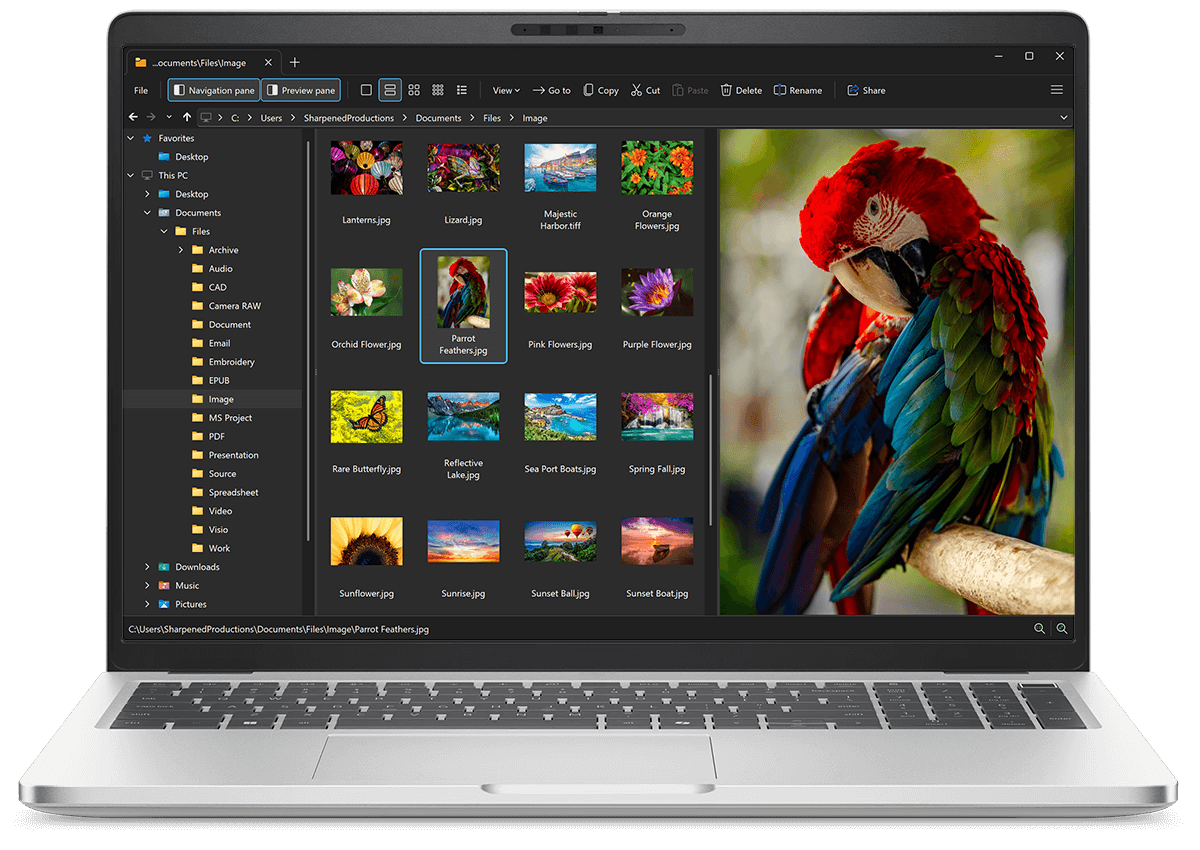
File Viewer Plus is the universal file viewer for Windows. Why pay for dozens of software programs when you only need one? Install File Viewer Plus, and you'll be able open 400 file types with a single app.
You can also edit, save, print, and convert your files. Unknown file on your PC? No problem — the app's advanced file identification algorithm can identify over 10,000 file formats, including files with incorrect or missing file extensions. File Viewer Plus is the ultimate file viewer "plus" much more!
View all supported file types →