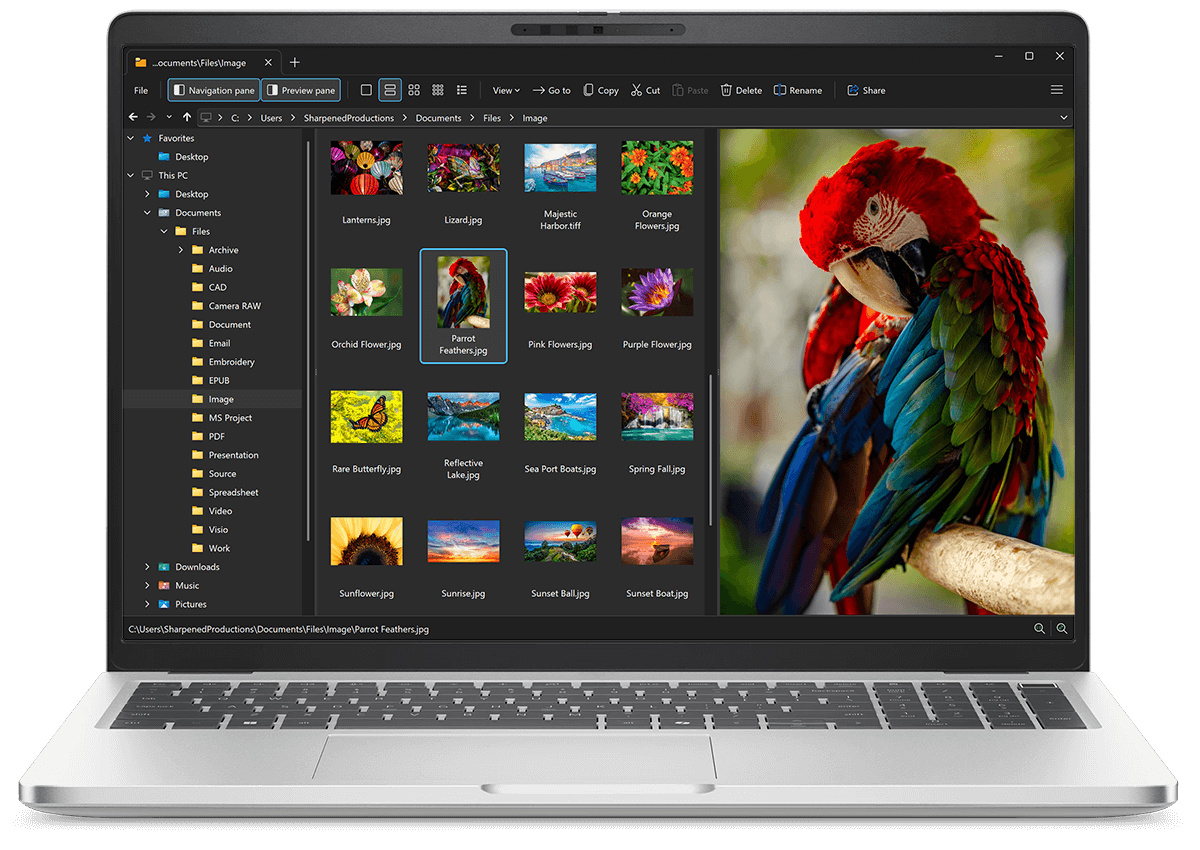
Open CMD files with File Viewer Plus
Do you need to open a CMD file?
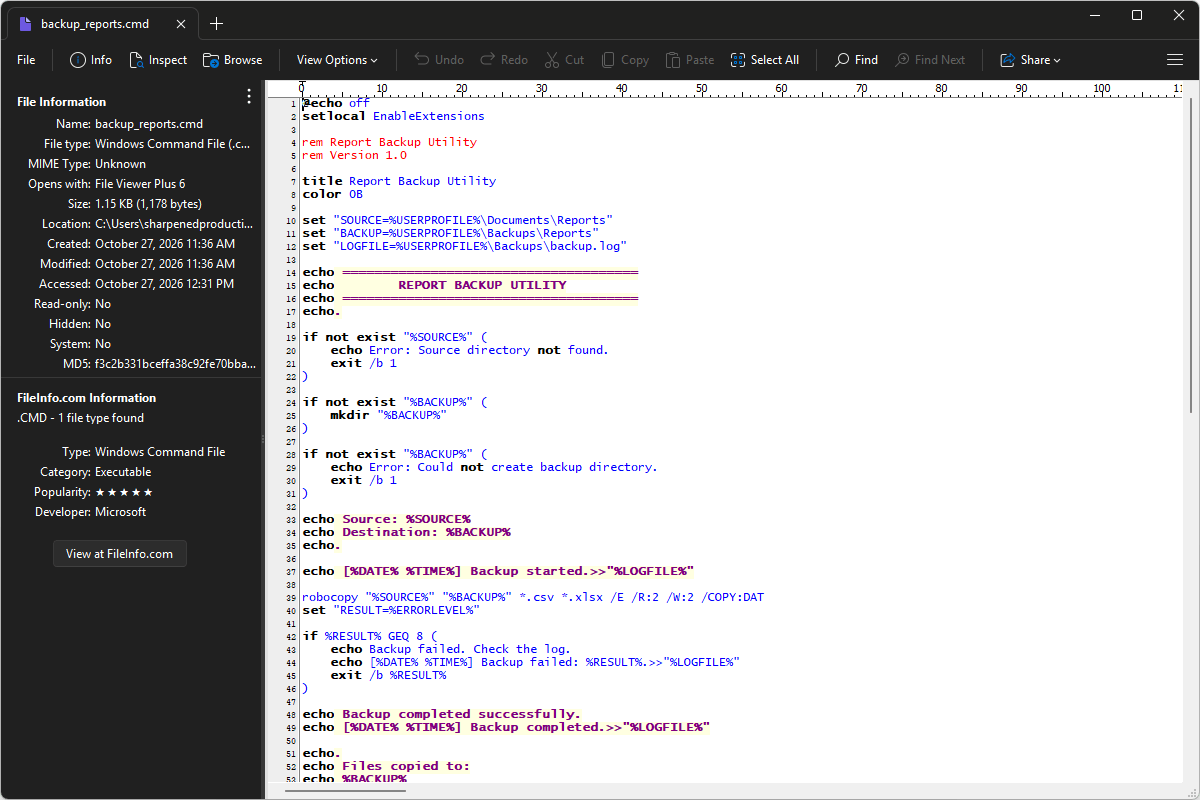
File Viewer Plus can open CMD (Windows Command) files, letting you view, edit, and save the commands they contain. You can also use the syntax tree view to navigate the specific elements in the file.
Open, explore, and edit CMD files with File Viewer Plus. Download the free trial today to see how easily you can inspect and modify Windows command scripts.
Free 14-day trial. 167 MB
What is a .CMD file?
CMD files are batch scripts that contain commands for Windows Command Prompt to execute. They let users, typically IT professionals, automate sequences of command-line operations, such as copying files, creating directories, launching applications, setting environment variables, and running maintenance tasks. Like .bat files, CMD files are saved in plain text and can include variables, loops, and conditional statements to control how commands run.
You may encounter CMD files in Windows software packages, system administration toolkits, development projects, or folders containing scripts for routine computer maintenance. CMD files also help launch applications with specific options or coordinate other scripts and utilities. File Viewer Plus can open, edit, and save CMD files, making it easy to review or modify the commands they contain.
About File Viewer Plus
File Viewer Plus is the universal file viewer for Windows. Why pay for dozens of software programs when you only need one? Install File Viewer Plus, and you'll be able open 400 file types with a single app.
You can also edit, save, print, and convert your files. Unknown file on your PC? No problem — the app's advanced file identification algorithm can identify over 10,000 file formats, including files with incorrect or missing file extensions. File Viewer Plus is the ultimate file viewer "plus" much more!
View all supported file types →