Open CS files with File Viewer Plus
Do you need to open a CS file?
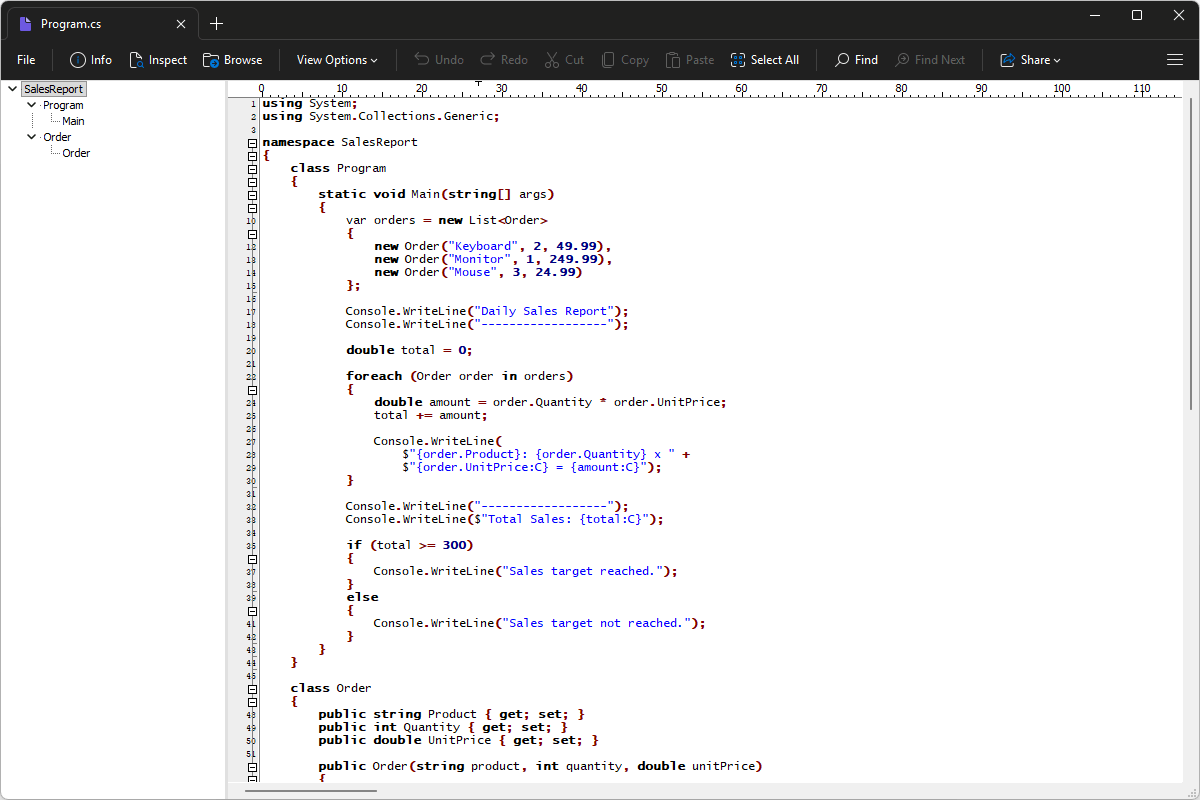
File Viewer Plus can open CS (C# Source Code) files and provides a syntax tree view that makes it easy to navigate the source code. You can also edit the code and save your changes.
Open, edit, and save CS files with File Viewer Plus. Download the free trial today and see how easily you can work with C# source code.
Free 14-day trial. 167 MB
What is a .CS file?
CS files are source code files written in C#, a programming language developed by Microsoft for building Windows applications, web services, games, and other software. They are widely used with the .NET platform and contain human-readable instructions that define how a program works, including its features, user interface, data processing, and interactions with other components.
You may come across CS files when browsing the source code of a .NET application, working on a C# software project, or downloading an open-source program from a code repository. They are often stored alongside project files, libraries, configuration files, and other source code, and a project may contain many CS files for different parts of the application. File Viewer Plus can open, edit, and save CS files, making it convenient to view and modify C# source code.
About File Viewer Plus
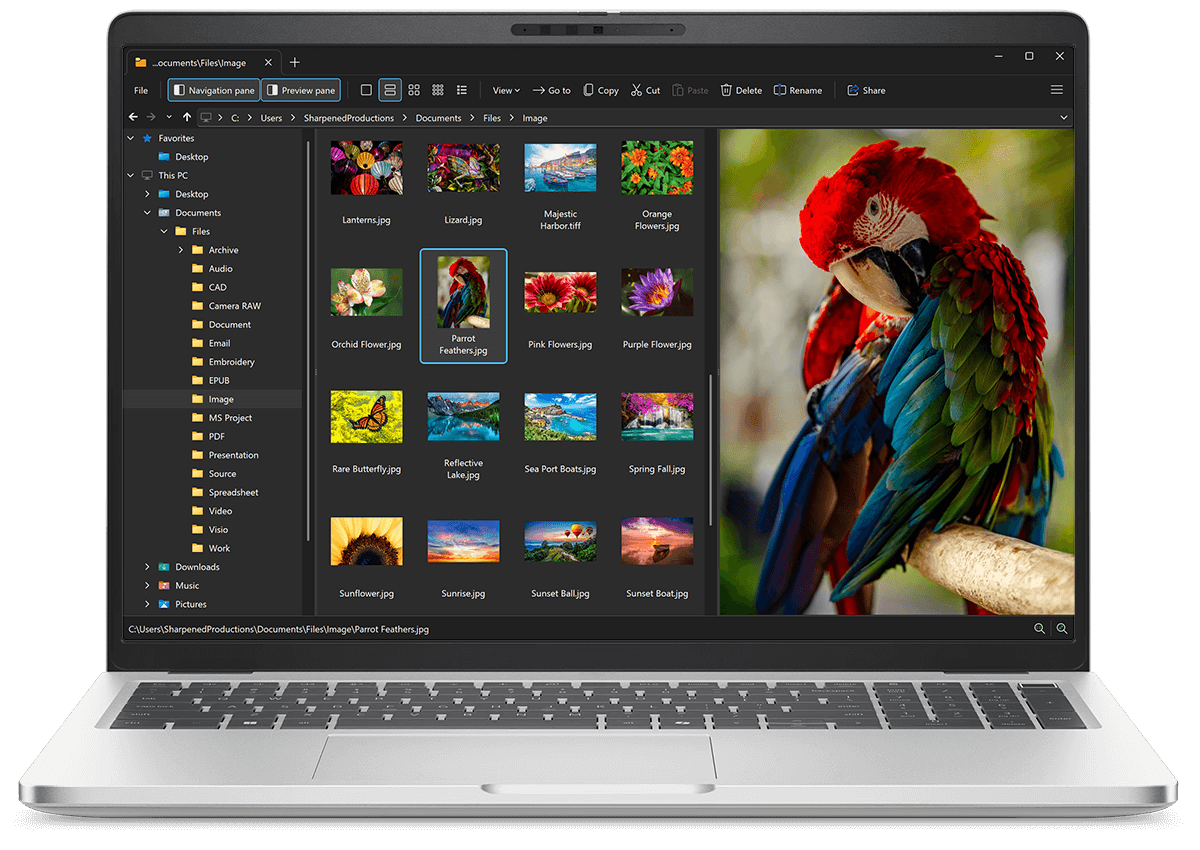
File Viewer Plus is the universal file viewer for Windows. Why pay for dozens of software programs when you only need one? Install File Viewer Plus, and you'll be able open 400 file types with a single app.
You can also edit, save, print, and convert your files. Unknown file on your PC? No problem — the app's advanced file identification algorithm can identify over 10,000 file formats, including files with incorrect or missing file extensions. File Viewer Plus is the ultimate file viewer "plus" much more!
View all supported file types →