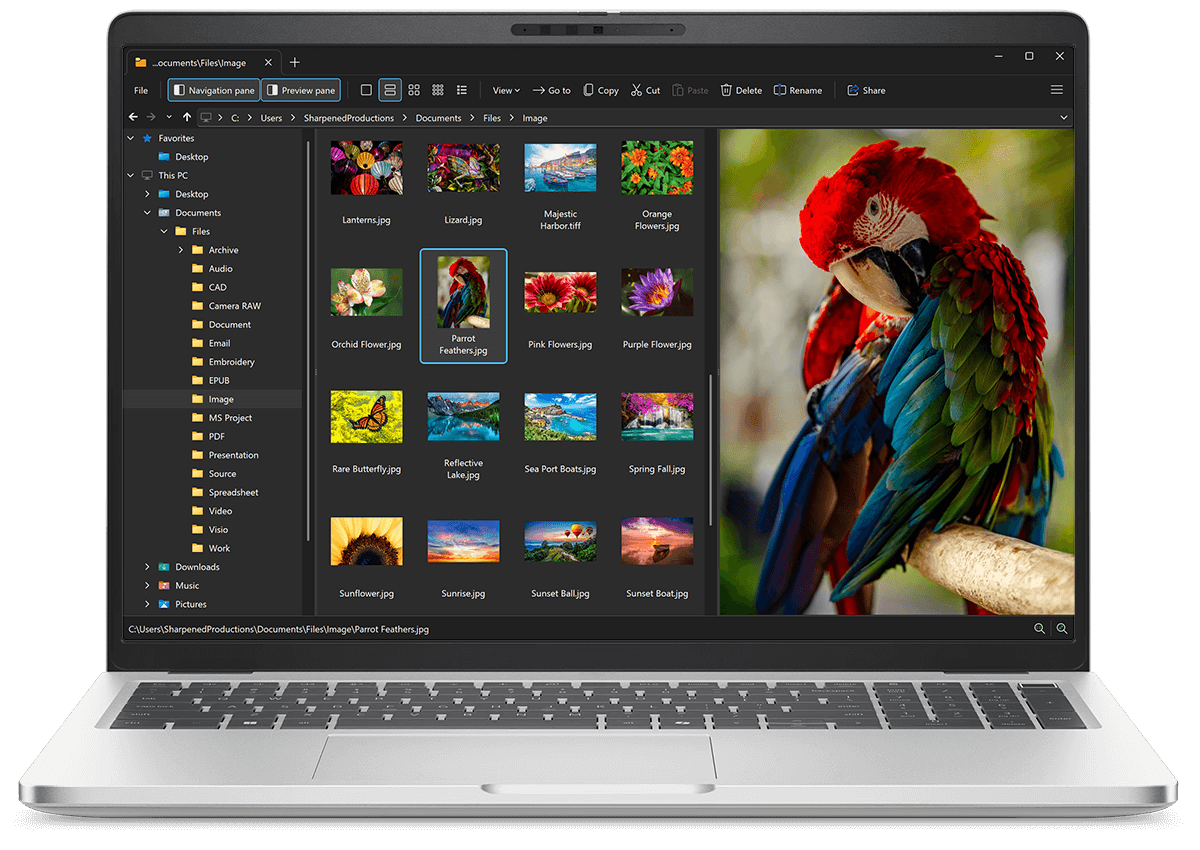
Open DFONT files with File Viewer Plus
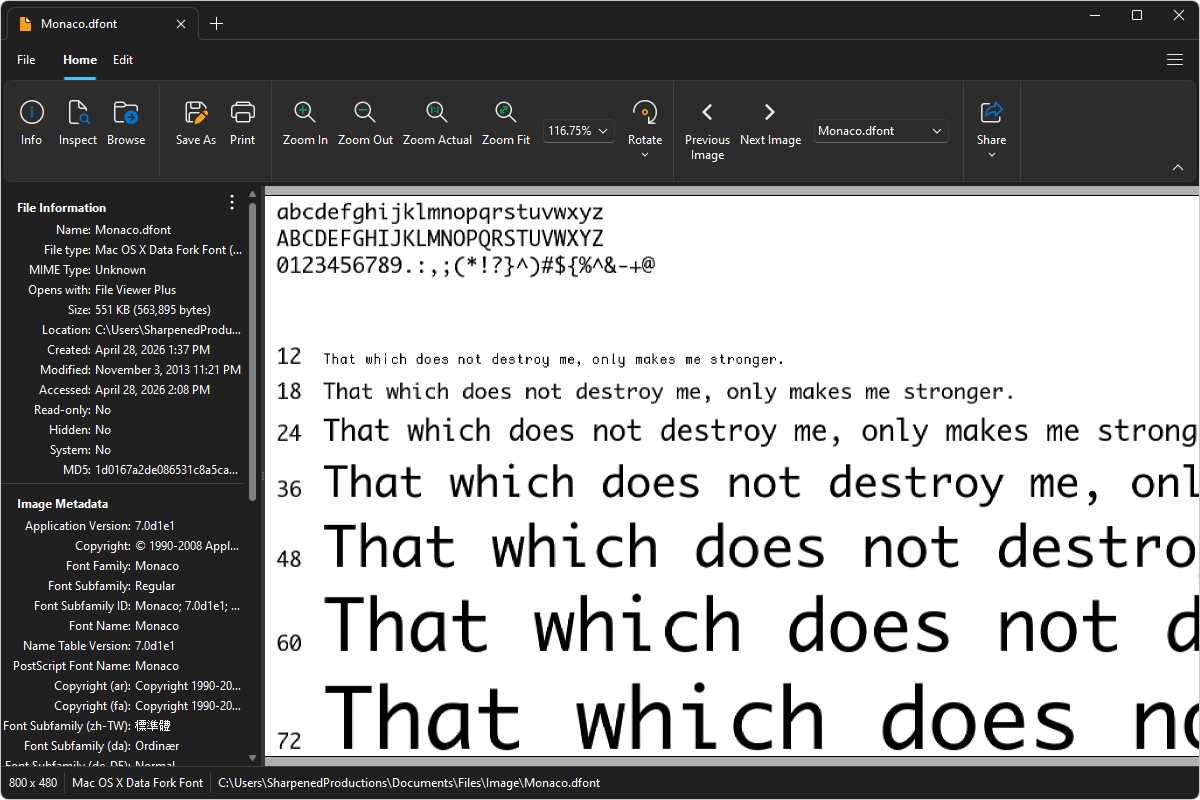
Do you need to open a DFONT file?
File Viewer Plus can open DFONT (Mac OS X Data Fork Font) files and provides various tools and effects to adjust the size, color, and brightness of the images. You can also convert DFONT files to various image formats, such as JPG and PNG, or to a PDF document.
Open, edit, and convert DFONT files with our easy-to-use image editor. Try File Viewer Plus for free today!
Free 14-day trial. 167 MB

What is a .DFONT file?
DFONT files are font files saved in the Mac OS X Data Fork Font (DFONT) format, which Apple developed for storing TrueType font data in the data fork of a file rather than the resource fork used in earlier Mac systems. The format contains font information such as glyph outlines, metrics, and character mappings, allowing different Mac applications to use them. DFONT files were commonly used in older versions of Mac OS X and are now not widely supported outside of Apple environments.
You may encounter DFONT files when working with legacy Mac OS X fonts, transferring font libraries between systems, or accessing archived design resources. File Viewer Plus can open DFONT files and convert them to widely used image formats, such as JPG or PNG, or PDF documents, making them easier to share across different platforms and applications.
About File Viewer Plus
File Viewer Plus is the universal file viewer for Windows. Why pay for dozens of software programs when you only need one? Install File Viewer Plus, and you'll be able open 400 file types with a single app.
You can also edit, save, print, and convert your files. Unknown file on your PC? No problem — the app's advanced file identification algorithm can identify over 10,000 file formats, including files with incorrect or missing file extensions. File Viewer Plus is the ultimate file viewer "plus" much more!
View all supported file types →