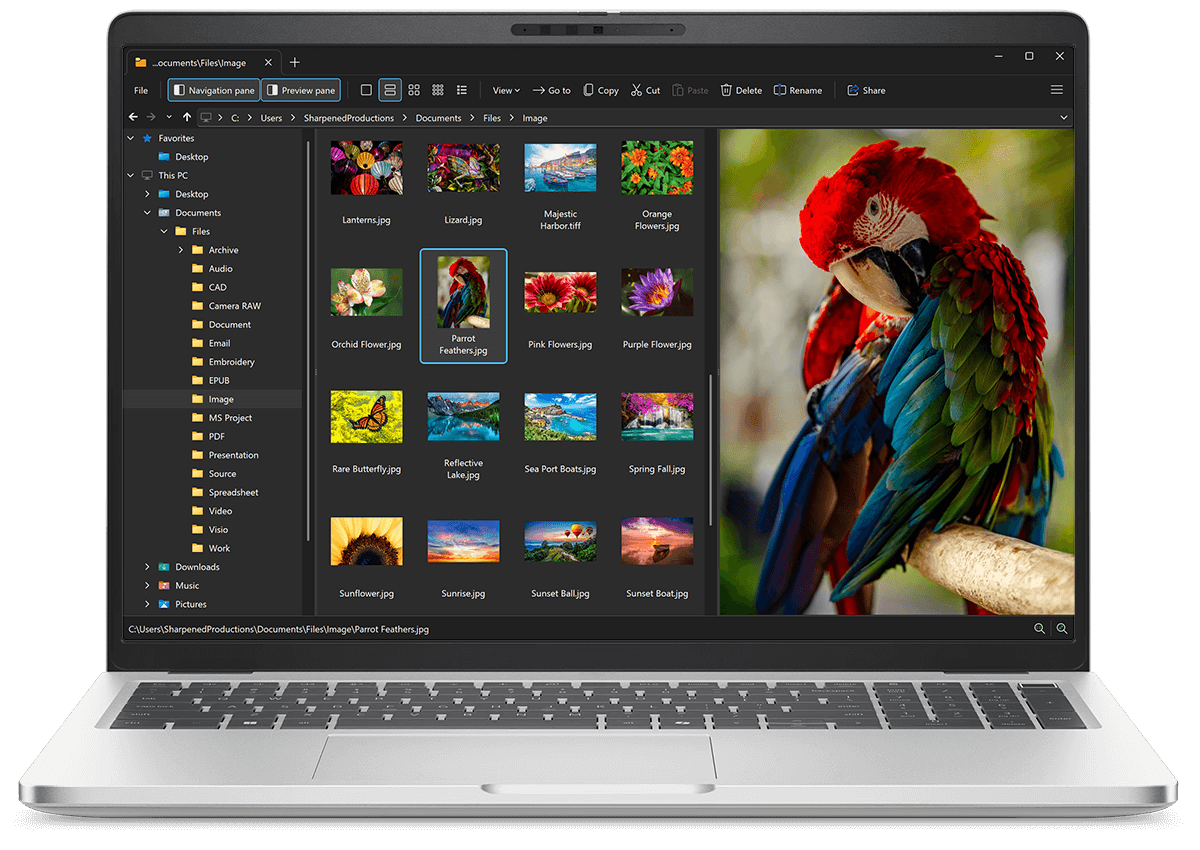
Open HEVC files with File Viewer Plus
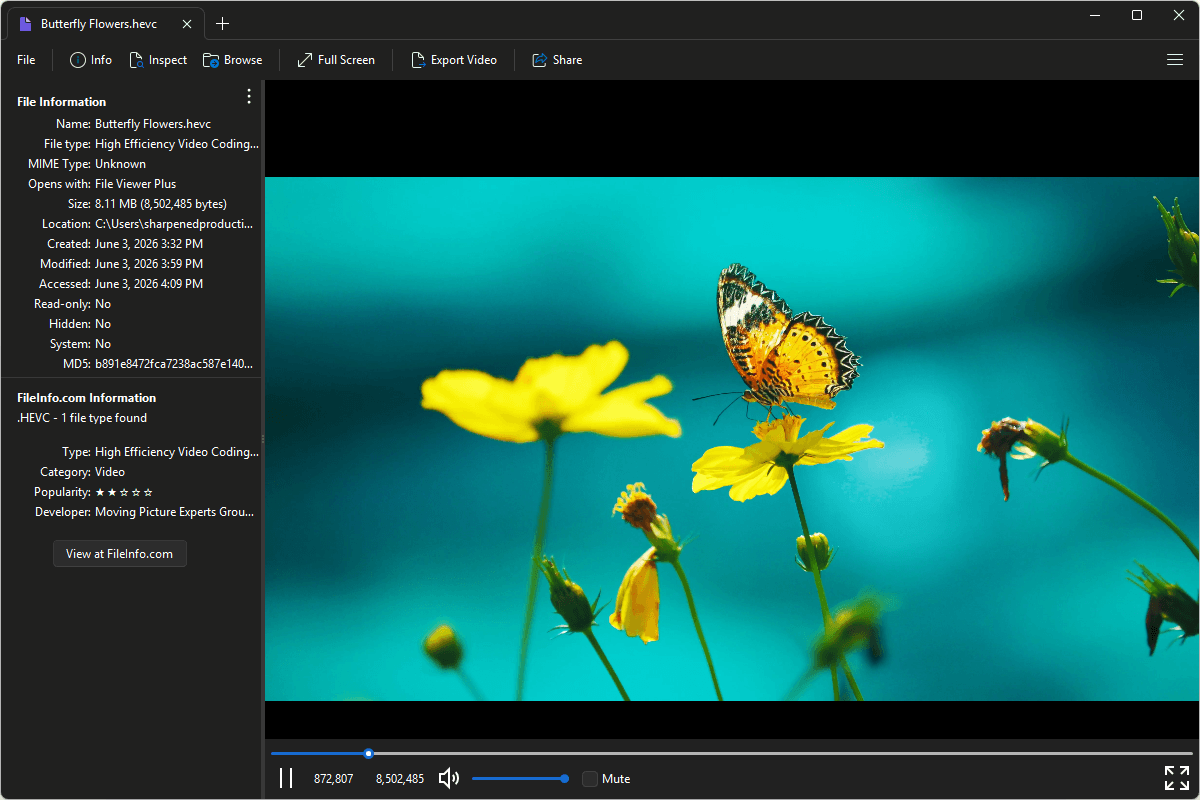
Do you need to open an HEVC file?
File Viewer Plus can open, play, and convert HEVC (High Efficiency Video Coding) files. You can view video metadata and convert H264 videos to MP4 at various resolutions and bitrates for easier playback and sharing.
Open HEVC files with File Viewer Plus and try it free today.
Free 14-day trial. 167 MB
What is an .HEVC file?
HEVC files are video files saved in the High Efficiency Video Coding (HEVC) format, which stores compressed video data encoded with the H.265/HEVC standard. The files typically contain only the encoded video stream and do not include audio or other media data. HEVC files are commonly used for 4K and high-resolution video recording, streaming, and broadcasting because the format provides better compression efficiency than H.264 while maintaining similar image quality.
You may encounter HEVC files when working with high-resolution camera footage, extracting video streams from multimedia containers, or handling content created for modern streaming and broadcast platforms. File Viewer Plus can play HEVC files and convert them to MP4 at different resolutions and bitrates, making them compatible with a broader range of devices and media players.
About File Viewer Plus
File Viewer Plus is the universal file viewer for Windows. Why pay for dozens of software programs when you only need one? Install File Viewer Plus, and you'll be able open 400 file types with a single app.
You can also edit, save, print, and convert your files. Unknown file on your PC? No problem — the app's advanced file identification algorithm can identify over 10,000 file formats, including files with incorrect or missing file extensions. File Viewer Plus is the ultimate file viewer "plus" much more!
View all supported file types →