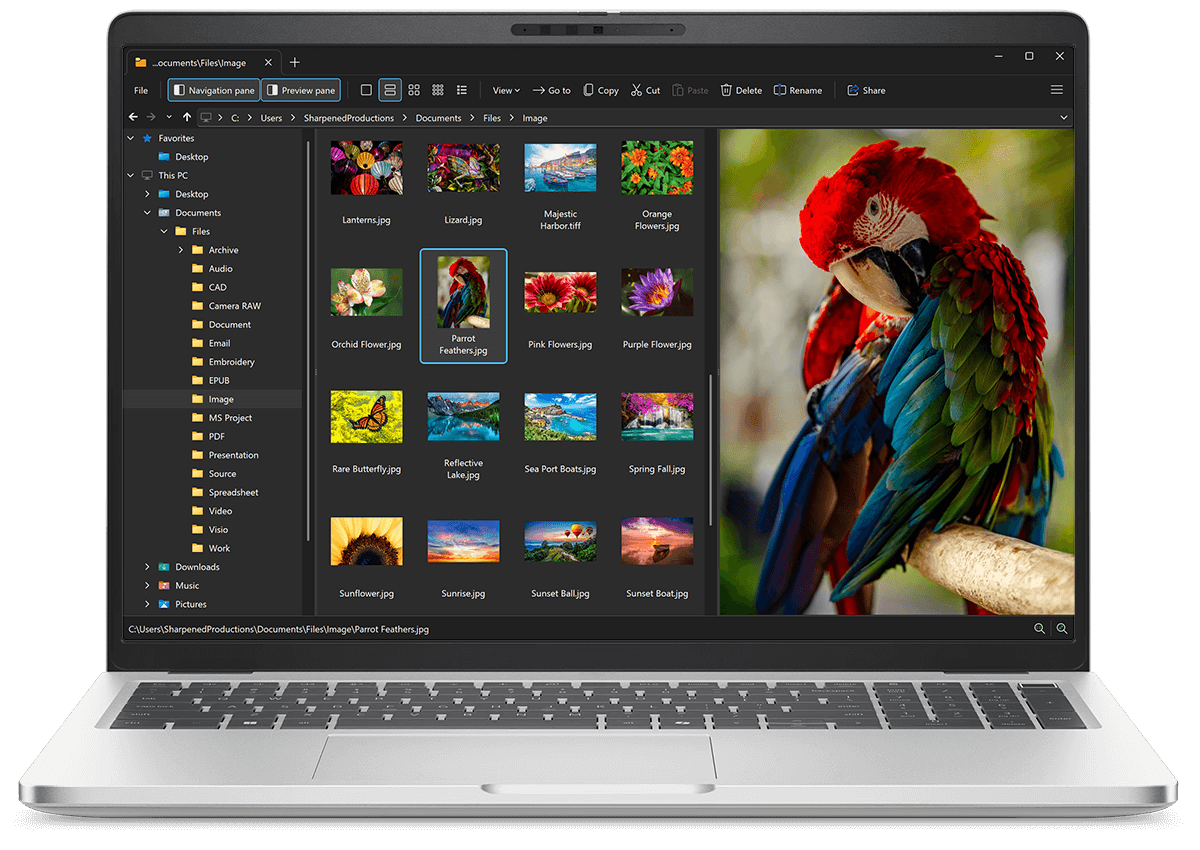
Open INI files with File Viewer Plus
Do you need to open an INI file?
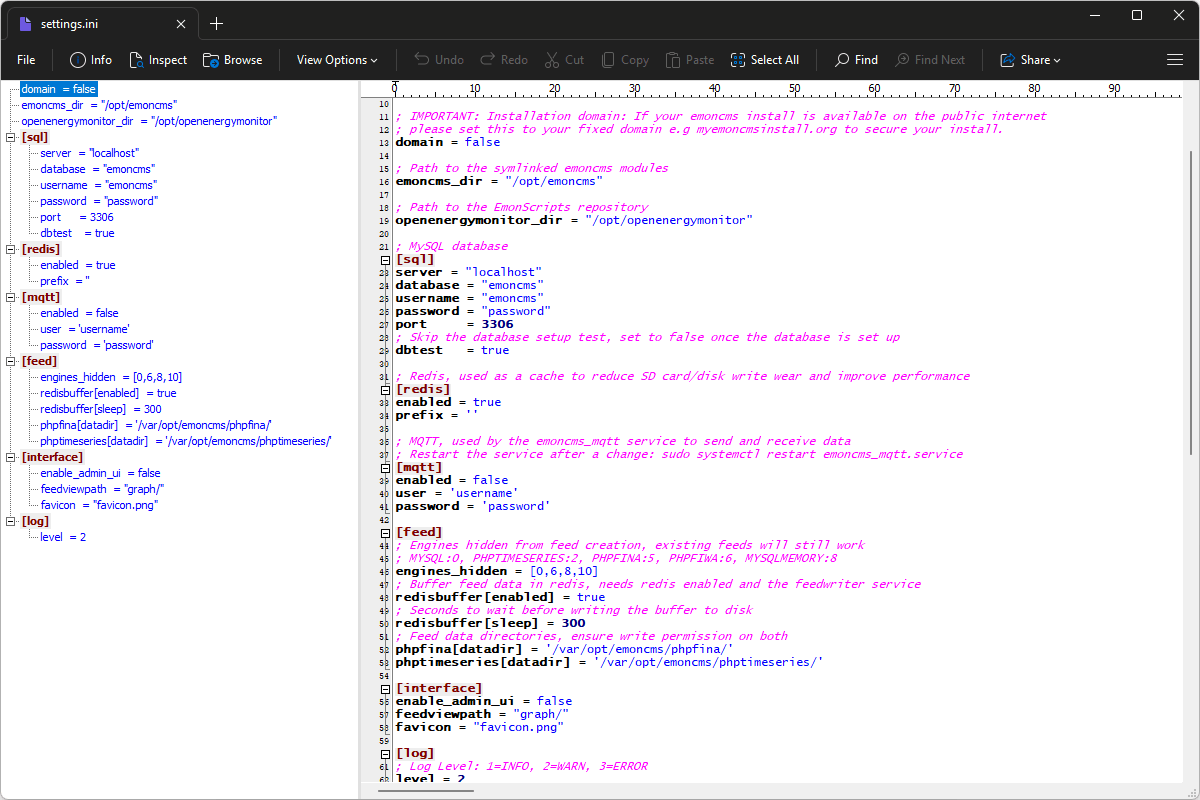
File Viewer Plus can open INI (Windows Initialization) files and allows you to edit the source code in the files and save them. It also includes various viewing capabilities, including a syntax tree view for navigating the source code.
Open, edit, and save INI files with our intuitive source code editor. Try File Viewer Plus for free today!
Free 14-day trial. 167 MB

What is an .INI file?
INI files are configuration files that store settings used by Windows and Windows applications. They typically contain simple text-based entries organized into sections, with values that control how a program starts or operates. Windows software has used INI files for decades, and they can store settings such as file paths, display options, preferences, and other application-specific information.
You may find INI files when browsing the folders of an older Windows application, troubleshooting software settings, or examining files left behind by a program installation. You may also find them alongside executable files in legacy Windows software, games, and utilities. File Viewer Plus lets you open, edit, and save INI files, making it easy to inspect or change their configuration settings.
About File Viewer Plus
File Viewer Plus is the universal file viewer for Windows. Why pay for dozens of software programs when you only need one? Install File Viewer Plus, and you'll be able open 400 file types with a single app.
You can also edit, save, print, and convert your files. Unknown file on your PC? No problem — the app's advanced file identification algorithm can identify over 10,000 file formats, including files with incorrect or missing file extensions. File Viewer Plus is the ultimate file viewer "plus" much more!
View all supported file types →