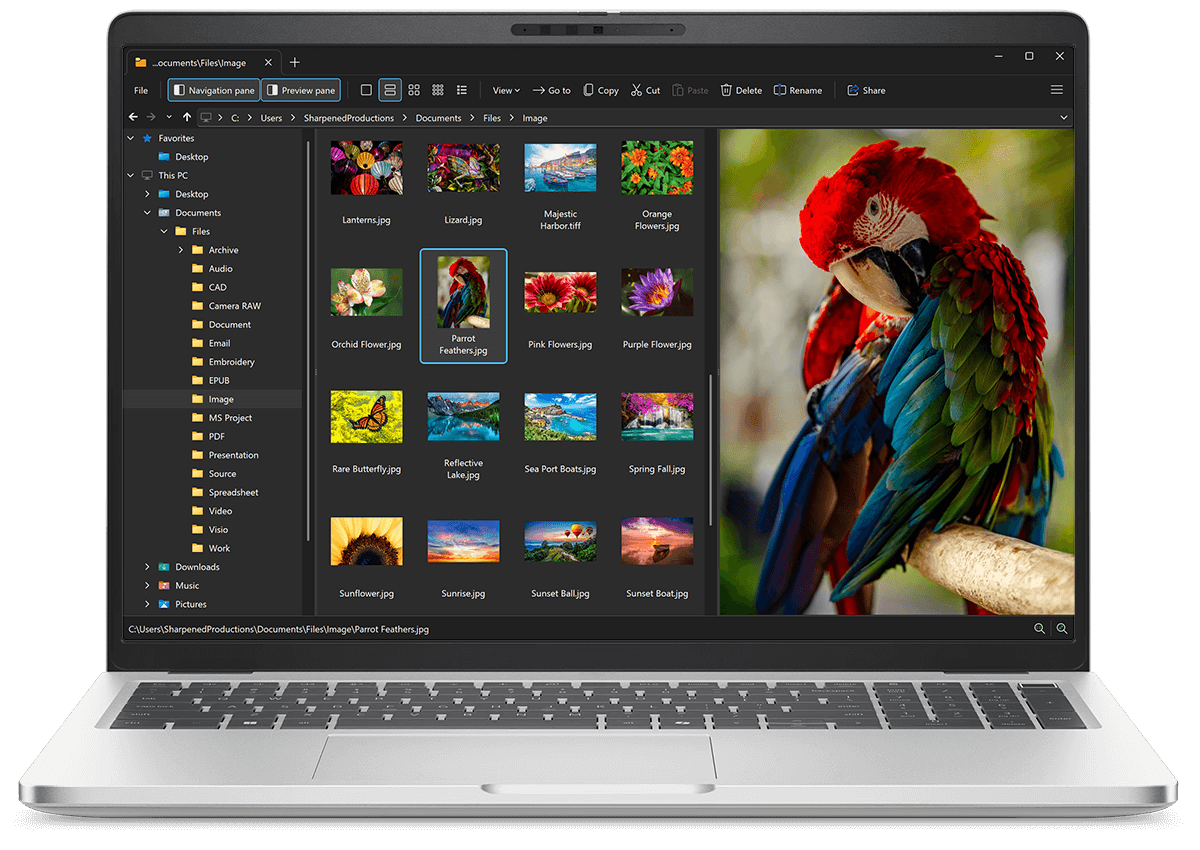
Open KDC files with File Viewer Plus
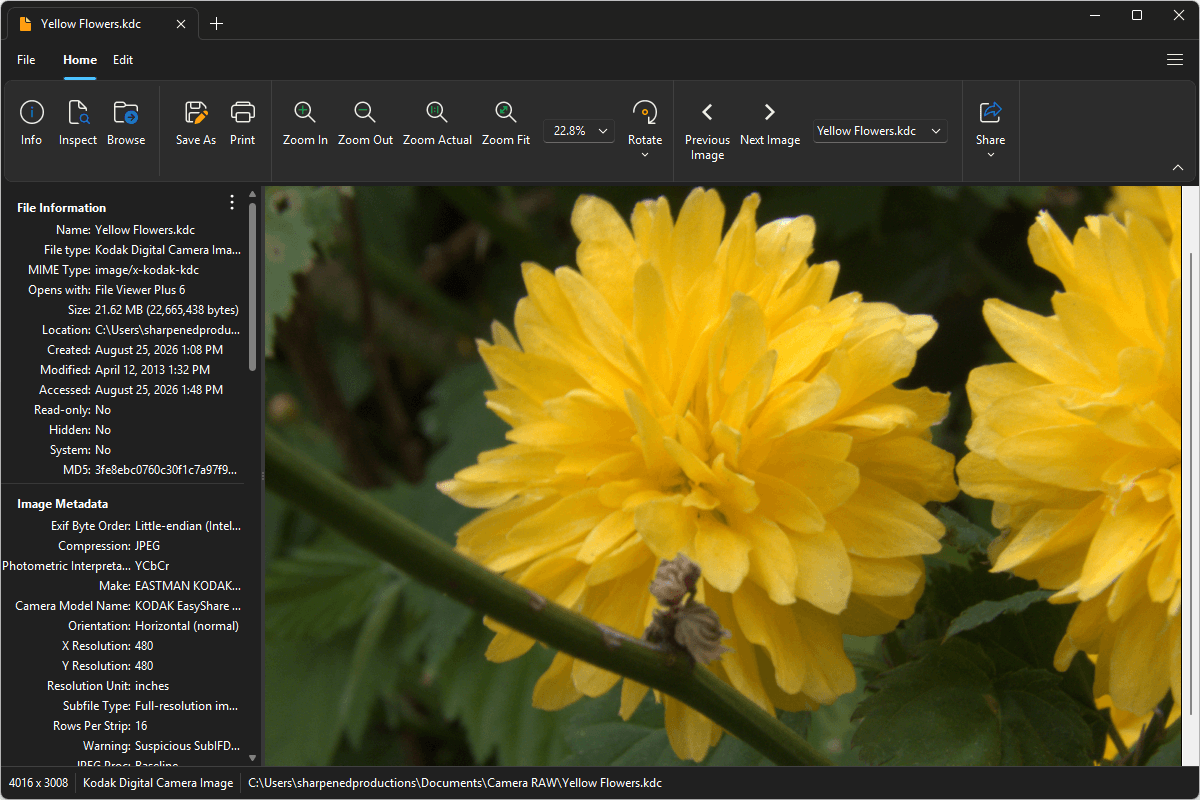
Do you need to open a KDC file?
File Viewer Plus can open KDC (Kodak Digital Camera Image) images and offers image editing tools to adjust exposure, crop, resize photos, and more. You can batch convert KDC files to JPEG, PNG, TIFF, GIF, and BMP formats, as well.
Everything you need to view, edit, and convert KDC files is in one easy-to-use application. Download File Viewer Plus and try it free today.
Free 14-day trial. 167 MB
What is a .KDC file?
KDC files are raw image files created by various Kodak digital cameras, such as the DC40, DC50, and EasyShare P850. They store minimally processed image data captured directly by the camera's sensor, preserving more detail and dynamic range. This extra image information gives photographers more flexibility to adjust exposure, white balance, color, and other settings during post-processing.
You may encounter a KDC file when importing photos from an older Kodak digital camera, copying images from a memory card, or receiving original photos from someone who used a Kodak camera. File Viewer Plus can open and edit KDC images and convert them to widely supported formats, such as JPEG and PNG.
About File Viewer Plus
File Viewer Plus is the universal file viewer for Windows. Why pay for dozens of software programs when you only need one? Install File Viewer Plus, and you'll be able open 400 file types with a single app.
You can also edit, save, print, and convert your files. Unknown file on your PC? No problem — the app's advanced file identification algorithm can identify over 10,000 file formats, including files with incorrect or missing file extensions. File Viewer Plus is the ultimate file viewer "plus" much more!
View all supported file types →