Open LVF files with File Viewer Plus
Do you need to open an LVF file?
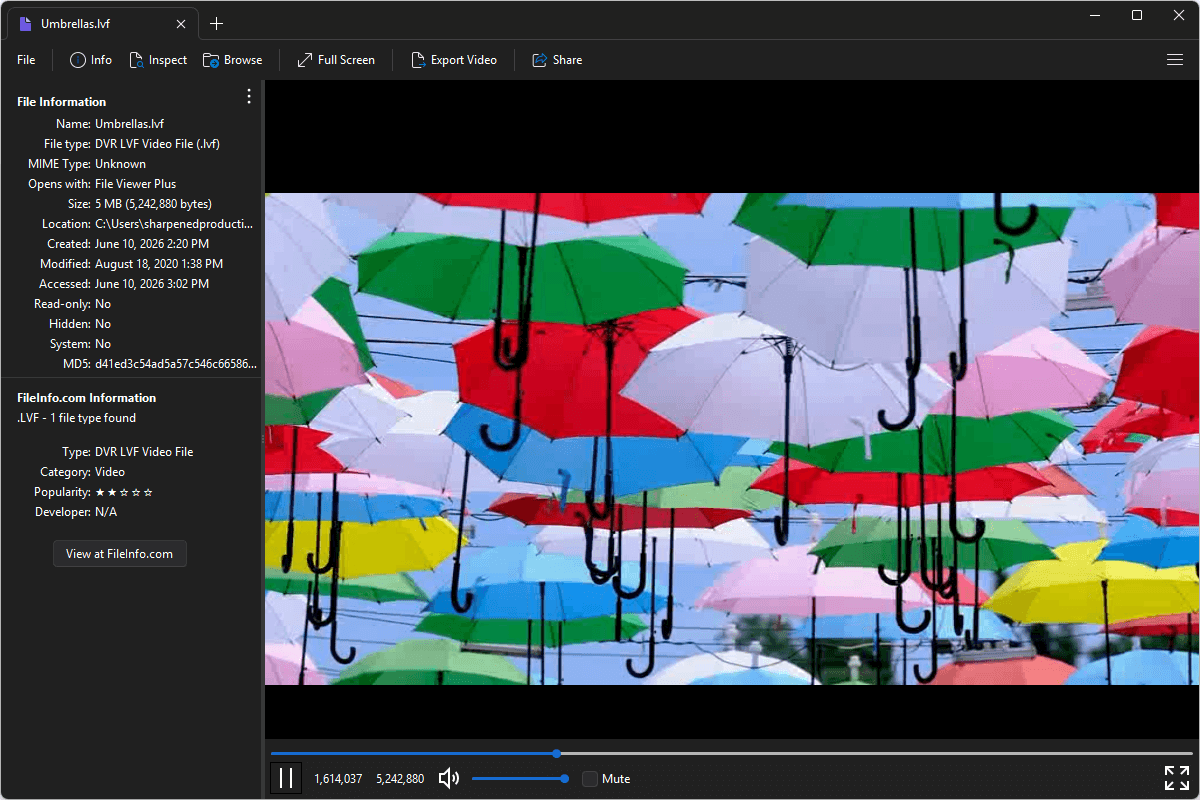
File Viewer Plus can open LVF (DVR LVF Video) files. It offers various playback features and lets you inspect the file's metadata. You can also convert LVF videos to MP4 videos at various resolutions and bitrates.
Open, view, and convert LVF files with our easy-to-use video player. Try File Viewer Plus for free today!
Free 14-day trial. 167 MB
What is an .LVF file?
LVF files are video files that store recorded video and audio data captured by various digital video recorder (DVR) and surveillance systems. The format was designed for security monitoring applications, preserving footage from connected cameras along with timing and recording information.
You may encounter LVF files when reviewing security camera footage, accessing archived DVR recordings, or exporting video from surveillance systems. File Viewer Plus can play LVF files and convert them to the widely supported MP4 format.
About File Viewer Plus
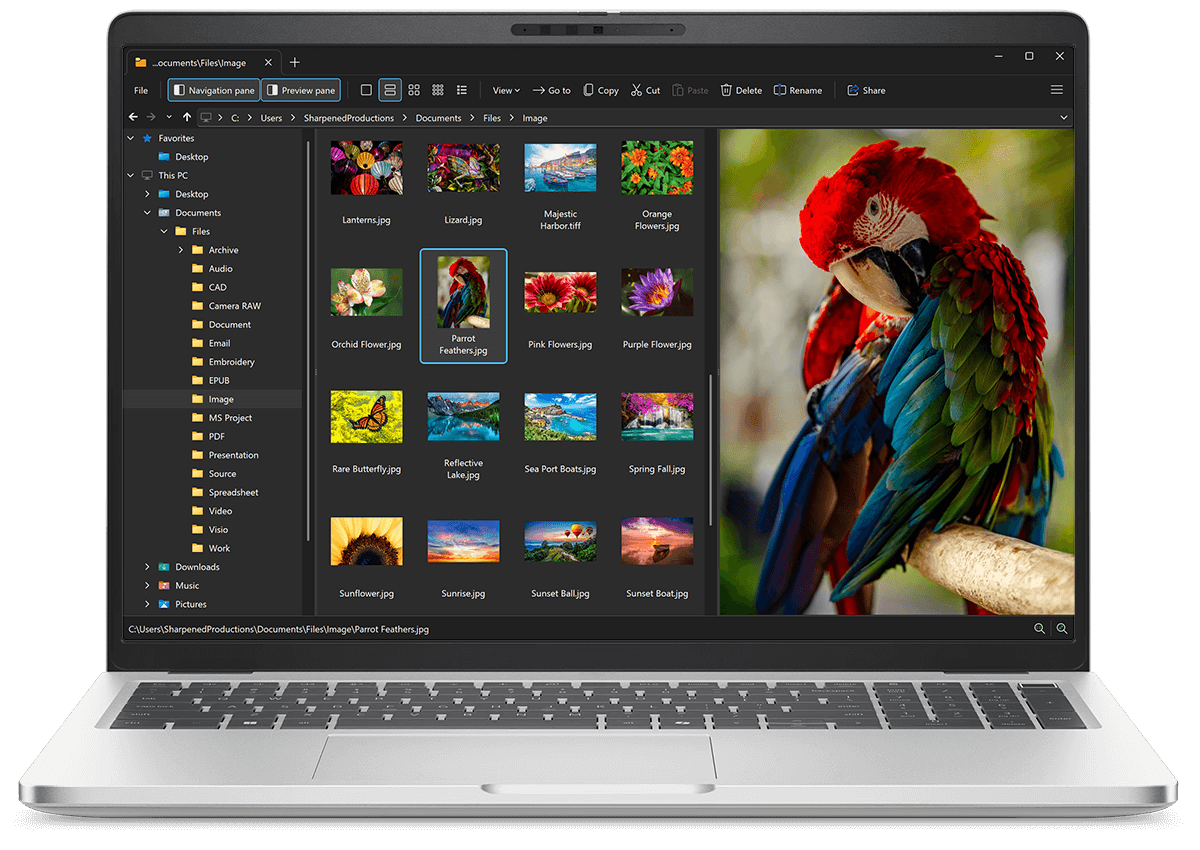
File Viewer Plus is the universal file viewer for Windows. Why pay for dozens of software programs when you only need one? Install File Viewer Plus, and you'll be able open 400 file types with a single app.
You can also edit, save, print, and convert your files. Unknown file on your PC? No problem — the app's advanced file identification algorithm can identify over 10,000 file formats, including files with incorrect or missing file extensions. File Viewer Plus is the ultimate file viewer "plus" much more!
View all supported file types →