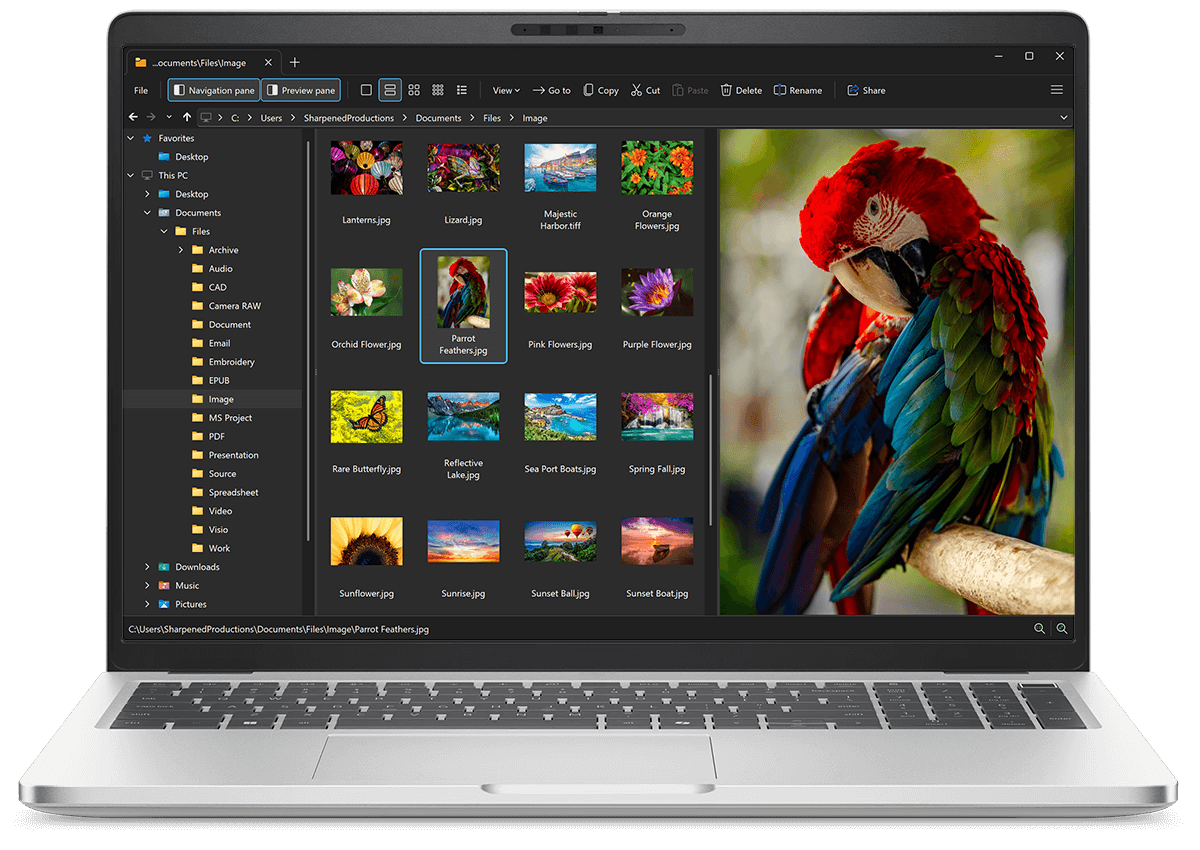
Open LXF files with File Viewer Plus
Do you need to open an LXF file?
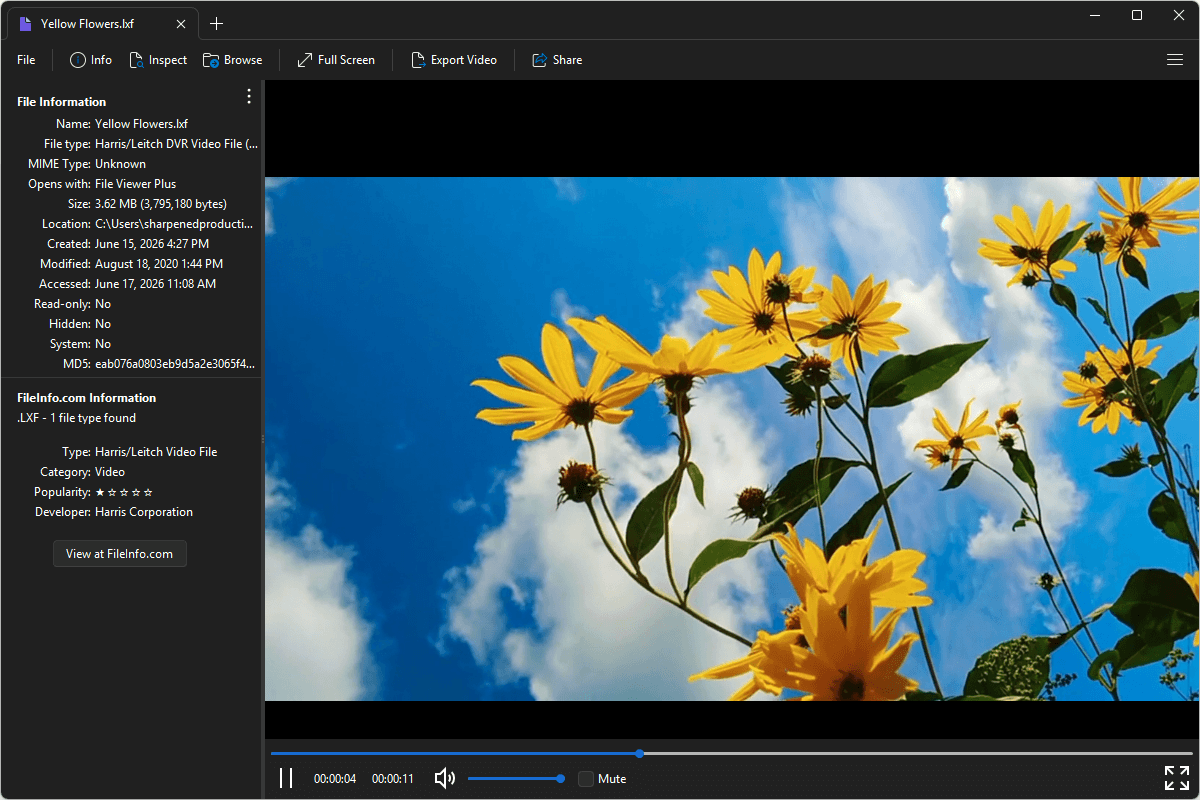
File Viewer Plus can open LXF (Harris/Leitch DVR Video) files. It provides playback features and allows you to inspect the file's metadata. You can also convert LXF videos to MP4 videos at different resolutions and bitrates.
Open, view, and convert LXF files with our intuitive video player. Try File Viewer Plus for free today!
Free 14-day trial. 167 MB
What is an .LXF file?
LXF files are video files saved in the Harris/Leitch LXF format, which stores professional video and audio data in a container designed for broadcast production and digital video recording workflows. The format was developed for use with Harris and Leitch video servers and editing systems, supporting high-quality media exchange along with timing and production metadata. LXF files are commonly used in television production, broadcast archiving, and post-production environments.
You may encounter LXF files when working with broadcast video systems, transferring footage between editing platforms, or accessing archived television content. File Viewer Plus can play LXF files and convert them to MP4 at various bitrates and resolutions, making them easier to play on different devices and platforms.
About File Viewer Plus
File Viewer Plus is the universal file viewer for Windows. Why pay for dozens of software programs when you only need one? Install File Viewer Plus, and you'll be able open 400 file types with a single app.
You can also edit, save, print, and convert your files. Unknown file on your PC? No problem — the app's advanced file identification algorithm can identify over 10,000 file formats, including files with incorrect or missing file extensions. File Viewer Plus is the ultimate file viewer "plus" much more!
View all supported file types →