Open MOS files with File Viewer Plus
Do you need to open an MOS file?
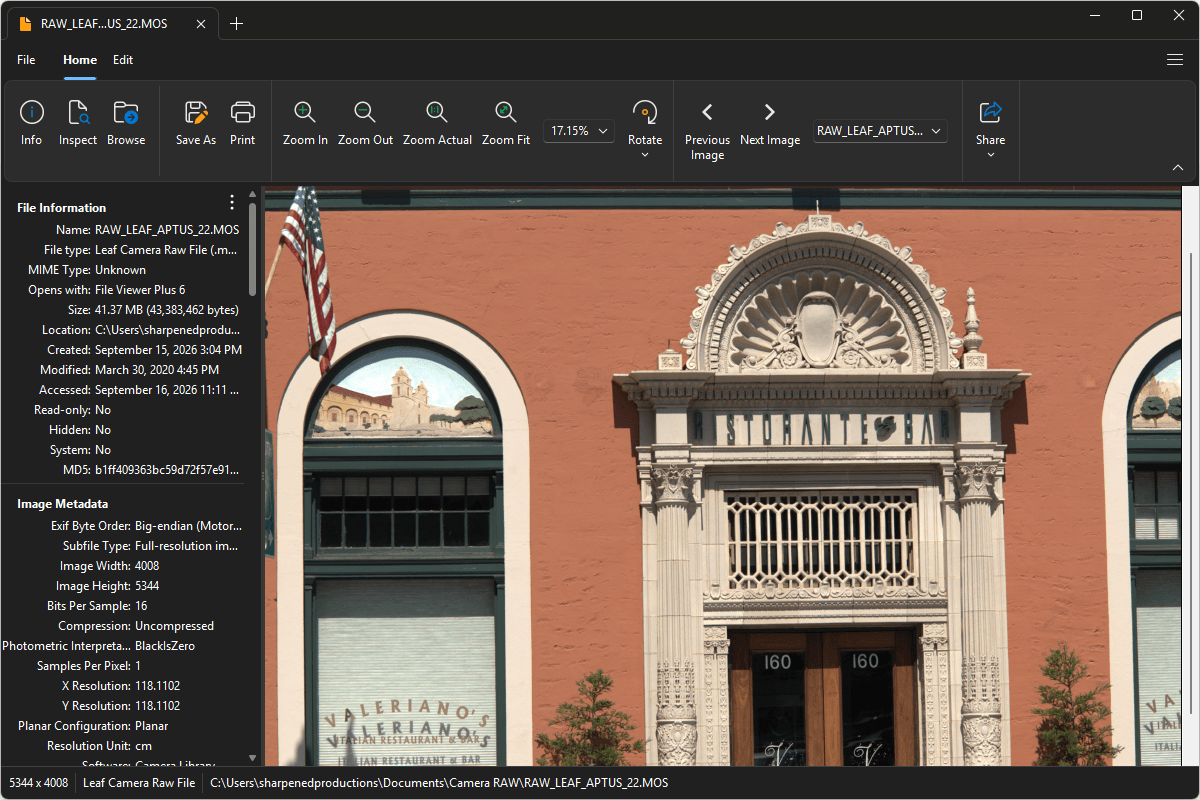
File Viewer Plus can open MOS (Leaf Camera Raw) files and includes various image editing tools to adjust brightness, saturation, color, and more. The app also provides batch conversion to several formats, including JPEG, PNG, TIFF, GIF, and BMP.
Open, edit, and convert MOS files with our powerful image editor. Download File Viewer Plus and try it free today!
Free 14-day trial. 167 MB

What is an .MOS file?
MOS files are raw image files saved in the Leaf Camera Raw format and are associated with digital cameras and backs from Leaf Imaging, such as Leaf Aptus 54S and Leaf Valeo 22. They contain largely unprocessed data captured by the camera's image sensor, giving photographers access to more original image information than they would typically have in a JPEG. This allows for greater control over adjustments such as exposure, white balance, color, and tonal detail during post-processing.
You may encounter a MOS file when transferring photographs from a Leaf digital camera or digital back, retrieving images from a professional photography archive, or opening RAW files from an older studio or commercial photo project. MOS files may also appear in backed-up image collections or folders containing original camera files. File Viewer Plus can open and edit MOS images and convert them to widely supported formats, including JPEG and PNG.
About File Viewer Plus
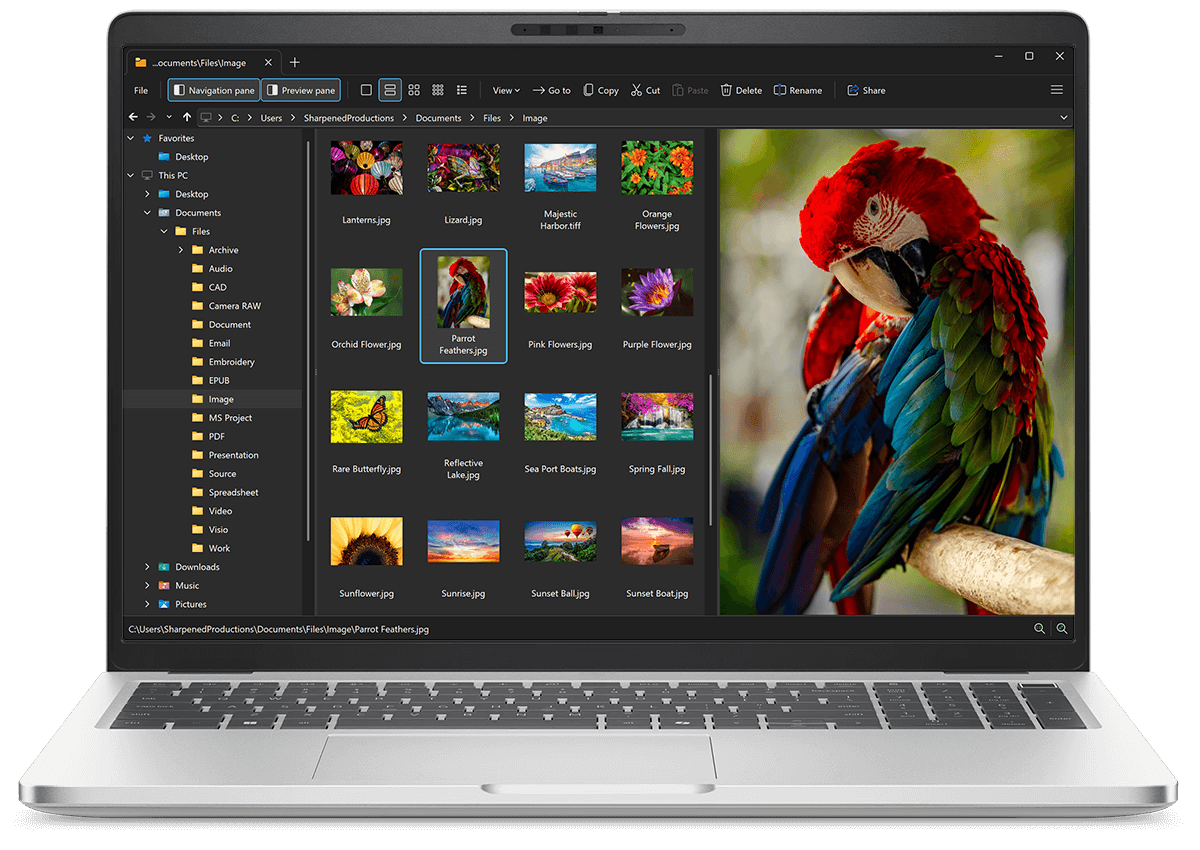
File Viewer Plus is the universal file viewer for Windows. Why pay for dozens of software programs when you only need one? Install File Viewer Plus, and you'll be able open 400 file types with a single app.
You can also edit, save, print, and convert your files. Unknown file on your PC? No problem — the app's advanced file identification algorithm can identify over 10,000 file formats, including files with incorrect or missing file extensions. File Viewer Plus is the ultimate file viewer "plus" much more!
View all supported file types →