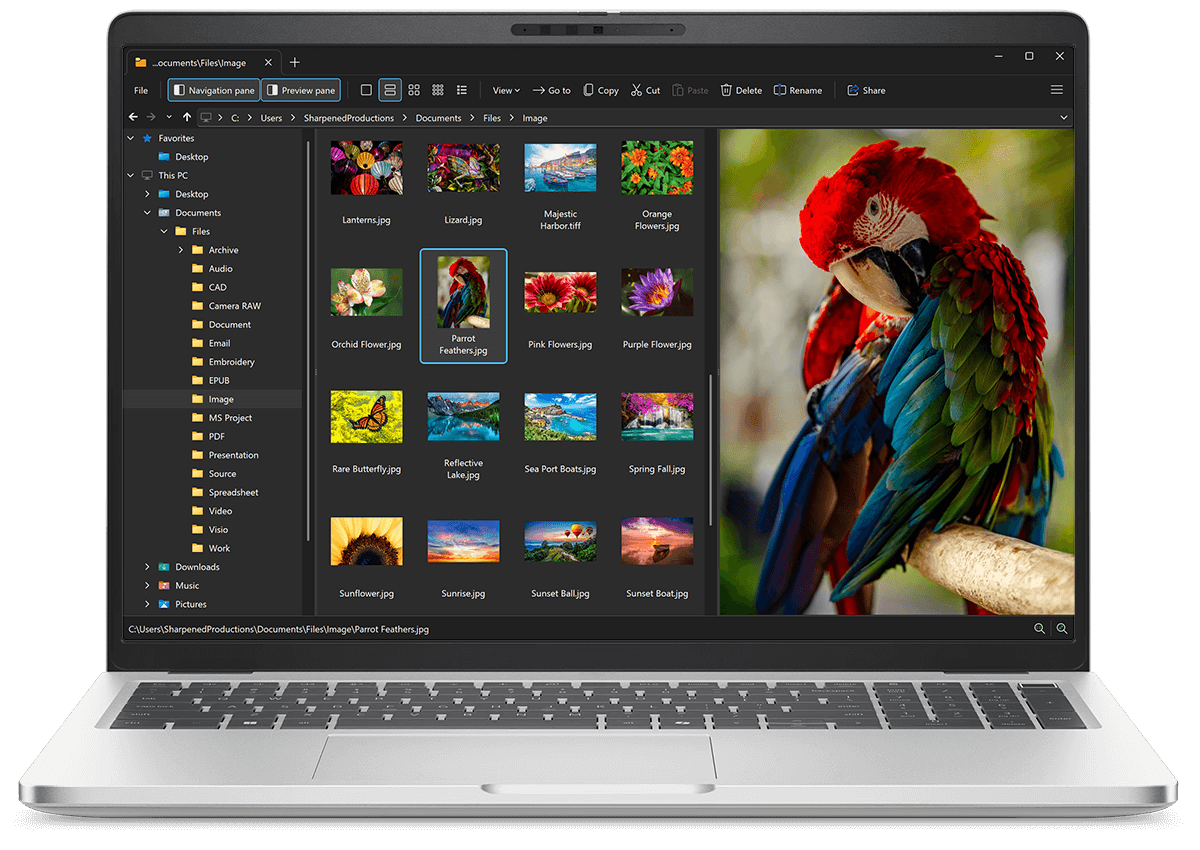
Open PCX files with File Viewer Plus
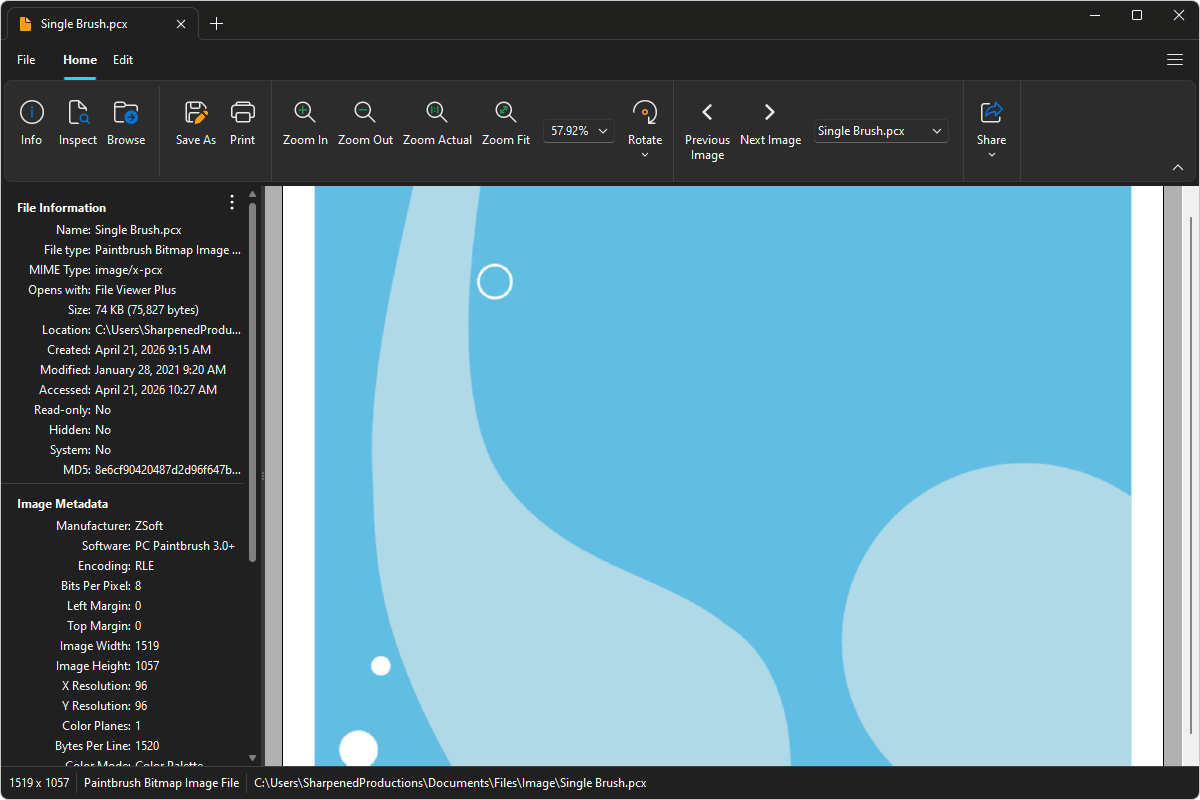
Do you need to open a PCX file?
File Viewer Plus can open PCX (Paintbrush Bitmap Image) files and provides various tools and effects to adjust the size, color, and brightness of the images. You can also convert PCX files to various image formats, including PNG and JPG.
Open, edit, and convert PCX files with our intuitive image editor. Try File Viewer Plus for free today!
Free 14-day trial. 167 MB
What is a .PCX file?
PCX files are image files saved in the Paintbrush (PCX) format, which was developed by ZSoft for use with early DOS-based graphics programs, such as PC Paintbrush. The format stores pixel-based images using run-length encoding (RLE) compression to reduce file size while preserving image detail. PCX files support indexed color and were widely used for digital images, scanned graphics, and early computer artwork.
You may encounter PCX files when working with legacy graphics software, accessing archived images from older systems, or handling assets from vintage games and applications. File Viewer Plus can open PCX files and convert them to more common formats, including PNG, JPEG, and TIFF.
About File Viewer Plus
File Viewer Plus is the universal file viewer for Windows. Why pay for dozens of software programs when you only need one? Install File Viewer Plus, and you'll be able open 400 file types with a single app.
You can also edit, save, print, and convert your files. Unknown file on your PC? No problem — the app's advanced file identification algorithm can identify over 10,000 file formats, including files with incorrect or missing file extensions. File Viewer Plus is the ultimate file viewer "plus" much more!
View all supported file types →