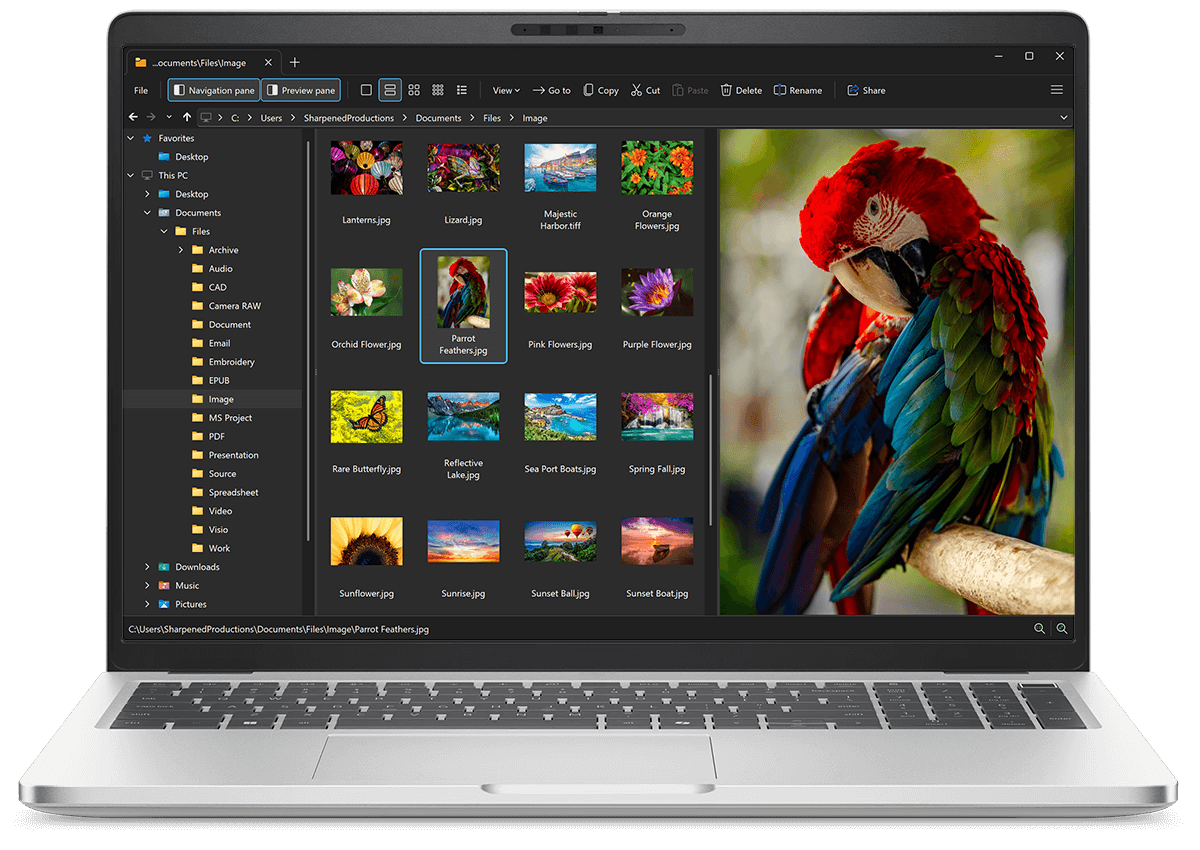
Open RWL files with File Viewer Plus
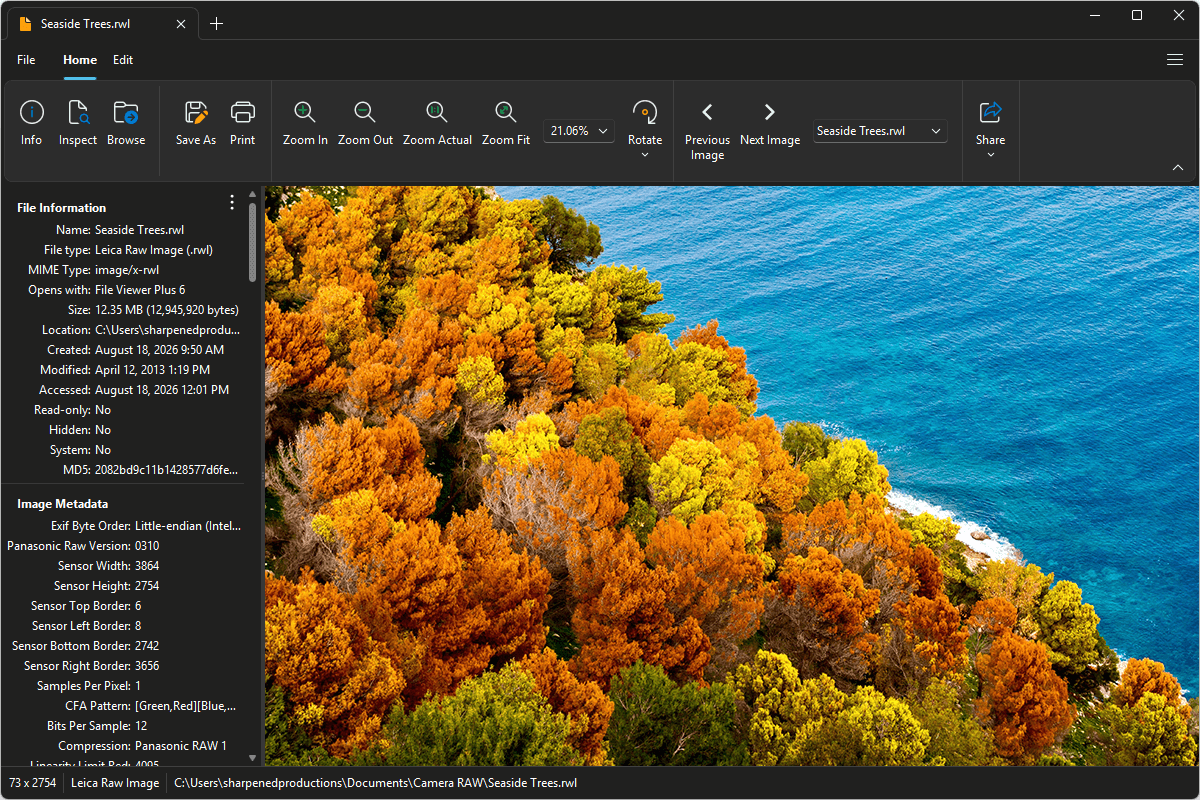
Do you need to open a RWL file?
File Viewer Plus can open RWL (Leica Raw Image) images and comes with various editing features, including custom effects, resizing, and cropping tools. You can also batch-convert RWL images to JPEG, PNG, TIFF, GIF, and BMP formats.
Open, edit, and convert RWL files without Leica image viewing software. Try File Viewer Plus for free today!
Free 14-day trial. 167 MB
What is an .RWL file?
RWL files are raw image files captured by select Leica digital cameras, including models in the Leica Digilux, V-Lux, and D-Lux series. The Leica Raw Image format stores the original image data recorded by the camera's sensor with little or no in-camera processing, preserving details such as exposure, color, and dynamic range. Since RWL files retain more image information than JPEG photos, photographers can make more precise adjustments during post-processing without significantly reducing image quality.
Most people who encounter RWL files are photographers using Leica cameras that save photos in the RWL format. However, you might also receive an RWL image from a professional photographer or photography enthusiast, recover one from a camera's memory card or backup drive, or download sample raw images while learning photo editing. File Viewer Plus can open, edit, and convert RWL files to standard image formats, such as JPEG and PNG, making them easier to view, share, and use with other applications.
About File Viewer Plus
File Viewer Plus is the universal file viewer for Windows. Why pay for dozens of software programs when you only need one? Install File Viewer Plus, and you'll be able open 400 file types with a single app.
You can also edit, save, print, and convert your files. Unknown file on your PC? No problem — the app's advanced file identification algorithm can identify over 10,000 file formats, including files with incorrect or missing file extensions. File Viewer Plus is the ultimate file viewer "plus" much more!
View all supported file types →