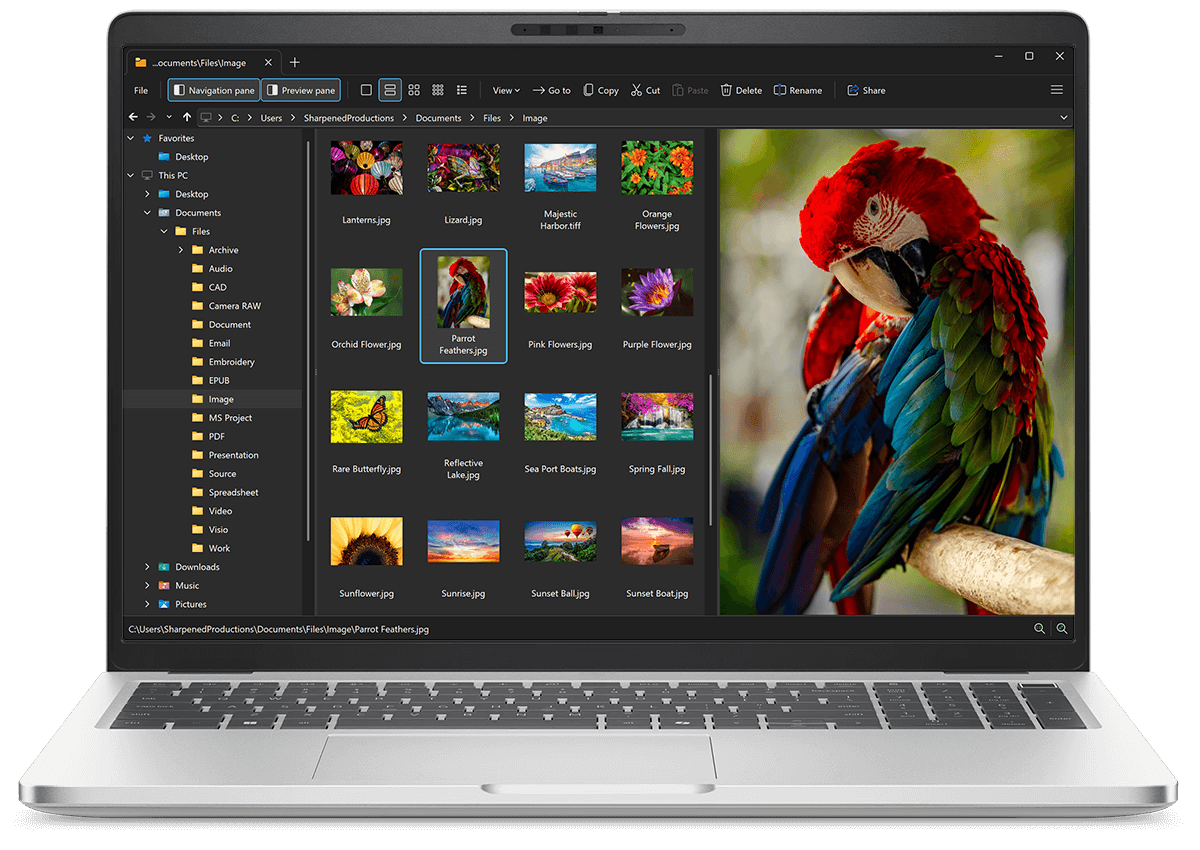
Open SAN files with File Viewer Plus
Do you need to open a SAN file?
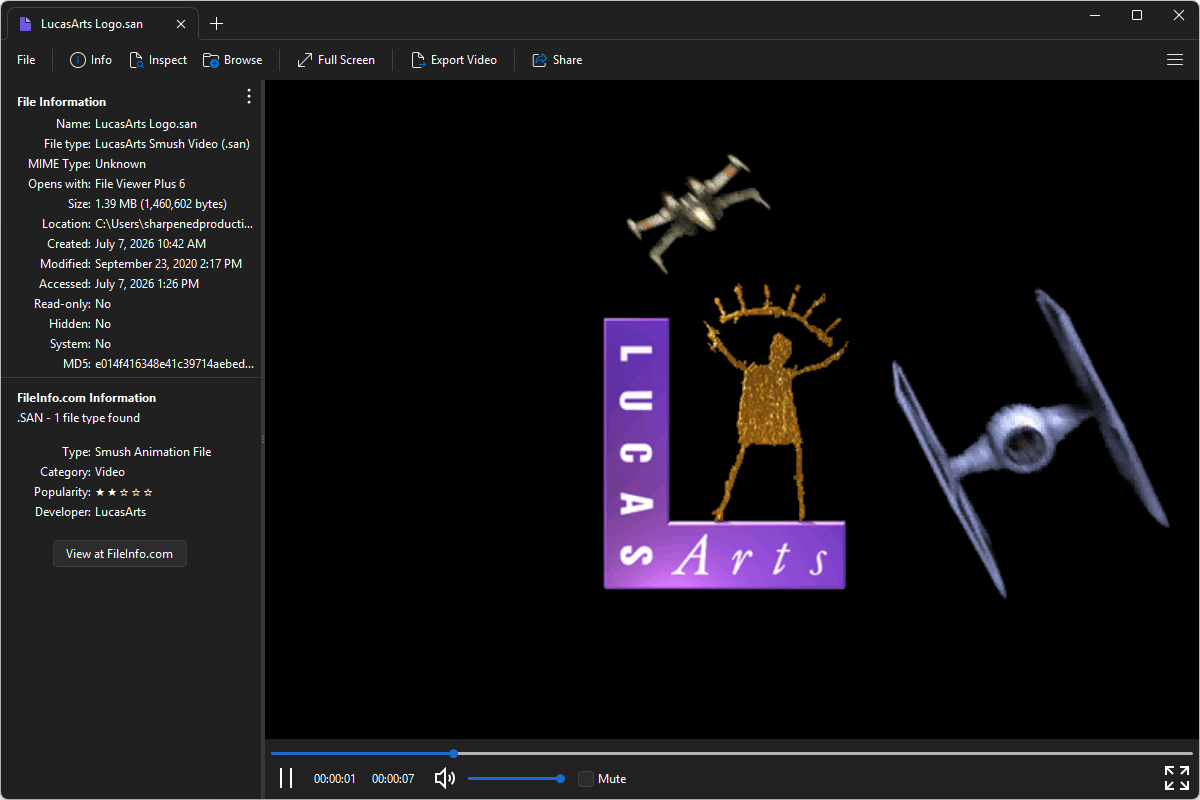
File Viewer Plus can open SAN (LucasArts Smush Video) files. It provides several playback options and enables you to inspect the file's metadata. You can also convert SAN files to the MP4 format at various resolutions and bitrates.
Open, view, and convert SAN files with our easy-to-use video player. Try File Viewer Plus for free today!
Free 14-day trial. 167 MB
What is an .SAN file?
SAN files are video files saved in the LucasArts Smush format, which stores compressed video and audio data used in games developed by LucasArts during the 1990s. The format was designed for in-game cinematics and animated cutscenes, optimized for playback on PC hardware and CD-ROM media used at the time. SAN files are commonly found in classic LucasArts adventure and action games that use the Smush engine for storytelling sequences.
You may encounter SAN files when navigating files for classic LucasArts games, such as Star Wars: Rebel Assault, Star Wars: Rebel Assault II: The Hidden Empire, and Full Throttle. File Viewer Plus can play SAN files and convert them to the more widely supported MP4 format.
Alternate file extensions: .snm
About File Viewer Plus
File Viewer Plus is the universal file viewer for Windows. Why pay for dozens of software programs when you only need one? Install File Viewer Plus, and you'll be able open 400 file types with a single app.
You can also edit, save, print, and convert your files. Unknown file on your PC? No problem — the app's advanced file identification algorithm can identify over 10,000 file formats, including files with incorrect or missing file extensions. File Viewer Plus is the ultimate file viewer "plus" much more!
View all supported file types →