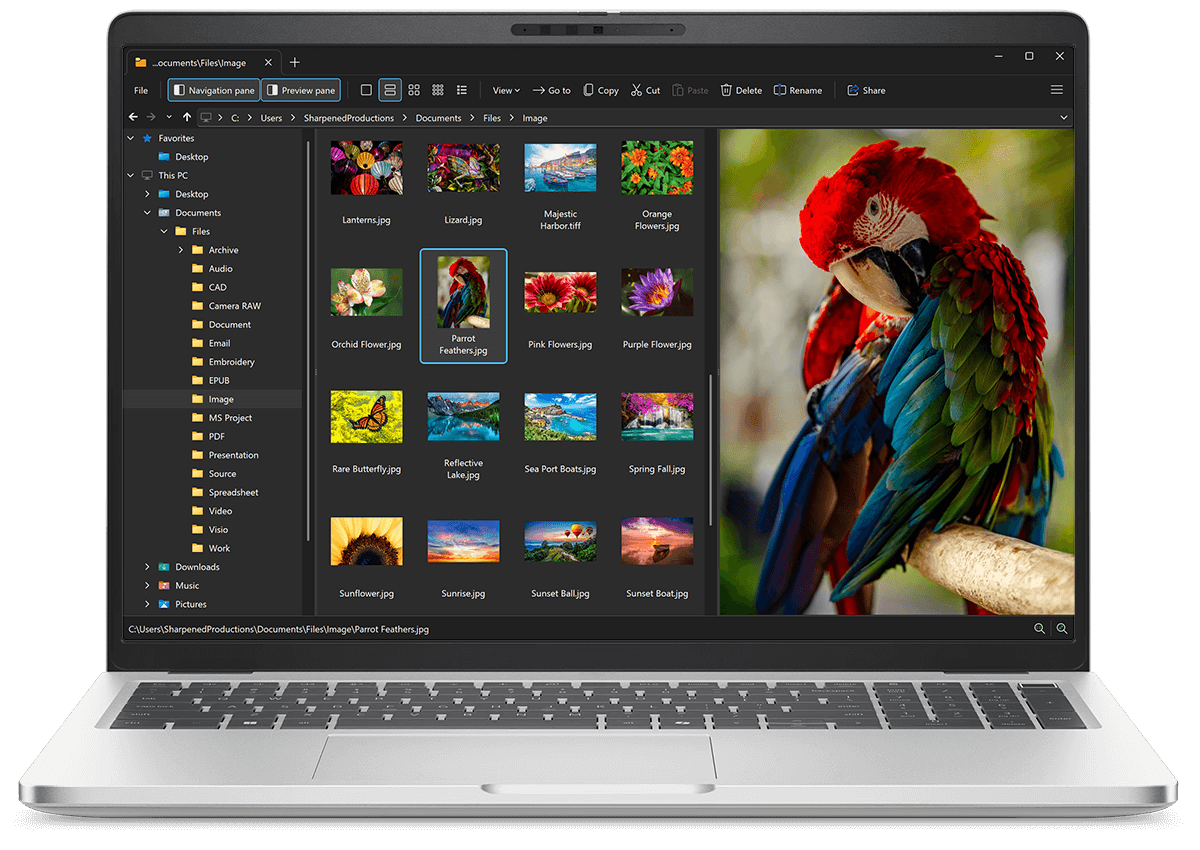
Open SGI files with File Viewer Plus
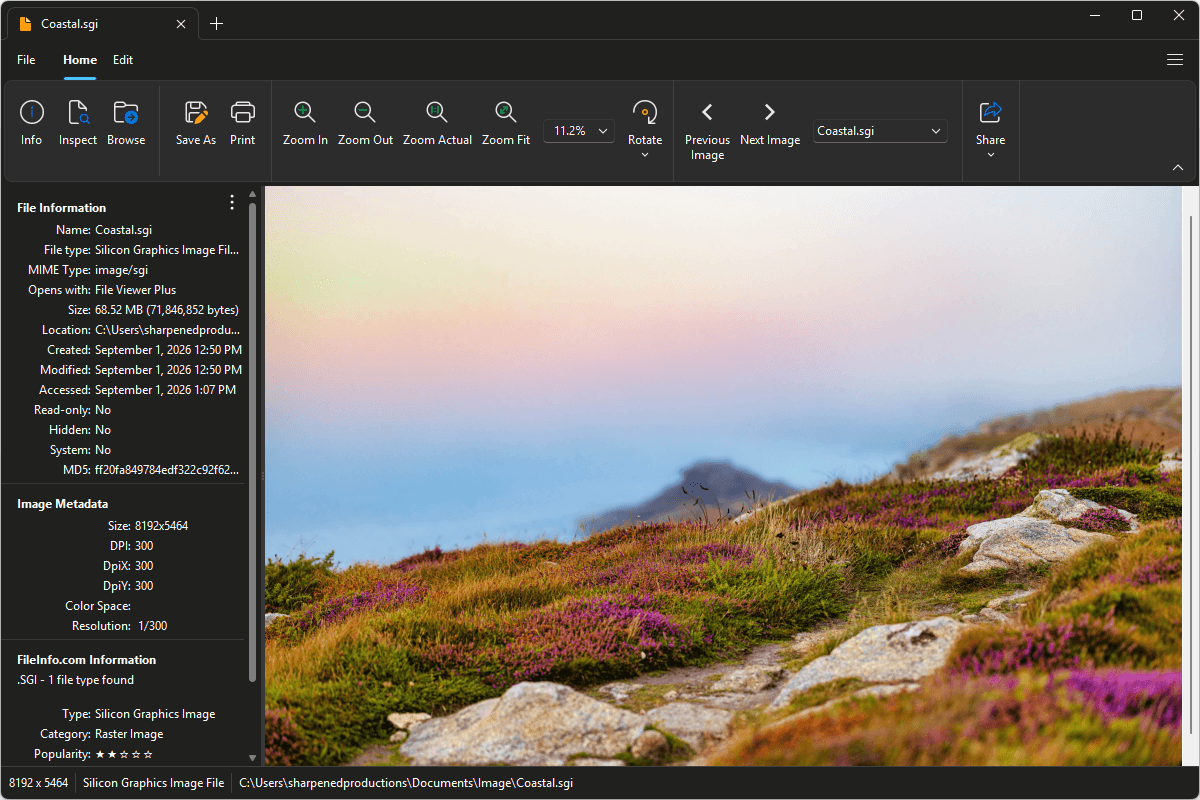
Do you need to open an SGI file?
File Viewer Plus can open SGI (Silicon Graphics Image) files and comes with various image editing tools to adjust color, apply filters, resize, and more. You can also batch convert SGI images to more common formats, such as JPEG, PNG, TIFF, GIF, and BMP.
Open, edit, and convert SGI files with our helpful application. Download File Viewer Plus and try it free today!
Free 14-day trial. 167 MB
What is an .SGI file?
SGI files are raster images saved in the Silicon Graphics Image (SGI) format, a graphics format developed for Silicon Graphics workstations and commonly used in professional computer graphics. The format supports high-quality images with grayscale, RGB, or RGBA color data and can store images with multiple bits per channel. SGI files became particularly associated with 3D graphics, animation, and visual effects workflows during the 1990s and early 2000s.
You may come across an SGI file when working with legacy Silicon Graphics or IRIX systems, opening assets from older 3D animation and visual-effects projects, accessing archived computer graphics collections, or recovering images from older workstations and backups. File Viewer Plus can open and edit SGI images and convert them to widely supported formats, such as JPEG and PNG.
About File Viewer Plus
File Viewer Plus is the universal file viewer for Windows. Why pay for dozens of software programs when you only need one? Install File Viewer Plus, and you'll be able open 400 file types with a single app.
You can also edit, save, print, and convert your files. Unknown file on your PC? No problem — the app's advanced file identification algorithm can identify over 10,000 file formats, including files with incorrect or missing file extensions. File Viewer Plus is the ultimate file viewer "plus" much more!
View all supported file types →