Open TP files with File Viewer Plus
Do you need to open a TP file?
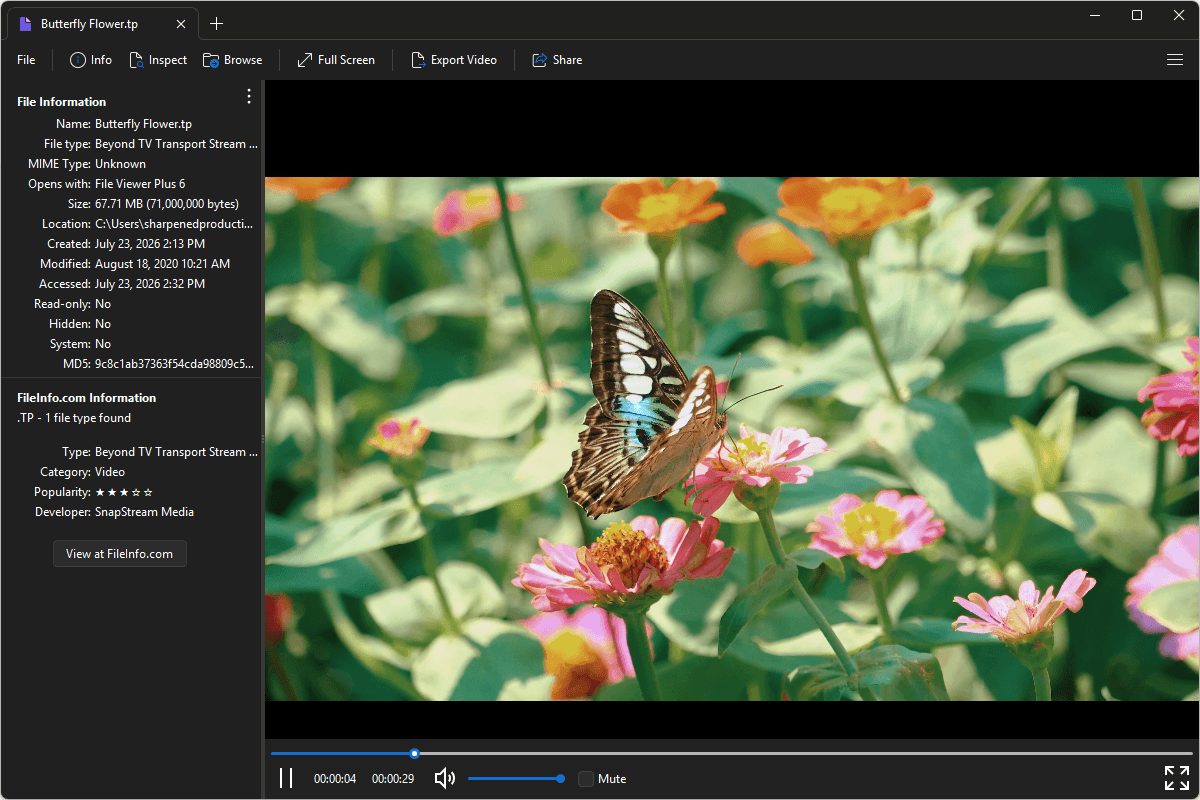
File Viewer Plus can open TP (Beyond TV Transport Stream) files. It offers various playback options and allows you to inspect the metadata in the file. You can also convert TP files to the MP4 format at different resolutions and bitrates.
Open, view, and convert TP files with our helpful video player. Try File Viewer Plus for free today!
Free 14-day trial. 167 MB
What is a .TP file?
TP files are video files that store digital television broadcasts recorded by the Beyond TV digital video recorder (DVR) software developed by SnapStream. The files are saved in the Beyond TV Transport Stream format, which contains compressed video and audio data packaged in an MPEG-2 transport stream, making it suitable for recording over-the-air and cable television broadcasts while preserving the original broadcast quality.
These files are commonly found in recordings created with Beyond TV on Windows PCs. You may encounter TP files when accessing archived TV recordings, transferring shows from an older DVR setup, or converting legacy television recordings for playback on modern devices. Although Beyond TV has been discontinued, TP files are still used to preserve recordings made with the software. File Viewer Plus can play TP files and convert them to the MP4 format, which is much more common.
About File Viewer Plus
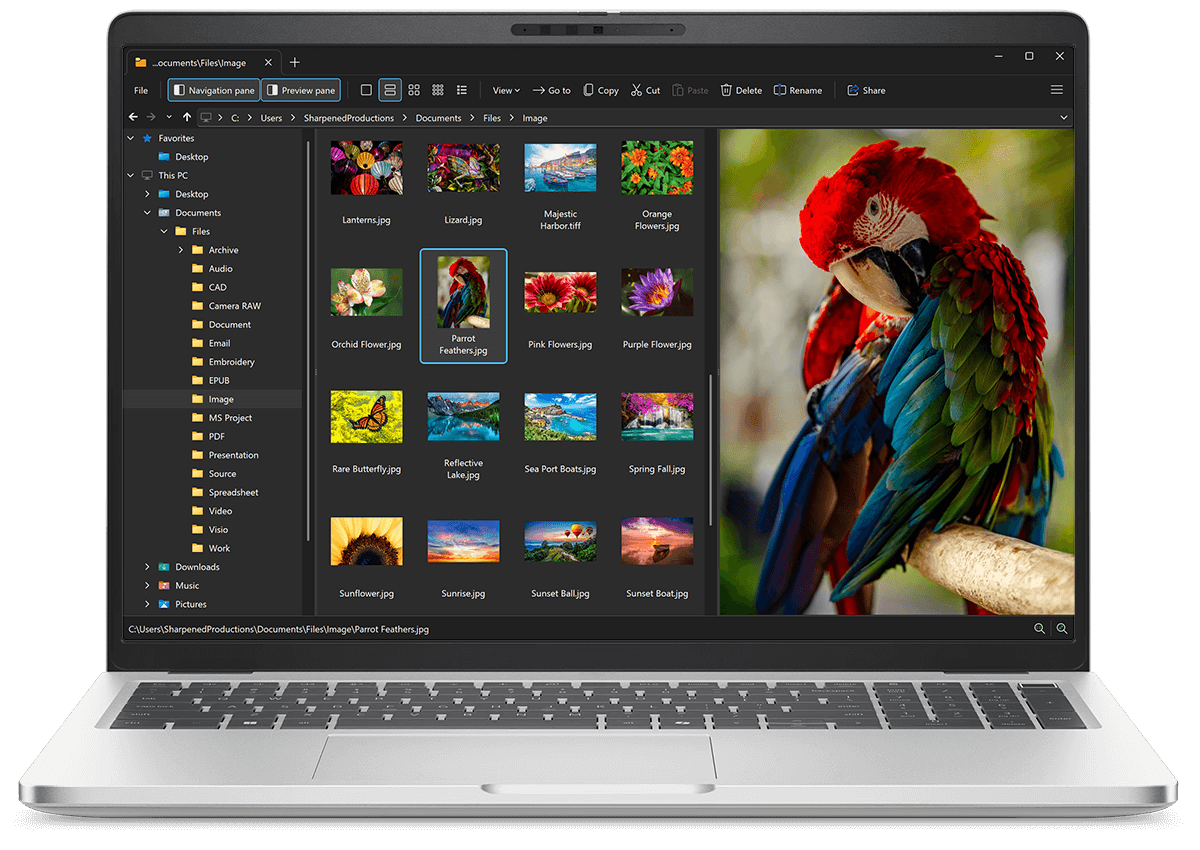
File Viewer Plus is the universal file viewer for Windows. Why pay for dozens of software programs when you only need one? Install File Viewer Plus, and you'll be able open 400 file types with a single app.
You can also edit, save, print, and convert your files. Unknown file on your PC? No problem — the app's advanced file identification algorithm can identify over 10,000 file formats, including files with incorrect or missing file extensions. File Viewer Plus is the ultimate file viewer "plus" much more!
View all supported file types →