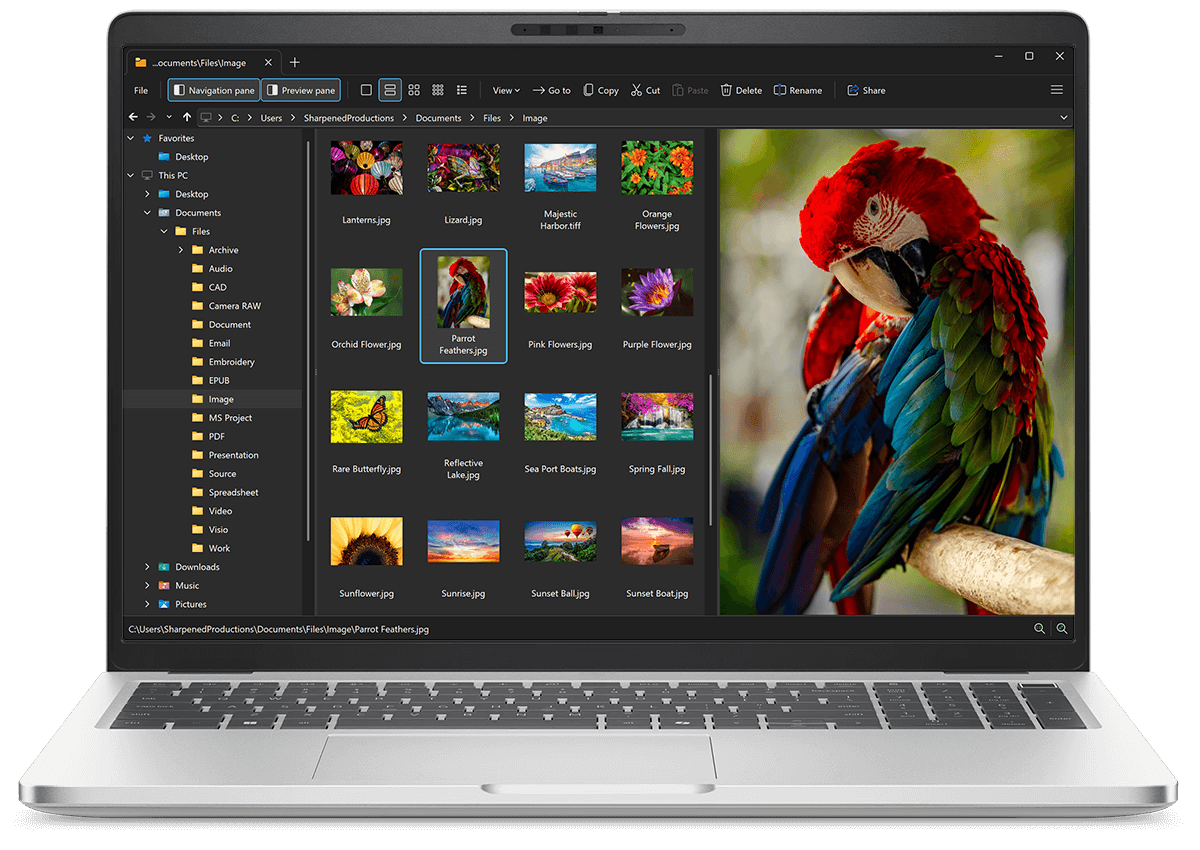
Open VSR files with File Viewer Plus
Do you need to open a VSR file?
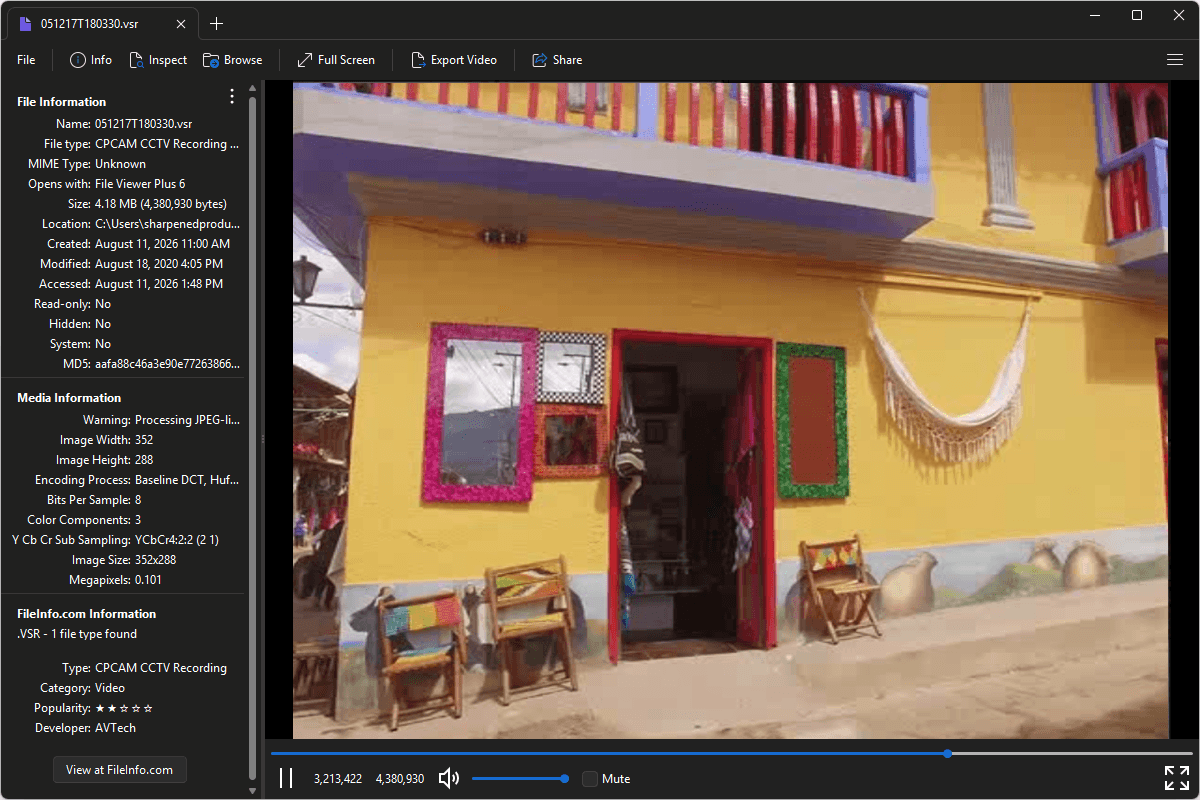
File Viewer Plus can open VSR (CPCAM CCTV Recording) files. It provides several playback capabilities and offers file metadata inspection tools. You can also convert VSR videos to MP4 files.
Open, view, and convert VSR files with our easy-to-use video player. Try File Viewer Plus for free today!
Free 14-day trial. 167 MB
What is a .VSR file?
VSR files are surveillance video recordings created by select CPCAM closed-circuit television (CCTV) security systems. They contain footage captured by cameras connected to a compatible digital video recorder (DVR) and use a proprietary format intended for storing and reviewing security video. Businesses, property owners, and security personnel may use these recordings to review activity captured by older CPCAM surveillance equipment.
You may encounter a VSR file after exporting surveillance footage from a CPCAM DVR, copying recordings from a security system's hard drive or storage device, or receiving footage from a business or property manager. File Viewer Plus can play VSR files and convert them to the MP4 format for wider compatibility.
About File Viewer Plus
File Viewer Plus is the universal file viewer for Windows. Why pay for dozens of software programs when you only need one? Install File Viewer Plus, and you'll be able open 400 file types with a single app.
You can also edit, save, print, and convert your files. Unknown file on your PC? No problem — the app's advanced file identification algorithm can identify over 10,000 file formats, including files with incorrect or missing file extensions. File Viewer Plus is the ultimate file viewer "plus" much more!
View all supported file types →