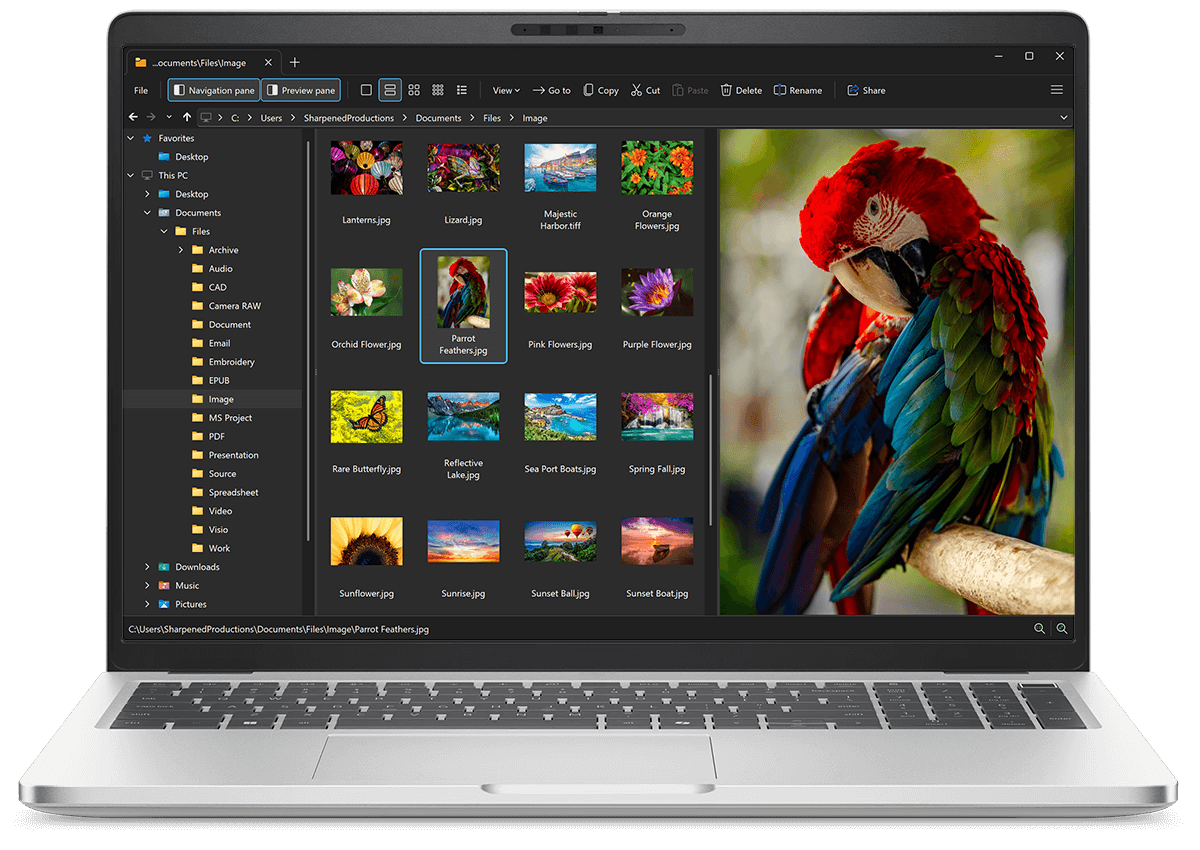
Open X3F files with File Viewer Plus
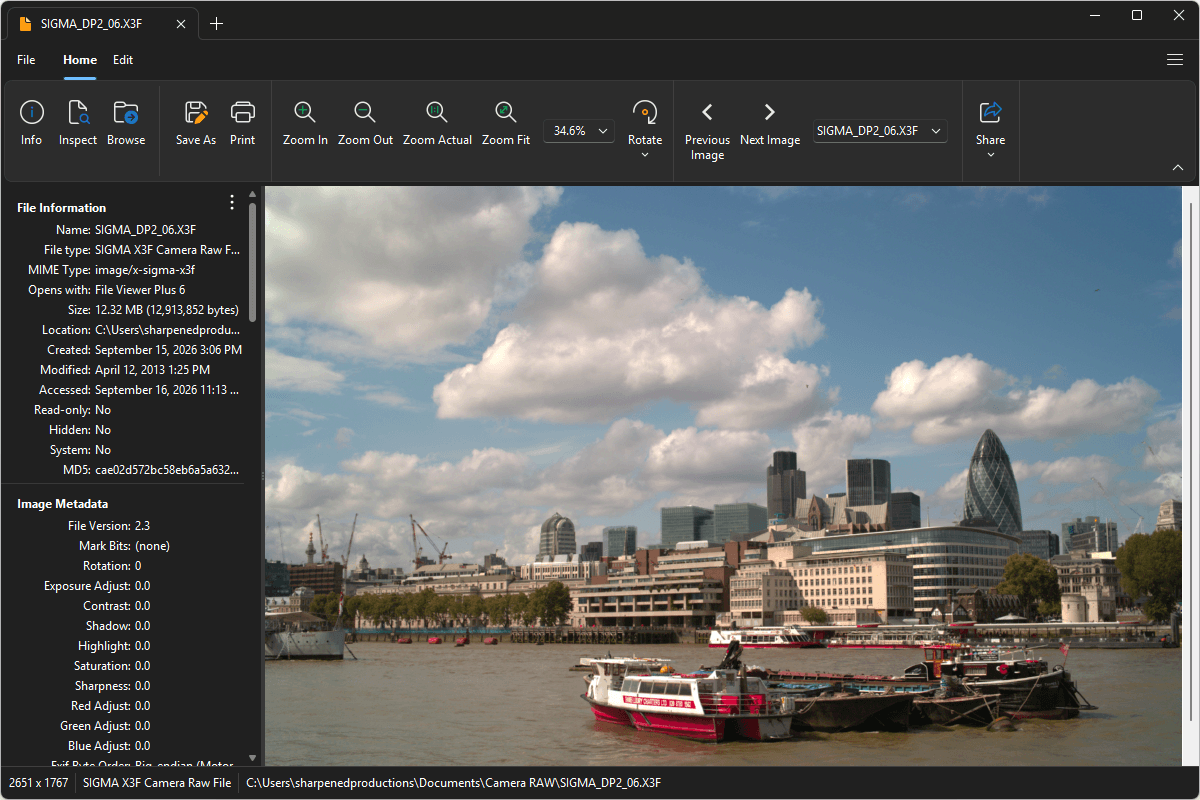
Do you need to open an X3F file?
File Viewer Plus can open X3F (SIGMA X3F Camera Raw) files and offers various image editing tools and effects for modifying the images. You can also batch convert X3F images to several formats, such as JPEG, PNG, TIFF, GIF, and BMP.
Open, edit, and convert X3F files with our easy-to-use image editor. Download File Viewer Plus and try it free today!
Free 14-day trial. 167 MB
What is an .X3F file?
X3F files are raw image files created by SIGMA digital cameras that use the company's Foveon image sensors. The images retain the original sensor data captured when a photograph is taken, providing significantly more information for editing than a processed JPEG. Photographers can use this data to fine-tune exposure, color, white balance, and other aspects of an image while preserving greater control over the final result.
You may encounter an X3F file when transferring photos from a SIGMA camera, copying images from a memory card, working with photographs from an older SIGMA SD or DP-series camera, or retrieving original images from a photography backup or archive. File Viewer Plus can open and edit X3F images and convert them to widely supported formats, including JPEG and PNG.
About File Viewer Plus
File Viewer Plus is the universal file viewer for Windows. Why pay for dozens of software programs when you only need one? Install File Viewer Plus, and you'll be able open 400 file types with a single app.
You can also edit, save, print, and convert your files. Unknown file on your PC? No problem — the app's advanced file identification algorithm can identify over 10,000 file formats, including files with incorrect or missing file extensions. File Viewer Plus is the ultimate file viewer "plus" much more!
View all supported file types →