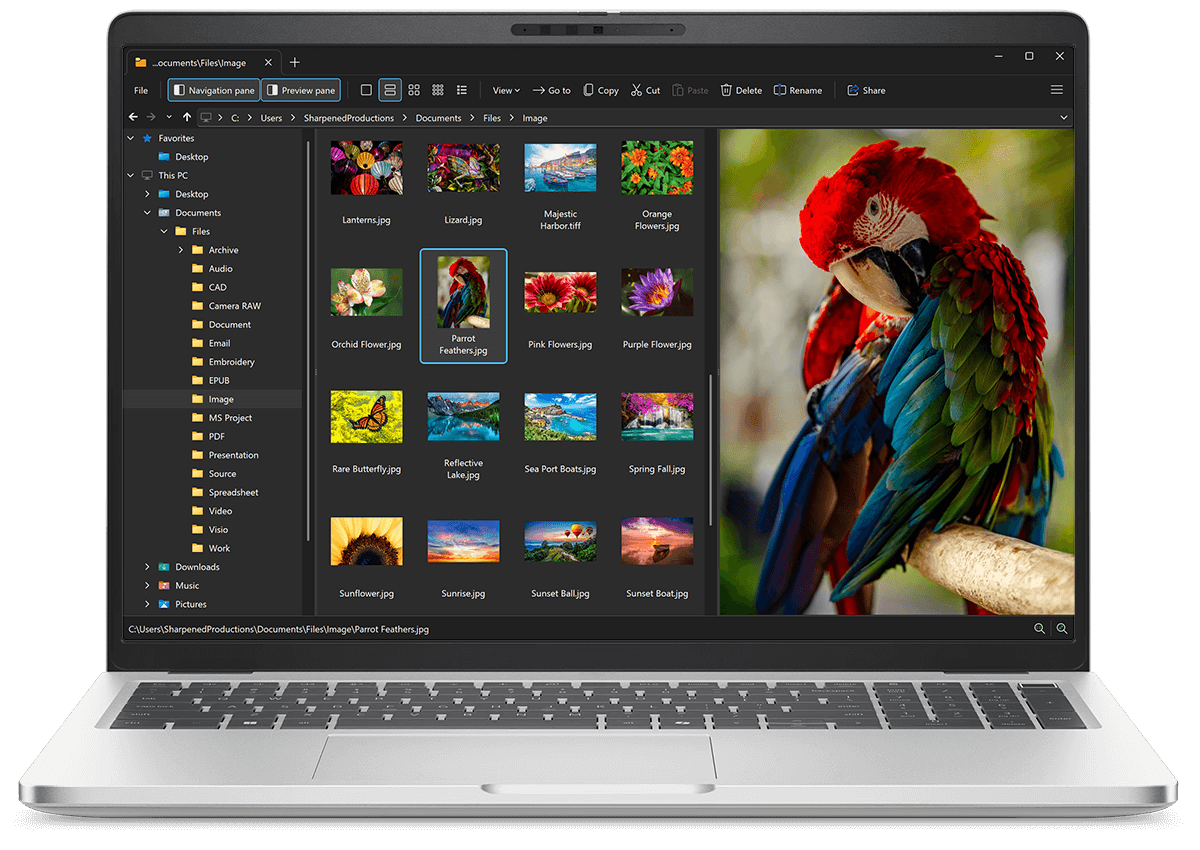
Open XA files with File Viewer Plus
Do you need to open an XA file?
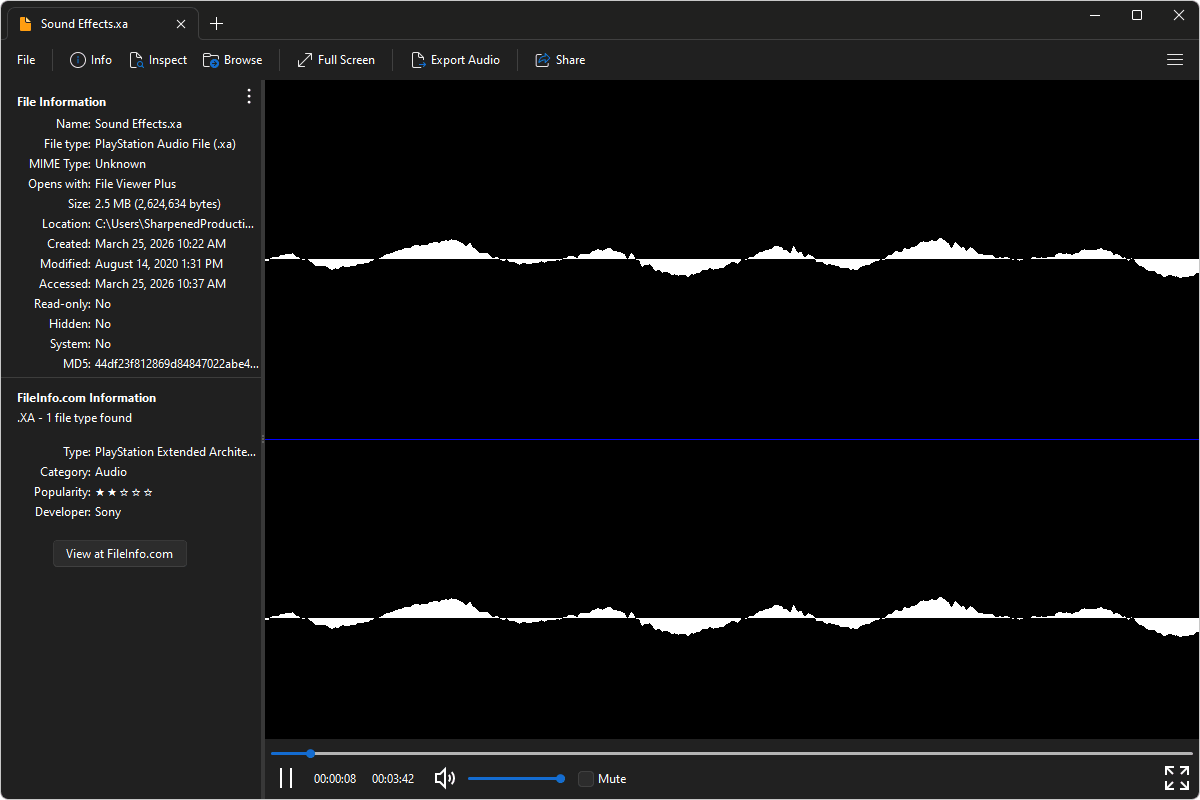
File Viewer Plus can open XA (PlayStation Audio) files and offers various playback options. You can also convert XA files to the more common MP3 and MPEG-4 (M4A) formats.
Play XA files with our intuitive audio player. Try File Viewer Plus for free today!
Free 14-day trial. 167 MB
What is an .XA file?
XA files are audio files saved in the PlayStation XA (eXtended Architecture) format, which Sony developed for use in games on the original PlayStation console in the 1990s. The format stores compressed audio data for music, sound effects, and voice clips, optimized for efficient streaming from game discs during gameplay. XA files were designed specifically for PlayStation game engines and are not widely supported by standard media players.
You may encounter XA files when exploring classic PlayStation game discs, extracting audio assets from older titles, or working with archived console game collections. File Viewer Plus can play XA files and convert them to MP3 or M4A formats, making them compatible with a broader range of devices and media players.
About File Viewer Plus
File Viewer Plus is the universal file viewer for Windows. Why pay for dozens of software programs when you only need one? Install File Viewer Plus, and you'll be able open 400 file types with a single app.
You can also edit, save, print, and convert your files. Unknown file on your PC? No problem — the app's advanced file identification algorithm can identify over 10,000 file formats, including files with incorrect or missing file extensions. File Viewer Plus is the ultimate file viewer "plus" much more!
View all supported file types →