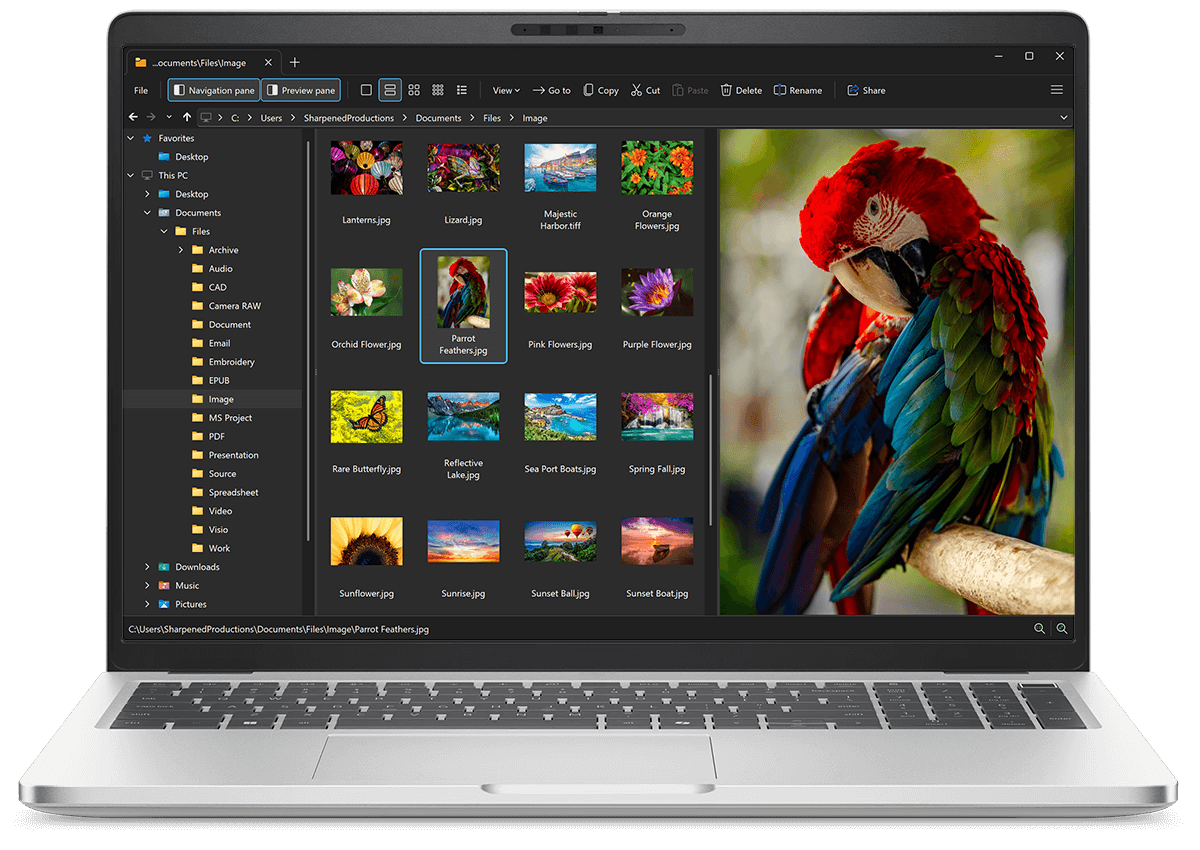
Open XBM files with File Viewer Plus
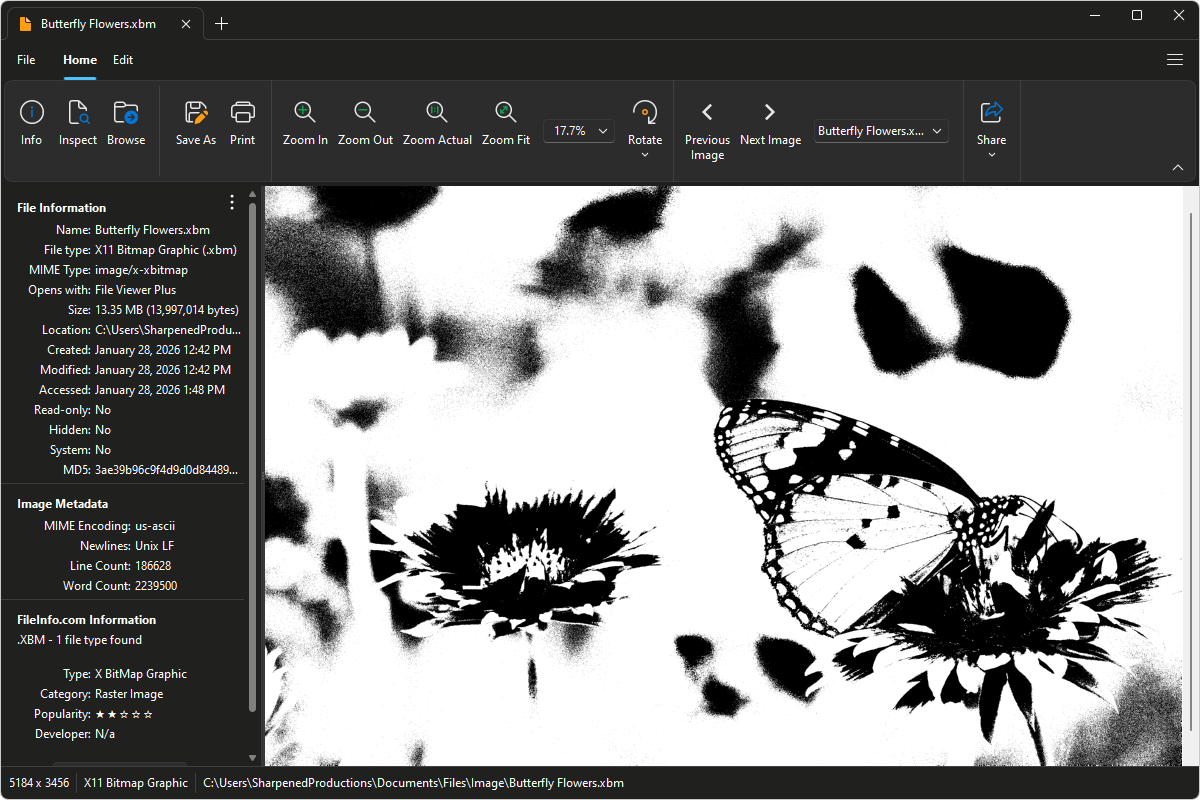
Do you need to open an XBM file?
File Viewer Plus can open XBM (X11 Bitmap Graphic) files and includes various tools and effects to adjust the color, contrast, and brightness of the images. You can convert XBM images to other formats, as well, such as JPG and PNG.
Open, edit, and convert XBM images with our easy-to-use image editor. Try File Viewer Plus for free today!
Free 14-day trial. 167 MB
What is an .XBM file?
XBM files are image files saved in the X11 Bitmap (XBM) format, a plain-text format originally created for the X Window System on Unix-based platforms. Unlike modern image formats, XBM files store simple black-and-white (1-bit) bitmap images and represent pixel data as C source code arrays. This approach makes the files easy to read and embed directly into software projects, but it also limits them to very basic graphics such as icons, cursors, and small interface elements.
You may encounter XBM files in legacy Unix or Linux applications, older graphical user interface toolkits, or source code repositories where bitmap graphics were compiled directly into programs. They are also sometimes found in academic or technical projects more focused on simplicity and transparency than visual complexity. File Viewer Plus can open XBM files and convert them to more common image formats, such as PNG, JPEG, or TIFF, making the images easier to view, edit, and share across modern platforms.
About File Viewer Plus
File Viewer Plus is the universal file viewer for Windows. Why pay for dozens of software programs when you only need one? Install File Viewer Plus, and you'll be able open 400 file types with a single app.
You can also edit, save, print, and convert your files. Unknown file on your PC? No problem — the app's advanced file identification algorithm can identify over 10,000 file formats, including files with incorrect or missing file extensions. File Viewer Plus is the ultimate file viewer "plus" much more!
View all supported file types →