Open XESC files with File Viewer Plus
Do you need to open an XESC file?
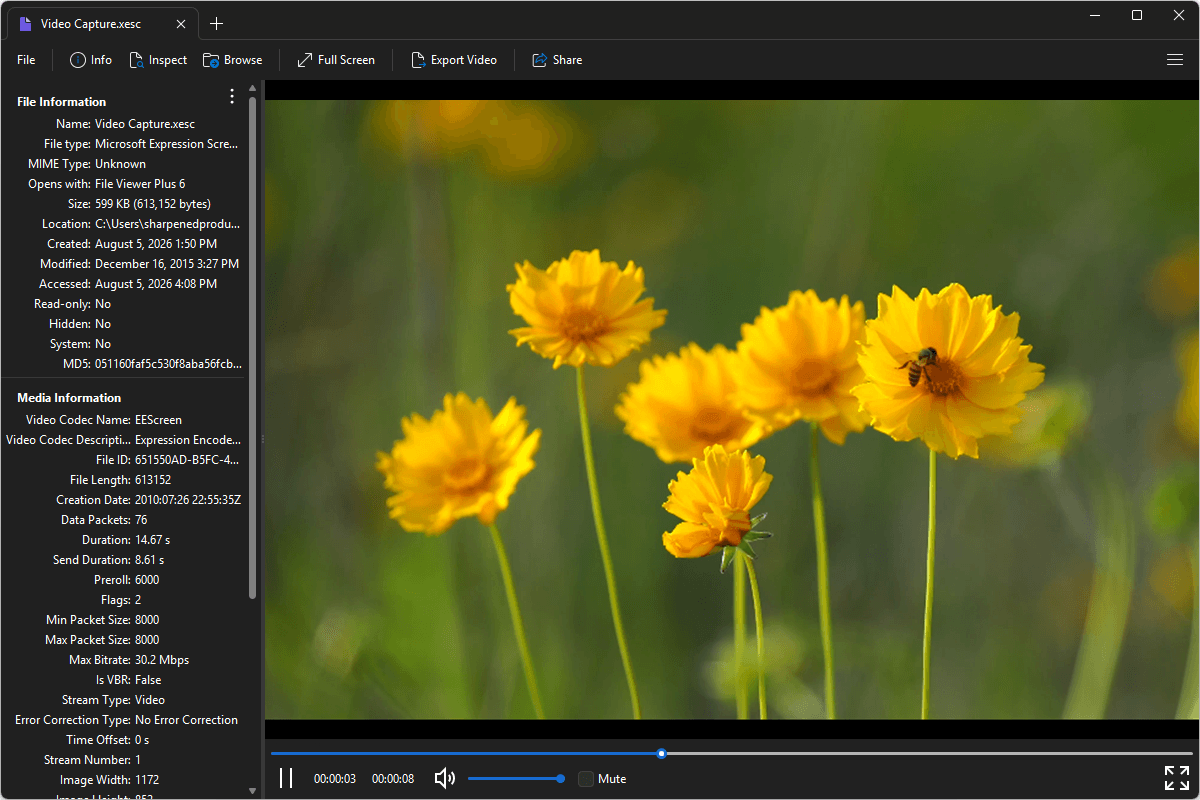
File Viewer Plus can open XESC (Microsoft Expression Screen Capture Video) files. It provides smooth video playback, lets you inspect the file's metadata, and allows you to convert XESC videos to the MP4 format with your choice of resolution and bitrate.
Open, view, and convert XESC files with our easy-to-use video player. Download the free trial of File Viewer Plus today!
Free 14-day trial. 167 MB
What is an .XESC file?
XESC files are video files saved in the Microsoft Expression Screen Capture format, which stores screen recordings created with Microsoft Expression Encoder. The format was developed by Microsoft to capture on-screen activity for software demonstrations, tutorials, presentations, and training videos while preserving high visual quality. XESC files were commonly created by users of Microsoft Expression Studio and Expression Encoder before the software was discontinued.
You may encounter XESC files when accessing archived screen recordings, opening older training or instructional videos, or working with legacy Microsoft Expression projects. File Viewer Plus can play XESC files and convert them to MP4, making them compatible with most devices and media players.
About File Viewer Plus
File Viewer Plus is the universal file viewer for Windows. Why pay for dozens of software programs when you only need one? Install File Viewer Plus, and you'll be able open 400 file types with a single app.
You can also edit, save, print, and convert your files. Unknown file on your PC? No problem — the app's advanced file identification algorithm can identify over 10,000 file formats, including files with incorrect or missing file extensions. File Viewer Plus is the ultimate file viewer "plus" much more!
View all supported file types →