Open AAI files with File Viewer Plus
Do you need to open an AAI file?
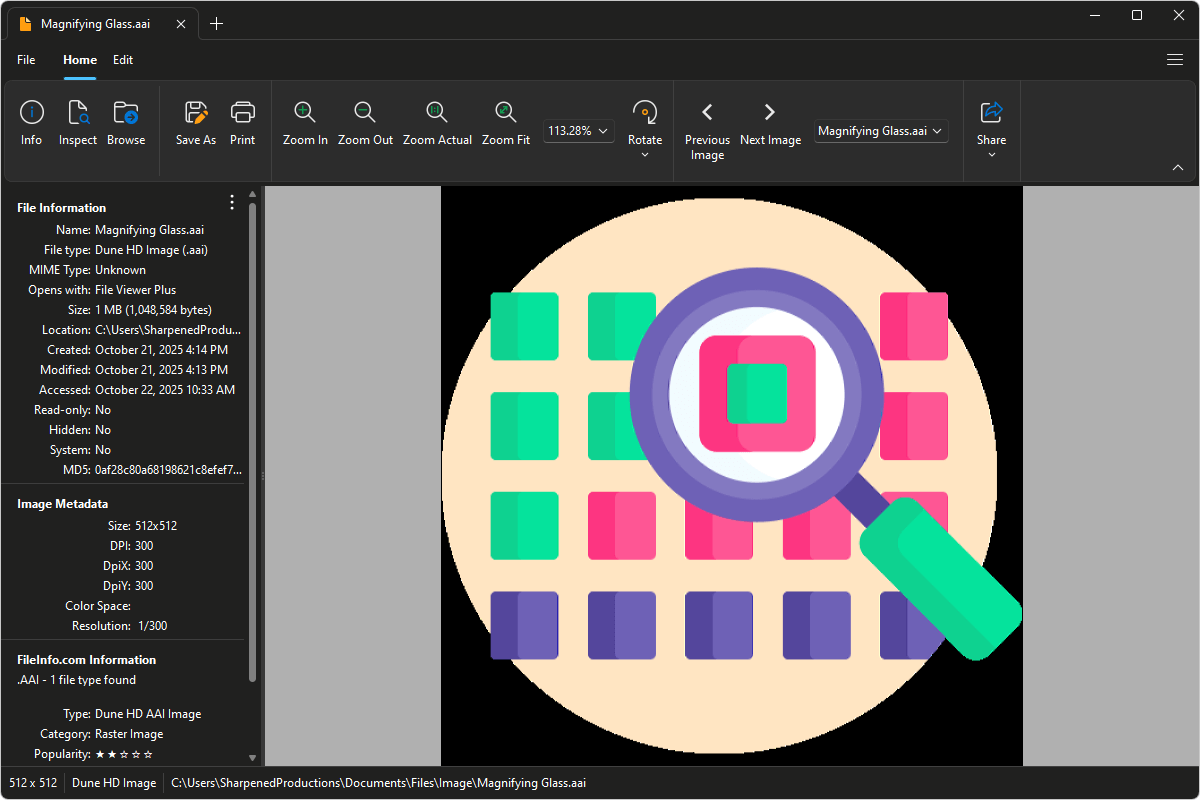
File Viewer Plus can open AAI (Dune HD Image) files and provides various effects and tools to adjust the color, brightness, and contrast of the images. You can also convert AAI images to more common formats, such as JPG and PNG.
Open, edit, and convert AAI images with our easy-to-use image editor. Try File Viewer Plus for free today!
What is an .AAI file?
AAI files are image files saved in the Dune HD Image format, which is used by Dune HD media players to store thumbnail images, background artwork, and other interface graphics. These files typically accompany video or music files and help the Dune HD system display visual previews or menu elements. Unlike standard image formats, such as JPEG or PNG, AAI files are intended for use within the Dune HD environment rather than for general image editing or sharing.
You may encounter AAI files when browsing the internal storage or USB drives used with Dune HD devices, or when managing media libraries exported from the player. File Viewer Plus can open and convert AAI files to common image formats like JPG, PNG, BMP, and TIFF for use outside the Dune HD system.
Learn more about AAI files at FileInfo.com →About File Viewer Plus
File Viewer Plus is the universal file viewer for Windows. Why pay for dozens of programs when you only need one? Install File Viewer Plus, and you'll be able to open over 400 file types with a single app.
You can also edit, save, print, and convert your files. Unknown file on your PC? No problem. The app's advanced file identification can recognize over 10,000 file formats, including files with incorrect or missing extensions.
See all supported file types →