Open AVIF files with File Viewer Plus
Do you need to open an AVIF file?
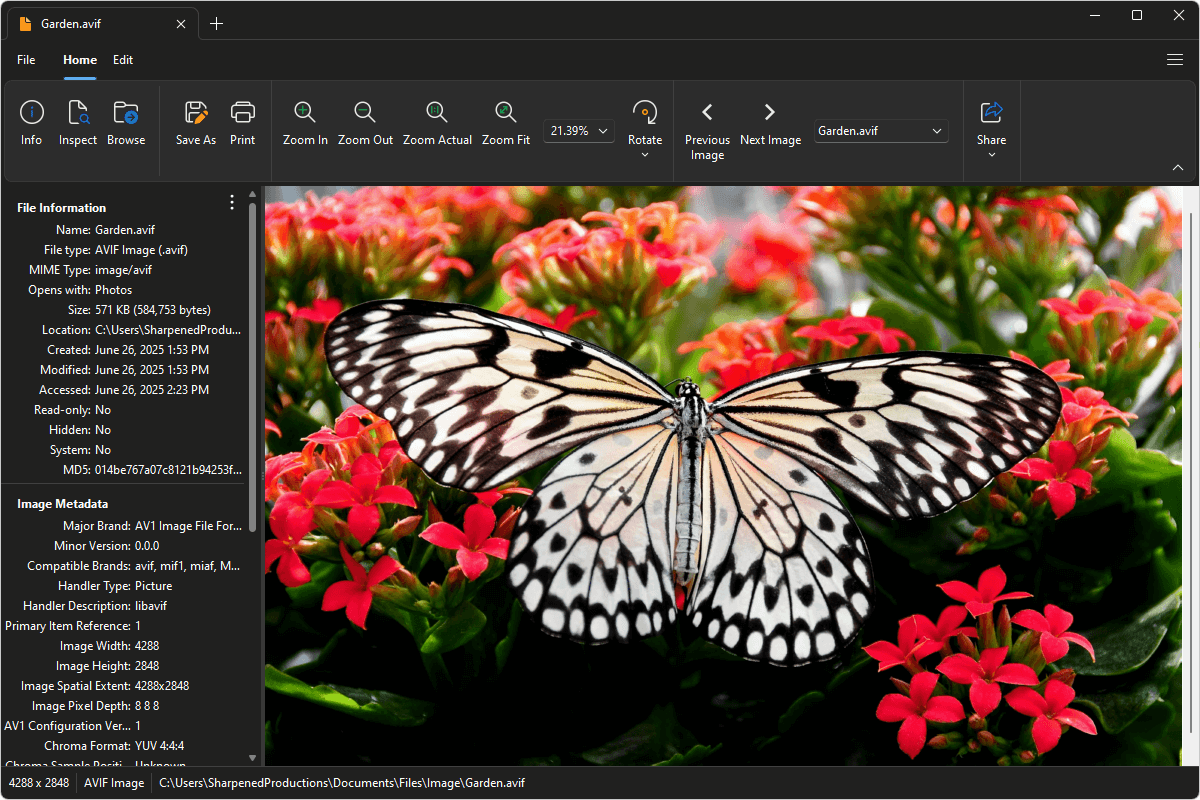
File Viewer Plus can open AVIF (AV1 Image File Format) files and provides various editing capabilities, such as filters and tools to adjust the images' color, contrast, and brightness. You can also batch-convert AVIF images to other formats.
Open, edit, and convert AVIF images with our easy-to-use image editor. Try File Viewer Plus for free today!
What is an .AVIF file?

AVIF files are images saved in the AV1 Image File Format (AVIF), a modern format designed for storing high-quality images at smaller file sizes. The format was introduced in 2019 and is based on the AV1 video codec developed by the Alliance for Open Media, a group that includes major tech companies like Google, Amazon, and Netflix. AVIF supports both lossless and lossy compression, 10-bit and 12-bit color depth, HDR, and advanced features such as transparency and animation, making it a significant alternative to older image formats like JPEG and PNG.
As the format gains popularity, you may come across AVIF files when downloading images from the web or receiving content shared through modern apps and platforms that prioritize image quality and performance. File Viewer Plus can open and convert AVIF files to other widely used image formats, including JPG, PNG, TIFF, and BMP.
Alternate file extensions: .avifs
Learn more about AVIF files at FileInfo.com →About File Viewer Plus
File Viewer Plus is the universal file viewer for Windows. Why pay for dozens of programs when you only need one? Install File Viewer Plus, and you'll be able to open over 400 file types with a single app.
You can also edit, save, print, and convert your files. Unknown file on your PC? No problem. The app's advanced file identification can recognize over 10,000 file formats, including files with incorrect or missing extensions.
See all supported file types →