Open CAM files with File Viewer Plus
Do you need to open a CAM file?
File Viewer Plus can open CAM (MSN Messenger Webcam Recording) files. It comes with various playback capabilities and enables you to inspect the metadata of the files. You can also convert CAM files to MP4 format.
Open, view, and convert CAM files with our intuitive video player. Try File Viewer Plus for free today!
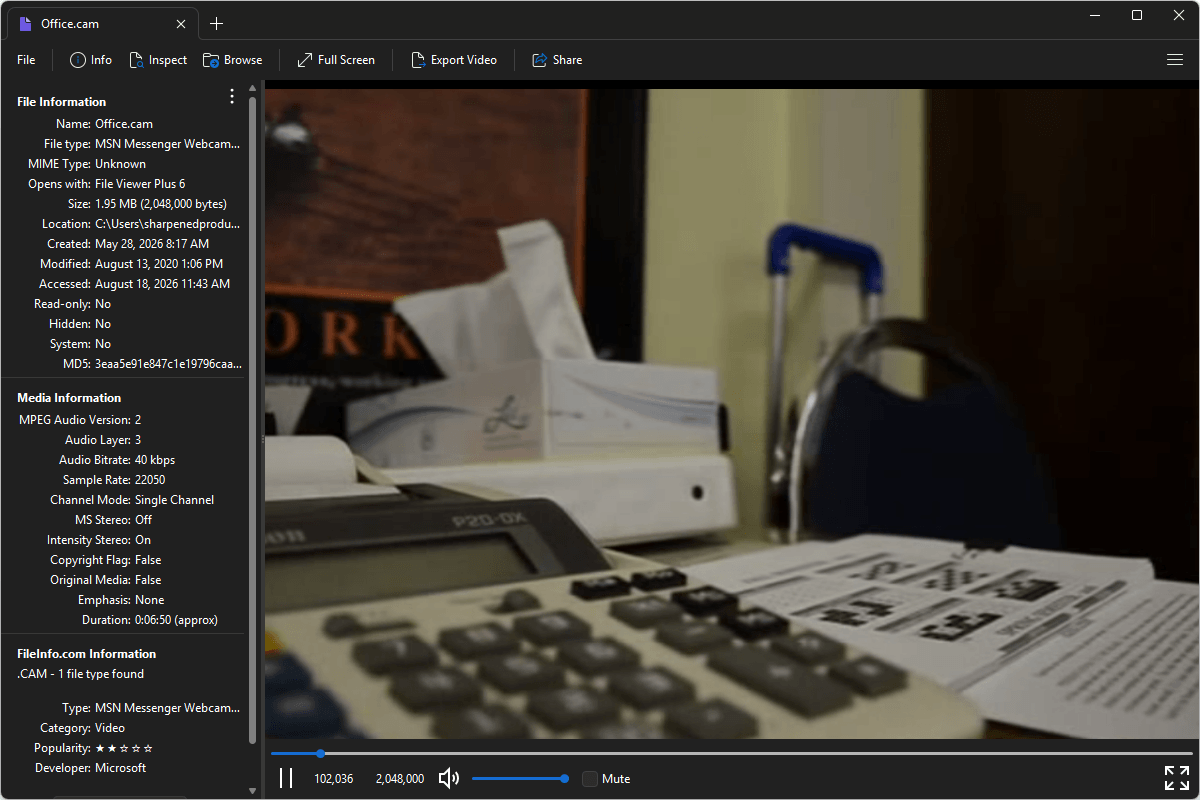
What is a .CAM file?
CAM files are video files created by older versions of MSN Messenger and Windows Live Messenger to store recorded webcam conversations. The format saves compressed video captured during webcam sessions, allowing users to replay personal video chats after they were recorded. CAM files were commonly created in the early and mid-2000s, when Microsoft's instant messaging applications were widely used for online video communication.
You may encounter CAM files when recovering files from an older Windows computer or accessing archived MSN Messenger or Windows Live Messenger conversations. File Viewer Plus can play CAM files and convert them to MP4, making the recordings compatible with most devices and media players.
Alternate file extensions: .ml20
Learn more about CAM files at FileInfo.com →About File Viewer Plus
File Viewer Plus is the universal file viewer for Windows. Why pay for dozens of programs when you only need one? Install File Viewer Plus, and you'll be able to open over 400 file types with a single app.
You can also edit, save, print, and convert your files. Unknown file on your PC? No problem. The app's advanced file identification can recognize over 10,000 file formats, including files with incorrect or missing extensions.
See all supported file types →