Open CIN files with File Viewer Plus
Do you need to open a CIN file?
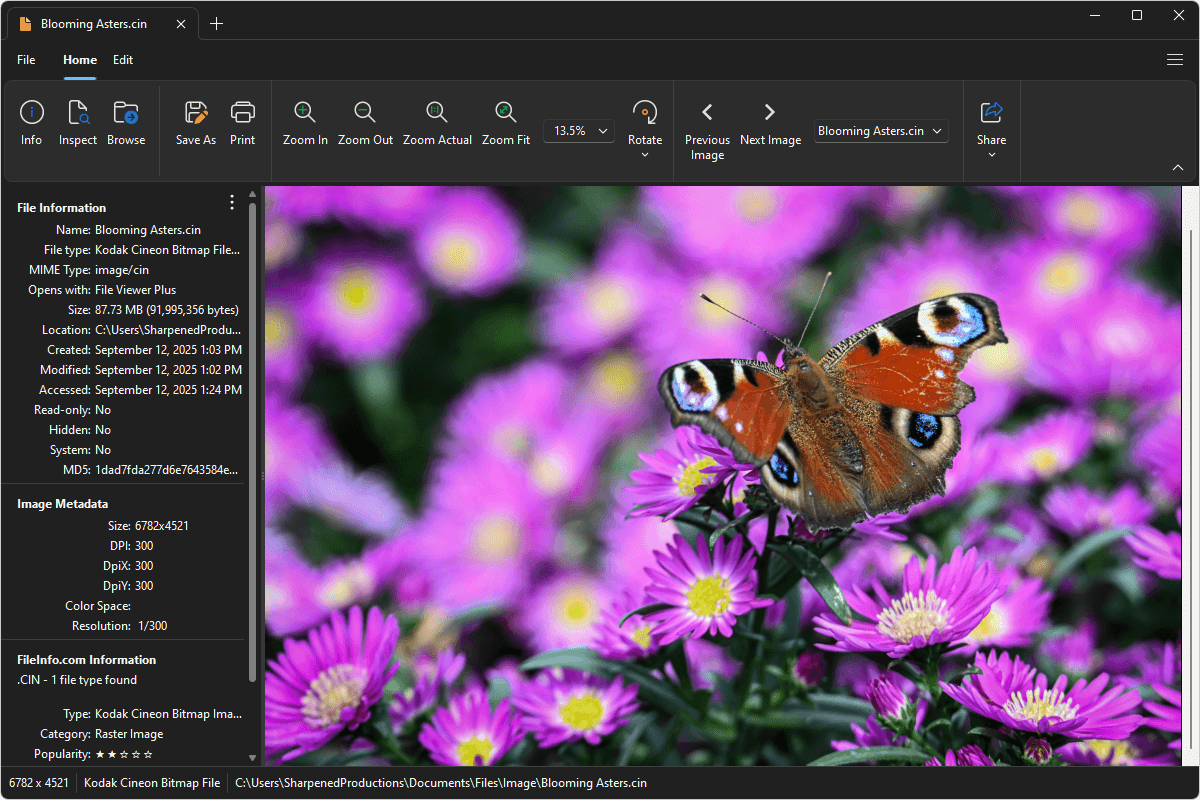
File Viewer Plus can open CIN (Kodak Cineon Bitmap Image) files and provides many editing effects and tools to adjust the color, contrast, and brightness of the images. You can also convert CIN images to other formats, such as JPG and PNG.
Open, edit, and convert CIN images with our capable image editor. Try File Viewer Plus for free today!
What is a .CIN file?

CIN files are images saved in the Kodak Cineon format, a raster image format developed by Kodak in the early 1990s for digital film work. Kodak created the format to store scanned film frames with a logarithmic color space that preserved the full dynamic range of the original negative, making it useful for visual effects, color grading, and film restoration.
You may encounter CIN files in older film production and post-production workflows, especially in archives or projects digitized during the transition from film to digital. File Viewer Plus can open and convert CIN files to other widely used image formats, including JPG, PNG, TIFF, and BMP.
Learn more about CIN files at FileInfo.com →About File Viewer Plus
File Viewer Plus is the universal file viewer for Windows. Why pay for dozens of programs when you only need one? Install File Viewer Plus, and you'll be able to open over 400 file types with a single app.
You can also edit, save, print, and convert your files. Unknown file on your PC? No problem. The app's advanced file identification can recognize over 10,000 file formats, including files with incorrect or missing extensions.
See all supported file types →