Open CUR files with File Viewer Plus
Do you need to open a CUR file?
File Viewer Plus can open CUR (Windows Cursor) files and provides various tools and effects to adjust the size, color, and brightness of the images. You can also convert CUR files to more common formats, including JPG and PNG.
Open, edit, and convert CUR files with our easy-to-use image editor. Try File Viewer Plus for free today!
What is a .CUR file?
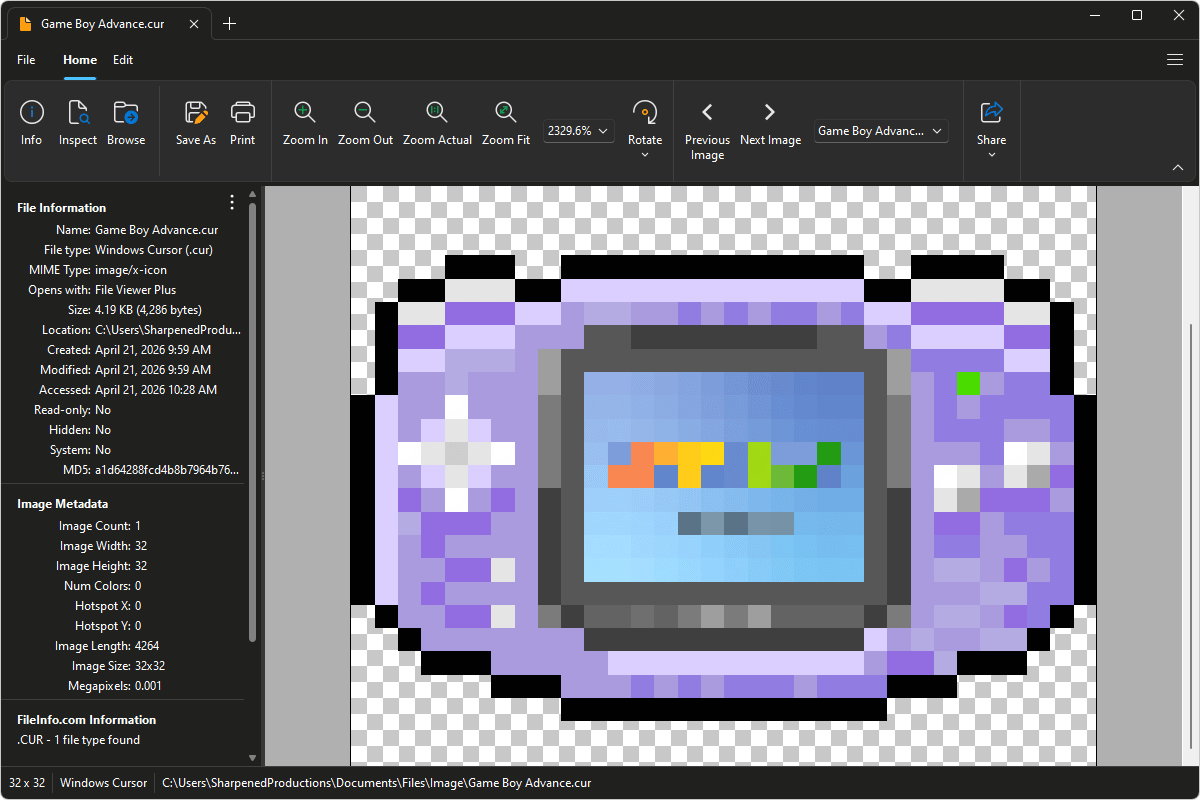
CUR files are image files saved in the Windows Cursor (CUR) format, which stores static mouse cursor images used by the Microsoft Windows operating system. The format contains pixel-based graphics along with hotspot data that defines the cursor's exact click point. Unlike animated cursor files (.ANI), CUR files display a single, fixed image and are commonly used for standard pointer icons and custom cursor themes.
You may encounter CUR files when customizing your desktop cursor, downloading cursor themes, or working with user interface design elements for Windows applications. File Viewer Plus can open CUR files and convert them to more widely used formats such as PNG, JPEG, and TIFF, making it easier to view and edit the images across different programs.
Learn more about CUR files at FileInfo.com →About File Viewer Plus
File Viewer Plus is the universal file viewer for Windows. Why pay for dozens of programs when you only need one? Install File Viewer Plus, and you'll be able to open over 400 file types with a single app.
You can also edit, save, print, and convert your files. Unknown file on your PC? No problem. The app's advanced file identification can recognize over 10,000 file formats, including files with incorrect or missing extensions.
See all supported file types →