Open DOCX files with File Viewer Plus
Do you need to open a DOCX file?
File Viewer Plus can open DOCX (Microsoft Word Open XML Document) files. It includes a professional-quality document editor similar to Microsoft Word and allows you to save your DOCX file in various file formats, such as PDF, ODT, and DOC.
Open DOCX files without Microsoft Word. Try File Viewer Plus for free today!
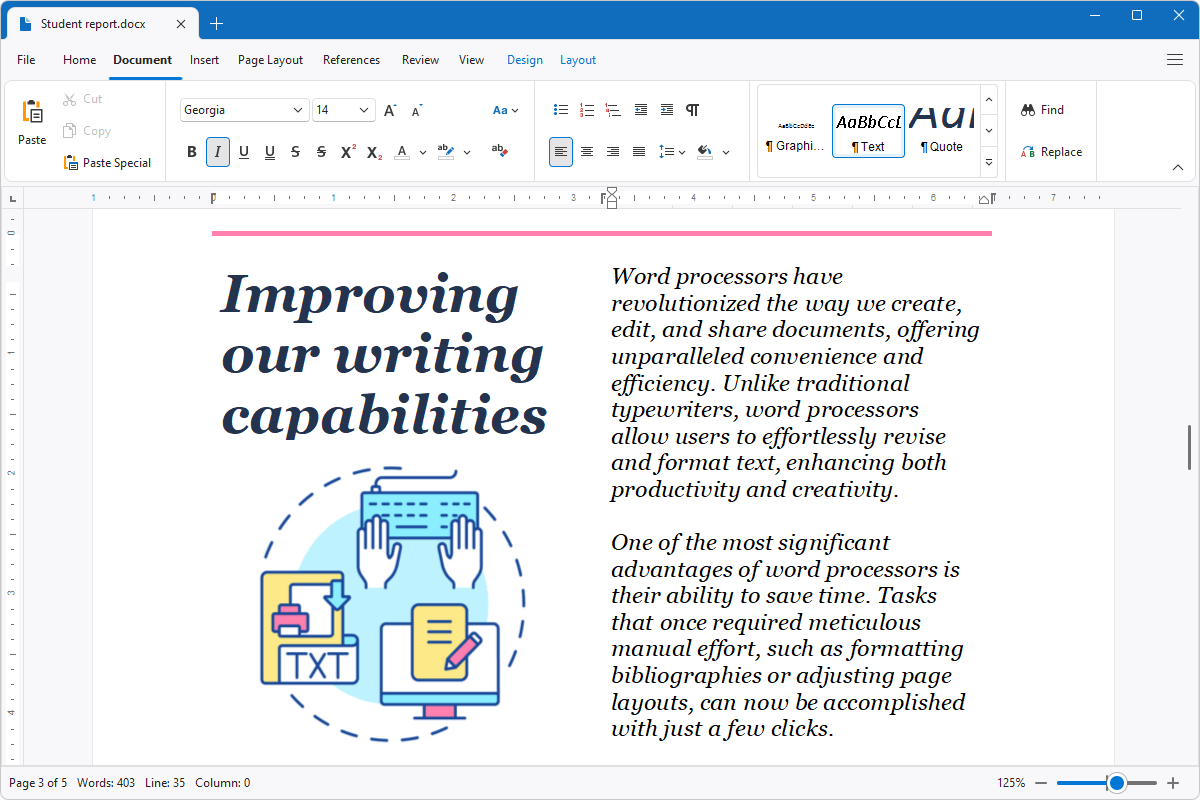
What is a .DOCX file?

DOCX files are documents typically created by Microsoft Word, but other applications may also export them, such as OpenOffice Writer, Apple Pages, Corel WordPerfect, and Google Docs. DOCX files may store various types of documents, such as letters, essays, business proposals, financial reports, resumes, or newsletters.
Since the release of Microsoft Word 2007, DOCX files have become one of the most common file types for saving text documents in both personal and professional fields. You may receive DOCX files in emails or download them online from co-workers, family members, or friends. File Viewer Plus is a great option for opening, modifying, saving, and printing DOCX files and converting them to other formats, such as PDF and ODT.
Learn more about DOCX files at FileInfo.com →About File Viewer Plus
File Viewer Plus is the universal file viewer for Windows. Why pay for dozens of programs when you only need one? Install File Viewer Plus, and you'll be able to open over 400 file types with a single app.
You can also edit, save, print, and convert your files. Unknown file on your PC? No problem. The app's advanced file identification can recognize over 10,000 file formats, including files with incorrect or missing extensions.
See all supported file types →