Open DPX files with File Viewer Plus
Do you need to open a DPX file?
File Viewer Plus can open DPX (Digital Picture Exchange) images. It includes various image editing tools, such as custom controls for adjusting the brightness, contrast, and color of the image and unique effects. You can also use the program to batch-convert DPX images to PNG, TIFF, GIF, and BMP formats.
Open, edit, and convert DPX images with our easy-to-use image-editing software. Try File Viewer Plus for free today!
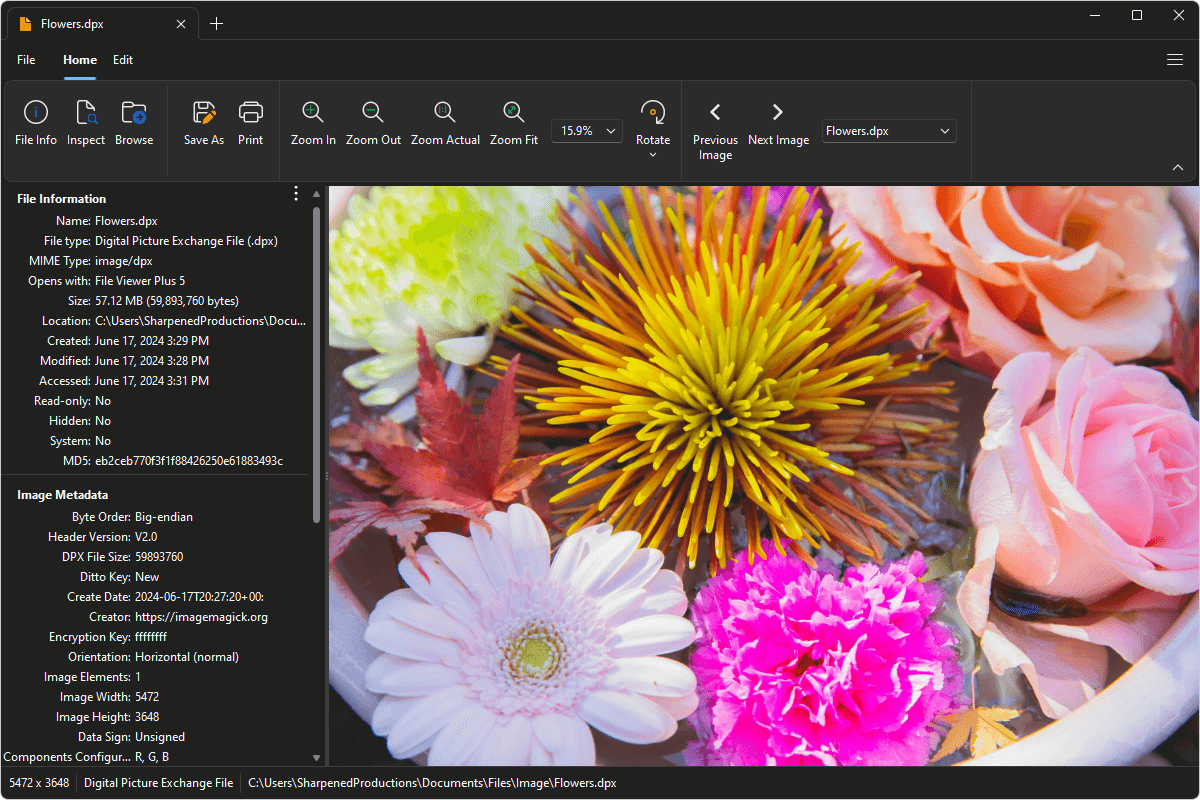
What is a .DPX file?
DPX files are raster images saved in the Digital Picture Exchange (DPX) format, which is commonly used to transfer film images to a digital format without quality degradation. Kodak originally developed the format, which the Society of Motion Picture and Television Engineers (SMPTE) improved and published. The files may store a single image or a frame sequence, which consists of multiple still images.
DPX files are uncommon, but you still may acquire an image saved in this format from a friend, family member, or co-worker. You can use File Viewer Plus to open and edit DPX images or convert them to a more common format, such as JPEG, PNG, TIFF, GIF, and BMP.
Learn more about DPX files at FileInfo.com →About File Viewer Plus
File Viewer Plus is the universal file viewer for Windows. Why pay for dozens of programs when you only need one? Install File Viewer Plus, and you'll be able to open over 400 file types with a single app.
You can also edit, save, print, and convert your files. Unknown file on your PC? No problem. The app's advanced file identification can recognize over 10,000 file formats, including files with incorrect or missing extensions.
See all supported file types →