Open EMZ files with File Viewer Plus
Do you need to open an EMZ file?
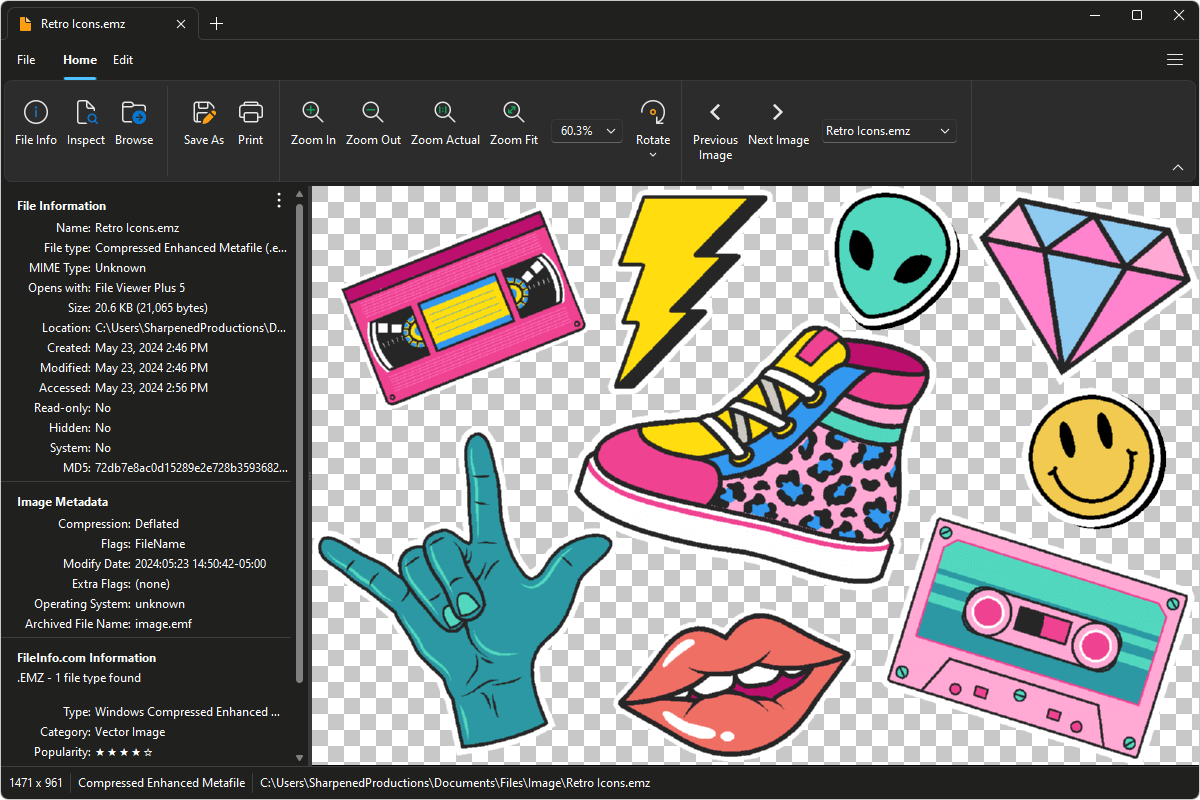
File Viewer Plus can open EMZ (Windows Compressed Enhanced Metafile) graphics. It provides an image editor that allows you to adjust the graphic's color, contrast, and brightness. The program can also batch convert EMZ graphics to JPEG, PNG, GIF, BMP, and JPEG2000 image formats.
Open, edit, and convert EMZ files with our easy-to-use image viewer. Try File Viewer Plus for free today!
What is an .EMZ file?

EMZ files are EMF graphics compressed with gzip compression. Microsoft developed the Windows Compressed Enhanced Metafile (EMZ) format to reduce the sizes of EMF files and make the graphics more transferrable between applications, particularly between Microsoft Visio and Microsoft Office apps, such as Word and PowerPoint.
Although EMZ files are obscure, you may still encounter the images when downloading graphics from the Internet or receiving images from coworkers, friends, or family members. File Viewer Plus can open EMZ files and edit and convert the images to other formats, such as JPEG, PNG, or GIF.
Learn more about EMZ files at FileInfo.com →About File Viewer Plus
File Viewer Plus is the universal file viewer for Windows. Why pay for dozens of programs when you only need one? Install File Viewer Plus, and you'll be able to open over 400 file types with a single app.
You can also edit, save, print, and convert your files. Unknown file on your PC? No problem. The app's advanced file identification can recognize over 10,000 file formats, including files with incorrect or missing extensions.
See all supported file types →