Open ISO files with File Viewer Plus
Do you need to open an ISO Disc Image (.ISO file)?
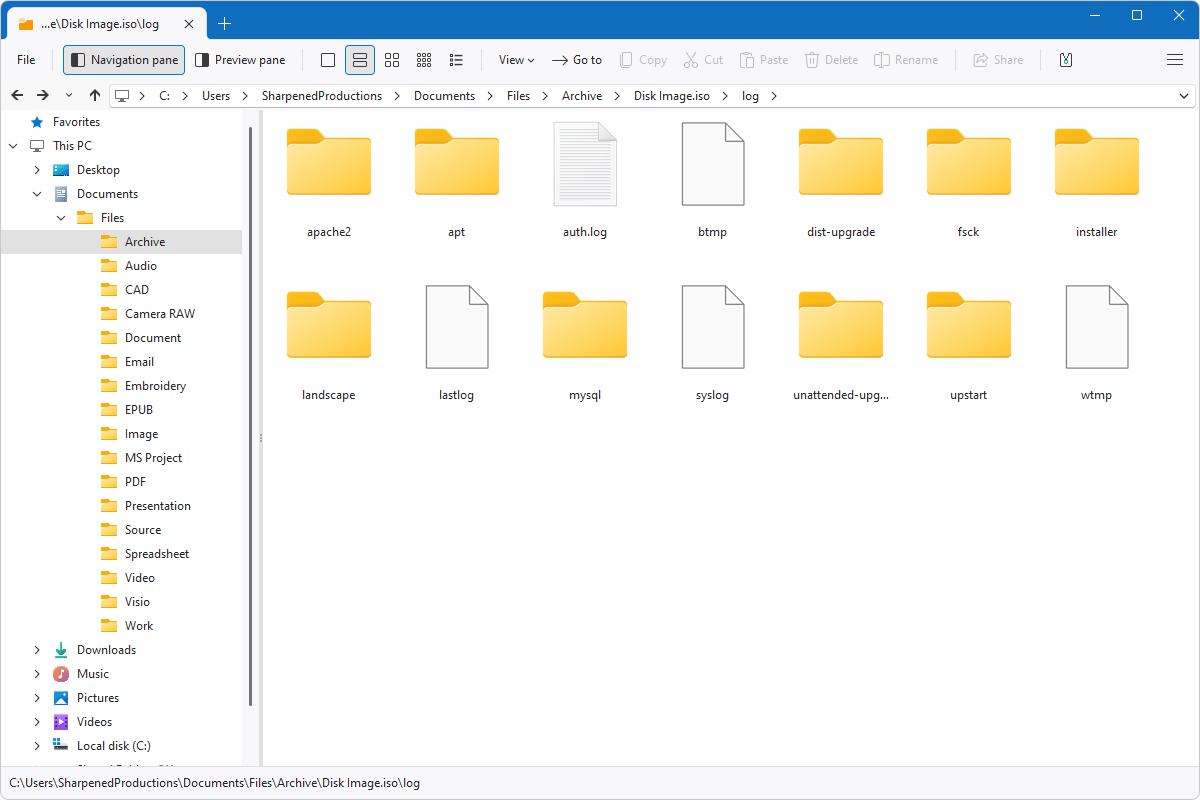
File Viewer Plus can open ISO files! It can navigate the contents of your archive and extract either individual files or the entire archive.
Open ISO files and view their contents with our easy-to-use program. Try File Viewer Plus today!
What is an .ISO file?

ISO files are disc image files that contain the entire contents and structure of a physical disc, such as a CD, DVD, or Blu-ray. Software developers and publishers commonly use the ISO format to distribute large applications, operating systems, or media collections in a single file that can be easily stored, shared, or burned to a physical disc.
You may encounter ISO files in various ways. For example, you may acquire an ISO file by downloading operating system installation media, creating a backup of a physical disc, or receive a software distribution from colleagues or support teams. File Viewer Plus can open your ISO files, allowing you to browse their contents and extract specific files or the whole archive.
Learn more about ISO files at FileInfo.com →About File Viewer Plus
File Viewer Plus is the universal file viewer for Windows. Why pay for dozens of programs when you only need one? Install File Viewer Plus, and you'll be able to open over 400 file types with a single app.
You can also edit, save, print, and convert your files. Unknown file on your PC? No problem. The app's advanced file identification can recognize over 10,000 file formats, including files with incorrect or missing extensions.
See all supported file types →