Open M4A files with File Viewer Plus
Do you need to open an M4A file?
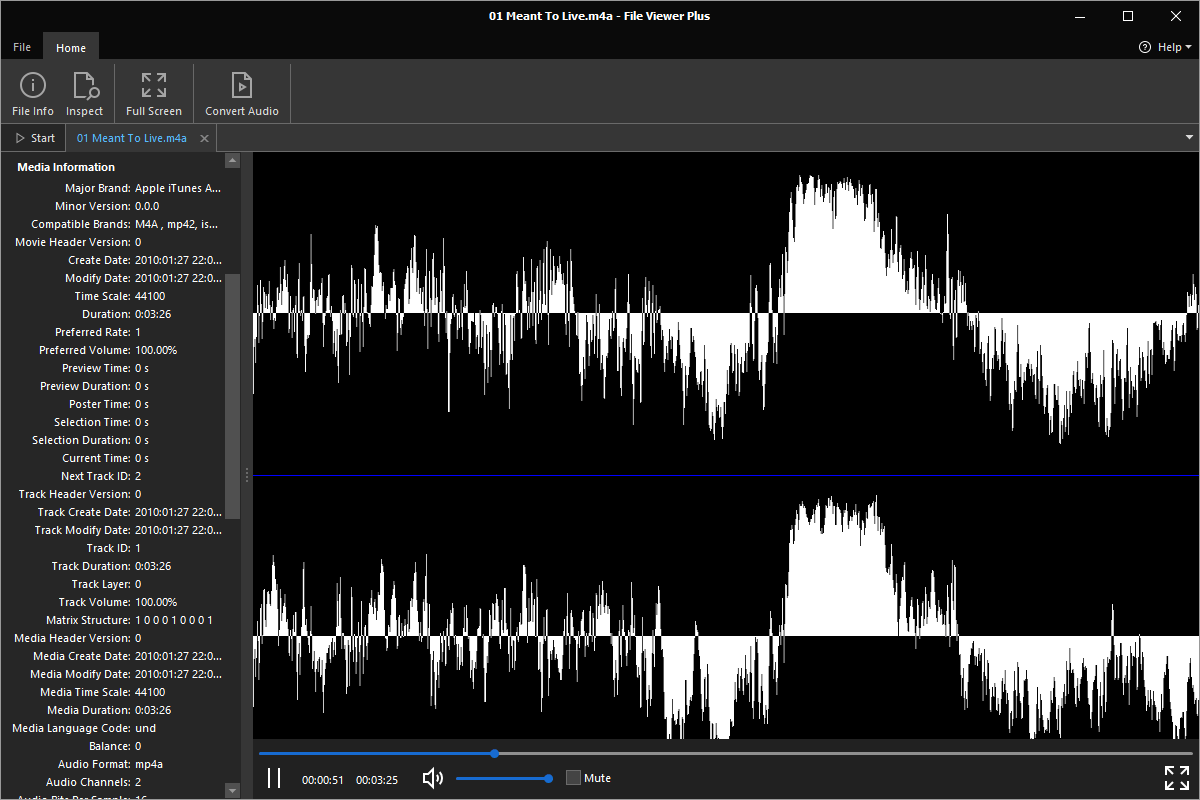
File Viewer Plus can open M4A (MPEG-4 Audio) files and includes standard playback options and the ability to inspect your file's metadata. You can also convert M4A files to MP3 format at different bitrates and frequencies.
Play M4A files without Apple Music. Try File Viewer Plus for free today!
What is an .M4A file?

M4A files are audio files saved in the MPEG-4 multimedia container format, which is also used by .MP4 video files. However, M4A files only store audio data encoded with either the Advanced Audio Coding (AAC) codec or the Apple Lossless Audio Codec (ALAC). The files are typically used for saving songs but may also store other types of audio content, such as audiobooks and podcasts.
You may acquire M4A files in various ways, including downloading audio from the Internet, ripping music from a CD, or receiving audio recordings from friends, family members, or co-workers. File Viewer Plus can play your M4A files and convert the audio to the MPEG-3 (.MP3) format and various bitrates and frequencies.
Learn more about M4A files at FileInfo.com →About File Viewer Plus
File Viewer Plus is the universal file viewer for Windows. Why pay for dozens of programs when you only need one? Install File Viewer Plus, and you'll be able to open over 400 file types with a single app.
You can also edit, save, print, and convert your files. Unknown file on your PC? No problem. The app's advanced file identification can recognize over 10,000 file formats, including files with incorrect or missing extensions.
See all supported file types →