Open MTS files with File Viewer Plus
Do you need to open an MTS file?
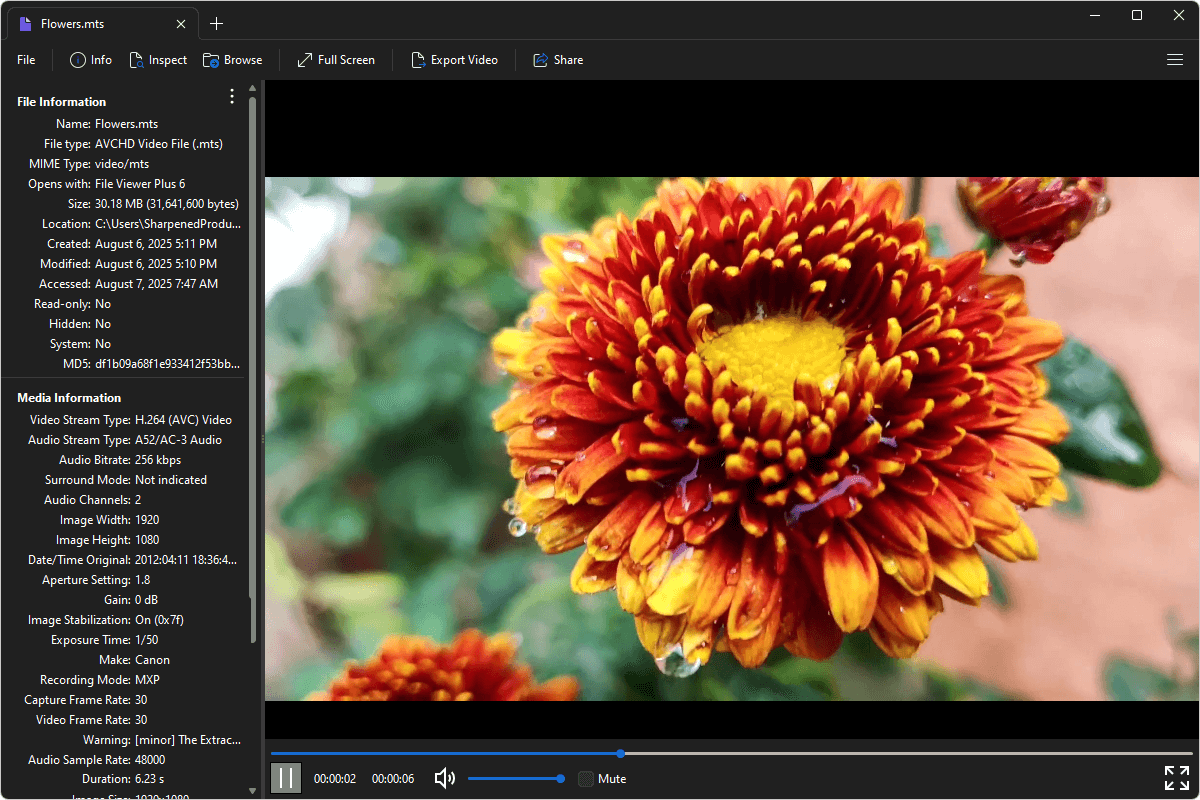
File Viewer Plus can open MTS (AVCHD Video) files. It comes with standard playback options and allows you to inspect your file's metadata. You can also convert MTS videos to the standard MP4 format.
Open, view, and convert MTS files with our easy-to-use program. Try File Viewer Plus for free today!
What is an .MTS file?

MTS files are video files that may store high-definition home videos, short clips, or professional footage captured using camcorders. The files are saved in the AVCHD (Advanced Video Coding High Definition) format, which Sony and Panasonic developed for HD video recording. MTS files typically contain video encoded with H.264 compression, along with audio and optional metadata, and are often found on digital camcorder storage.
You may encounter MTS files after transferring video from an AVCHD camcorder to your computer. For example, family events, weddings, or travel footage recorded on a compatible device may be saved as MTS files. These files are also common in professional and semi-professional video production workflows. File Viewer Plus lets you play your MTS files and convert them to MP4 format at various resolutions and bitrates for easier sharing, editing, or storage.
Learn more about MTS files at FileInfo.com →About File Viewer Plus
File Viewer Plus is the universal file viewer for Windows. Why pay for dozens of programs when you only need one? Install File Viewer Plus, and you'll be able to open over 400 file types with a single app.
You can also edit, save, print, and convert your files. Unknown file on your PC? No problem. The app's advanced file identification can recognize over 10,000 file formats, including files with incorrect or missing extensions.
See all supported file types →