Open PPM files with File Viewer Plus
Do you need to open a PPM file?
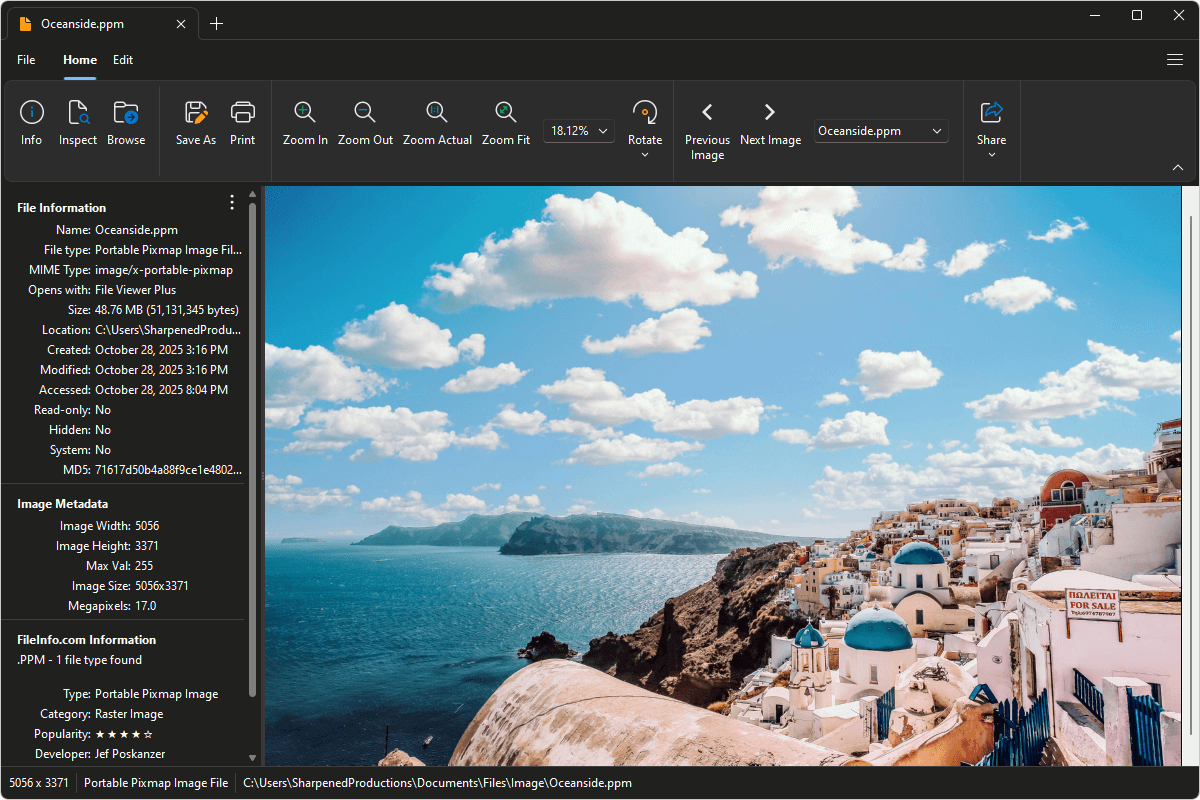
File Viewer Plus can open PPM (Portable Pixmap Image) files and includes tools and effects to adjust the color, contrast, and brightness of the images. You can convert PPM images to other formats, as well, such as JPG and PNG.
Open, edit, and convert PPM images with our easy-to-use image editor. Try File Viewer Plus for free today!
What is a .PPM file?
PPM files are images saved in the Portable Pixmap (PPM) format, a simple, uncompressed file type used to store full-color images using RGB color values for each pixel. Unlike formats such as JPEG or PNG, PPM files do not use compression, preserving all color details but resulting in larger file sizes. These files are commonly used in graphic design, image processing, and academic or scientific applications.
You may encounter PPM files in legacy software, image editing projects, or as part of the Netpbm format family. File Viewer Plus can open PPM files and convert them to more widely used image formats such as PNG, JPEG, and TIFF for easier sharing and editing.
Learn more about PPM files at FileInfo.com →About File Viewer Plus
File Viewer Plus is the universal file viewer for Windows. Why pay for dozens of programs when you only need one? Install File Viewer Plus, and you'll be able to open over 400 file types with a single app.
You can also edit, save, print, and convert your files. Unknown file on your PC? No problem. The app's advanced file identification can recognize over 10,000 file formats, including files with incorrect or missing extensions.
See all supported file types →