Open PSD files with File Viewer Plus
Do you need to open a PSD file?
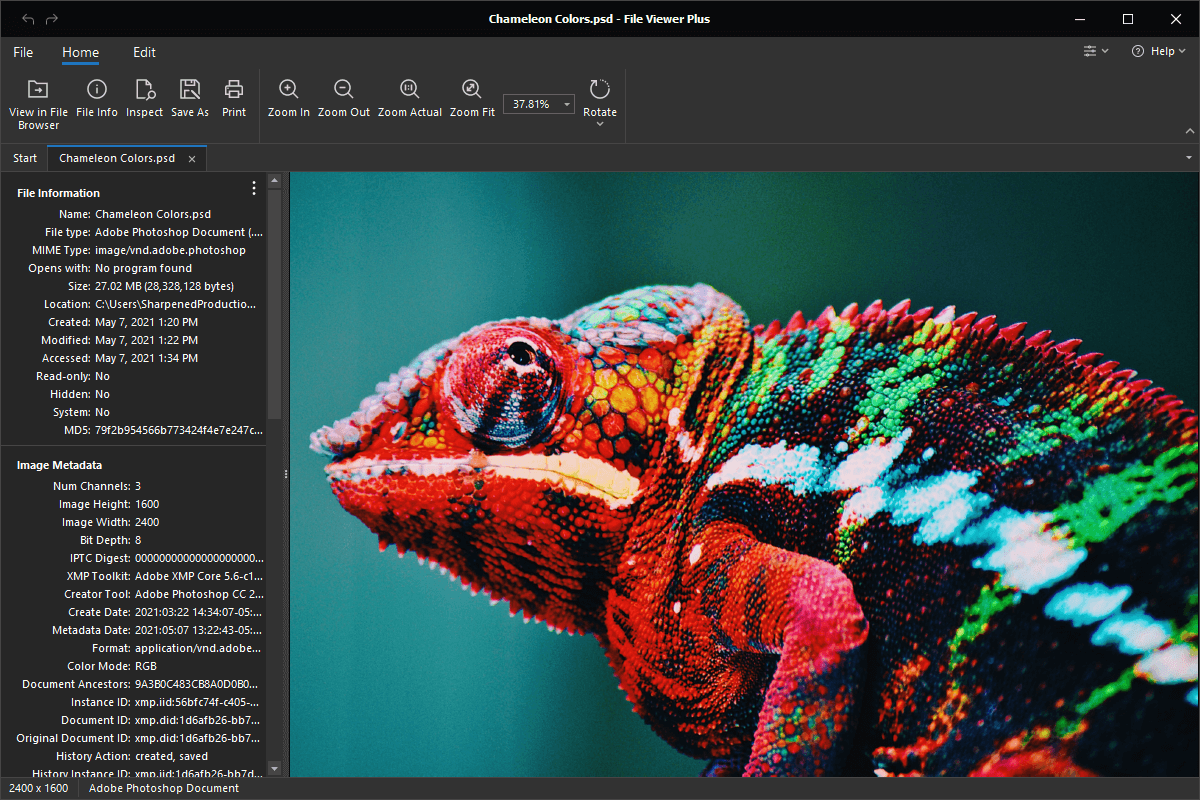
File Viewer Plus can open PSD (Adobe Photoshop Document) files. It can also convert PSD files to other image formats, such as JPEG, PNG, BMP, GIF, and TIFF.
Open and convert PSD files without Adobe Photoshop. Try File Viewer Plus for free today!
What is a .PSD file?

PSD files are images created by Adobe Photoshop or exported by another image-editing application. The images may include multiple layers with various elements, such as shapes, filters, pen and brush strokes, text, and other effects. PSD files typically store enhanced digital photos but may also contain other digital artwork, such as webpage mockups, icon designs, document layouts, book covers, comics, and cartoons.
Many creative professionals, such as photographers, graphic designers, and web designers, use PSD files to save their artwork. If you work with a creative professional, you may receive a PSD file to review an image or design. Or you may download a PSD file from a graphics-sharing website. File Viewer Plus can view PSD images and save them in different formats, such as JPEG, PNG, TIFF, JPEG 2000, and PDF.
Learn more about PSD files at FileInfo.com →About File Viewer Plus
File Viewer Plus is the universal file viewer for Windows. Why pay for dozens of programs when you only need one? Install File Viewer Plus, and you'll be able to open over 400 file types with a single app.
You can also edit, save, print, and convert your files. Unknown file on your PC? No problem. The app's advanced file identification can recognize over 10,000 file formats, including files with incorrect or missing extensions.
See all supported file types →