Open PVF files with File Viewer Plus
Do you need to open a PVF file?
File Viewer Plus can open PVF (Portable Voice Format Audio) files and offers standard playback options. You can also convert PVF files to other formats, Such as MPEG-4 (M4A) and MP3.
Play PVF files with our easy-to-use audio player. Try File Viewer Plus for free today!
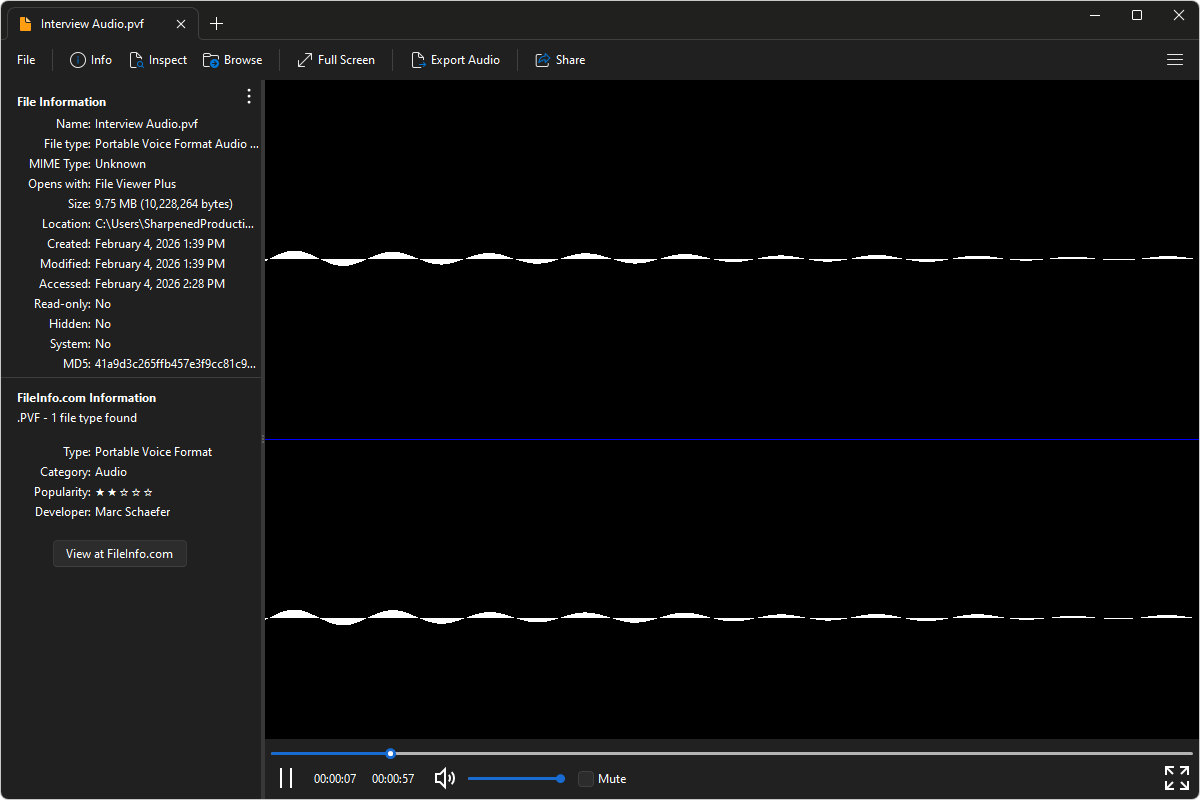
What is a .PVF file?
PVF files are audio files saved in the Portable Voice Format (PVF), a format designed specifically for storing spoken audio rather than full-range music. PVF files use simple, efficient encoding optimized for human speech, which helps keep file sizes small while maintaining clear voice quality. This makes the format well-suited for voice prompts, telephony systems, and other speech-focused applications where bandwidth and storage efficiency matter.
You may encounter PVF files in Linux-based systems, voicemail and IVR applications, or older voice processing tools that rely on lightweight audio formats. File Viewer Plus can play PVF files and convert the audio to MP3 or M4A formats at various bitrates and frequencies, making them easier to share and compatible with a wider range of devices and media players.
Learn more about PVF files at FileInfo.com →About File Viewer Plus
File Viewer Plus is the universal file viewer for Windows. Why pay for dozens of programs when you only need one? Install File Viewer Plus, and you'll be able to open over 400 file types with a single app.
You can also edit, save, print, and convert your files. Unknown file on your PC? No problem. The app's advanced file identification can recognize over 10,000 file formats, including files with incorrect or missing extensions.
See all supported file types →