Open RGB files with File Viewer Plus
Do you need to open an RGB file?
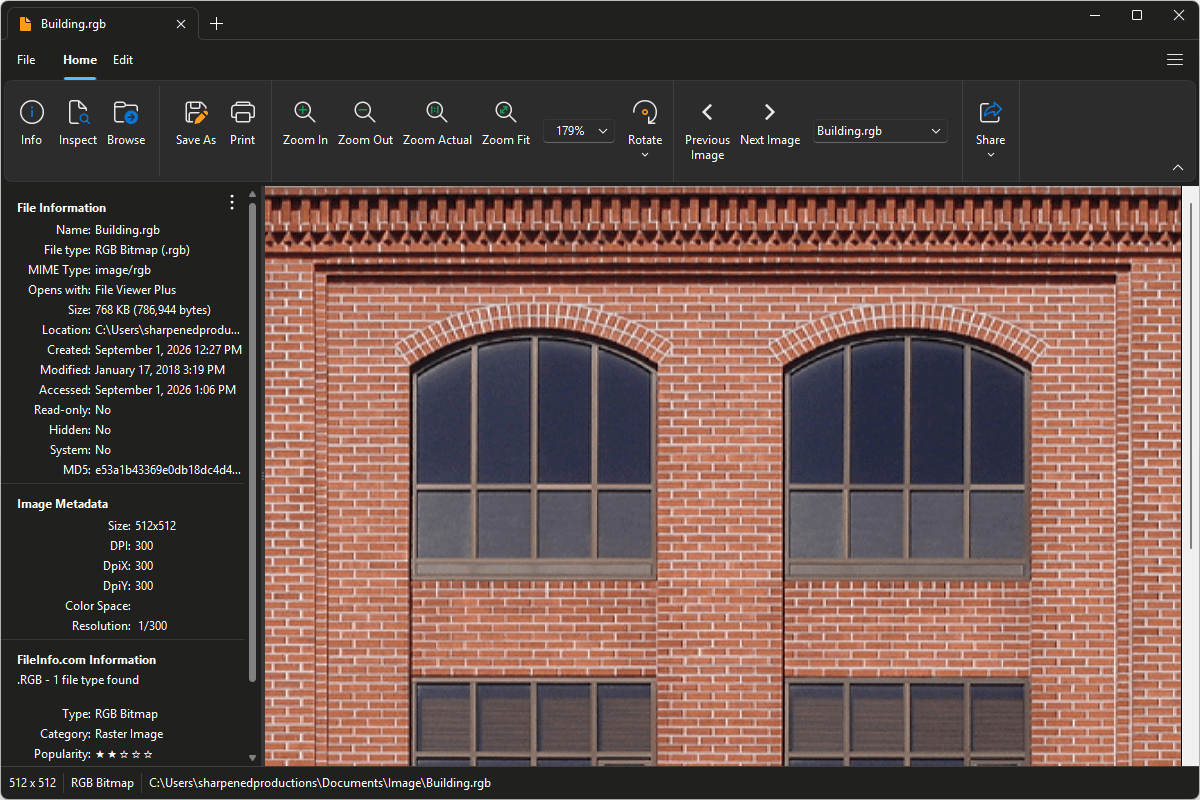
File Viewer Plus can open RGB (RGB Bitmap) files and offers powerful image editing tools to adjust exposure, crop, resize, and more. You can also batch convert RGB images to popular formats, including JPEG, PNG, TIFF, GIF, and BMP.
Open, edit, and convert RGB files with one easy-to-use application. Download File Viewer Plus and try it free today!
What is an .RGB file?
RGB files are raster image files that store pixel data using the red, green, and blue (RGB) color model. The RGB Bitmap format typically contains raw or minimally encoded color information, with each pixel represented by separate red, green, and blue values. Some graphics applications, image-processing programs, and older software use RGB files when they need direct access to uncompressed bitmap image data.
You may encounter an RGB file when working with images exported from older graphics software, opening assets from a legacy game or multimedia application, or recovering files from an archived computer or backup. File Viewer Plus can open and edit RGB images and convert them to widely supported formats, such as JPEG and PNG.
Alternate file extensions: .rgba
Learn more about RGB files at FileInfo.com →About File Viewer Plus
File Viewer Plus is the universal file viewer for Windows. Why pay for dozens of programs when you only need one? Install File Viewer Plus, and you'll be able to open over 400 file types with a single app.
You can also edit, save, print, and convert your files. Unknown file on your PC? No problem. The app's advanced file identification can recognize over 10,000 file formats, including files with incorrect or missing extensions.
See all supported file types →