Open VSDM files with File Viewer Plus
Do you need to open a VSDM file?
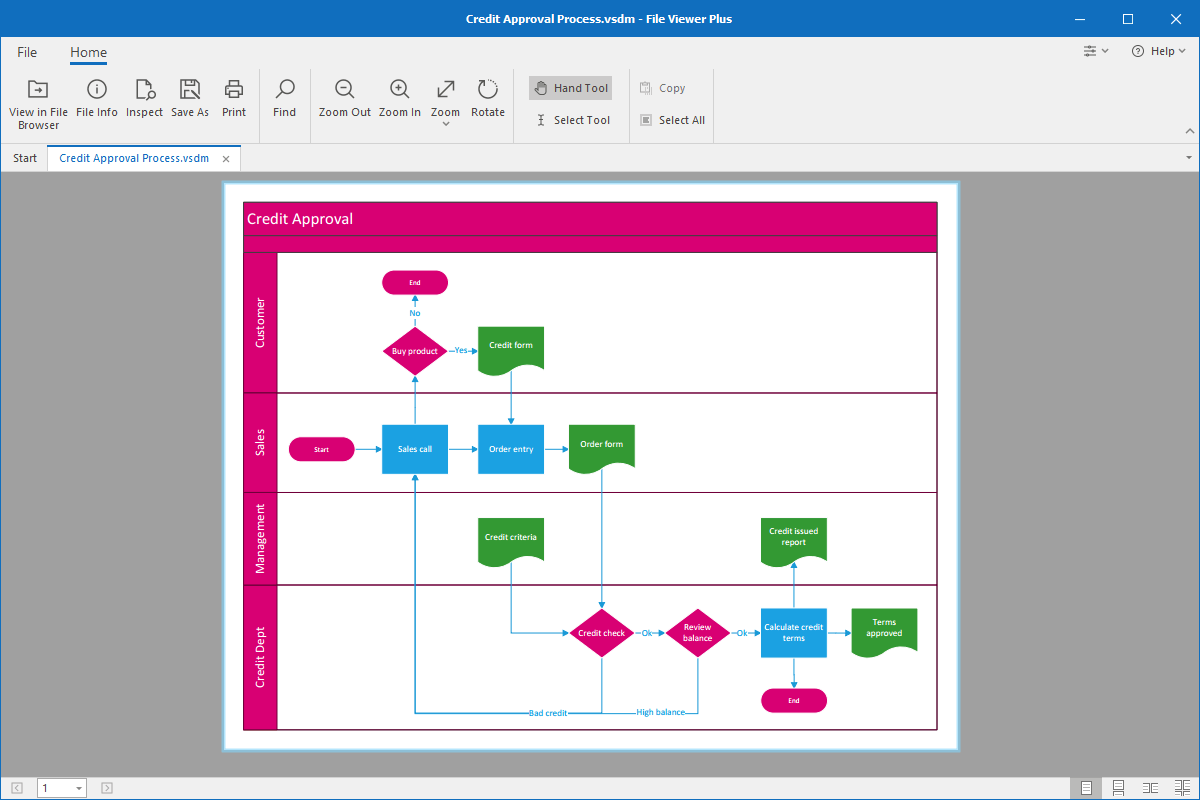
File Viewer Plus can open VSDM (Microsoft Visio Macro-Enabled Drawing) files. It allows you to view the drawing and convert it to other file formats, such as PDF, JPEG, and PNG.
Open VSDM files without Microsoft Visio. Try File Viewer Plus for free today!
What is a .VSDM file?

VSDM files are drawings created by Microsoft Visio (2013 or later) that store one or more embedded macros. A macro is a series of commands grouped as a single command to automate a task, which helps save time with repetitive or complex functions.
People typically use VSDM files in business settings where they utilize technical drawings that include repetitive or complex tasks. For example, you may receive VSDM drawings attached to emails from co-workers or download VSDM drawings from a shared cloud storage space. You can open and view VSDM macro-enabled drawings with File Viewer Plus and save the drawings as PDF, JPEG, or PNG files.
Learn more about VSDM files at FileInfo.com →About File Viewer Plus
File Viewer Plus is the universal file viewer for Windows. Why pay for dozens of programs when you only need one? Install File Viewer Plus, and you'll be able to open over 400 file types with a single app.
You can also edit, save, print, and convert your files. Unknown file on your PC? No problem. The app's advanced file identification can recognize over 10,000 file formats, including files with incorrect or missing extensions.
See all supported file types →