Open VTX files with File Viewer Plus
Do you need to open a VTX file?
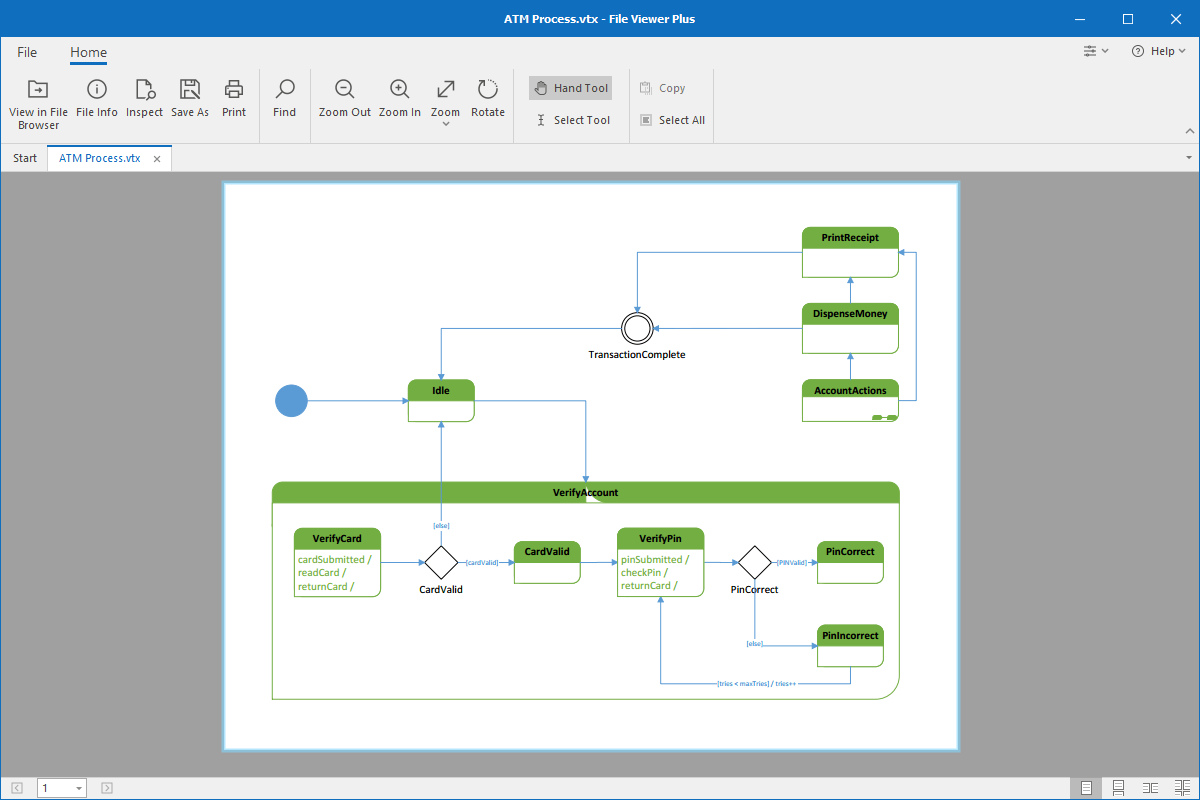
File Viewer Plus can open VTX (Microsoft Visio Template) files. It allows you to view templates and convert them to other more widely supported file formats, such as PDF, JPEG, and PNG.
Open VTX files without Microsoft Visio. Try File Viewer Plus for free today!
What is a .VTX file?

VTX files are drawing templates, such as flowcharts, database models, and organizational charts, created by Microsoft Visio. The files store the layout and settings of a drawing that you can use to replicate other drawings with similar content and design. Earlier versions of Microsoft Visio saved templates as VTX files, but Microsoft replaced the format with the VSTX format when it released Visio 2013.
Although VTX files are no longer common, you may still encounter them in business settings today. For example, co-workers may send you VTX files via email, or you may discover old VTX diagram templates on your computer. You can open and view VTX drawing templates with File Viewer Plus and save the drawings as PDF files or JPEG or PNG images.
Learn more about VTX files at FileInfo.com →About File Viewer Plus
File Viewer Plus is the universal file viewer for Windows. Why pay for dozens of programs when you only need one? Install File Viewer Plus, and you'll be able to open over 400 file types with a single app.
You can also edit, save, print, and convert your files. Unknown file on your PC? No problem. The app's advanced file identification can recognize over 10,000 file formats, including files with incorrect or missing extensions.
See all supported file types →