What's New in Version 7
Scan and recognize text in documents, manage files in a redesigned explorer, and open even more file types.
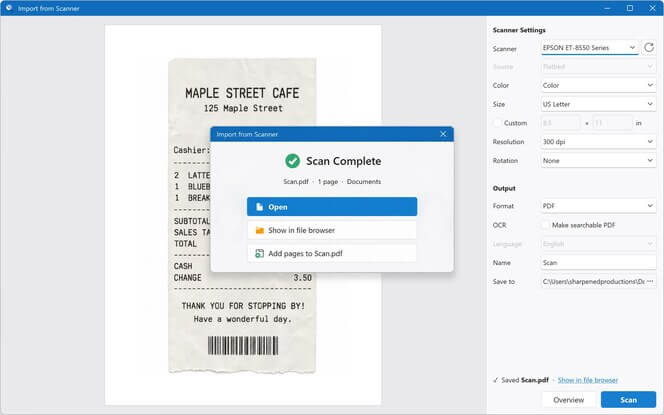
Import from scanner
Import documents from scanners straight into File Viewer Plus. Scan to a PDF or image, adding pages as you go.
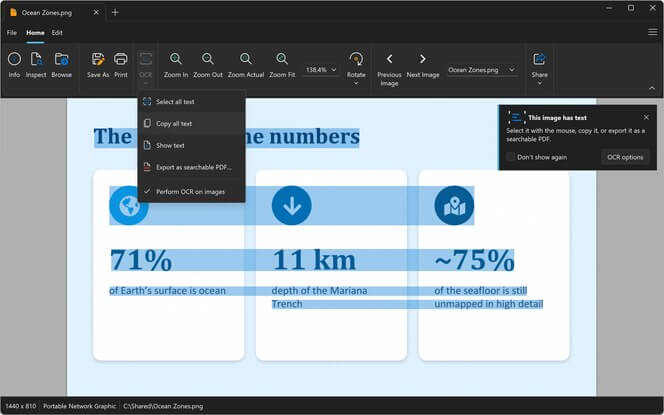
Recognize text in images
Optical Character Recognition (OCR) pulls the text from scanned pages and photos, so you can copy it or save a searchable PDF.
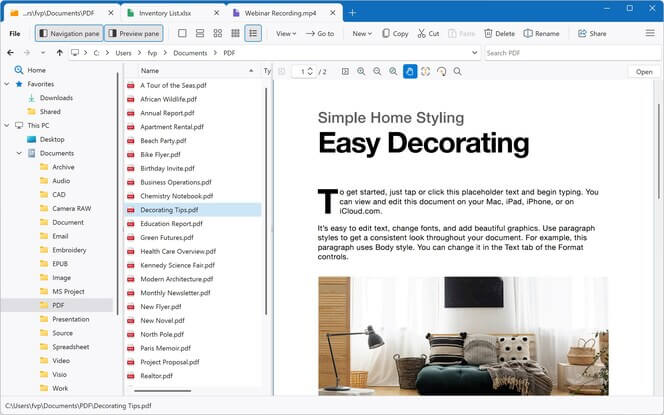
An advanced file manager
Browse, search, and manage files in the redesigned file explorer. Search a folder and all of its subfolders, then copy, move, rename, and share files without leaving the app.
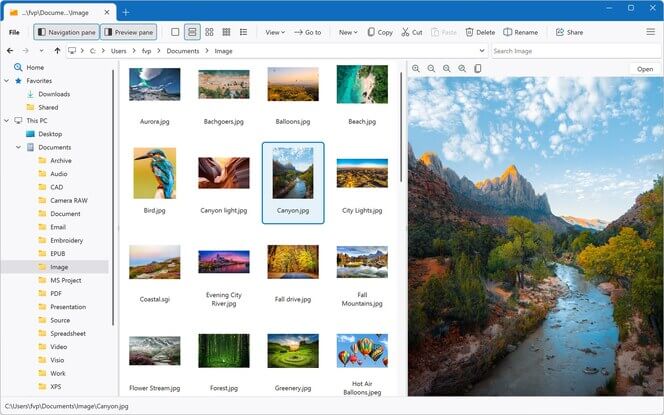
A better preview pane
View multipage document previews in the file explorer. Scroll through entire PDFs and Office documents right in the preview pane, before you open them.
More file types
Open WordPerfect, OpenDocument, and Markdown formats, adding to the hundreds of file types File Viewer Plus already supports.
See all file types →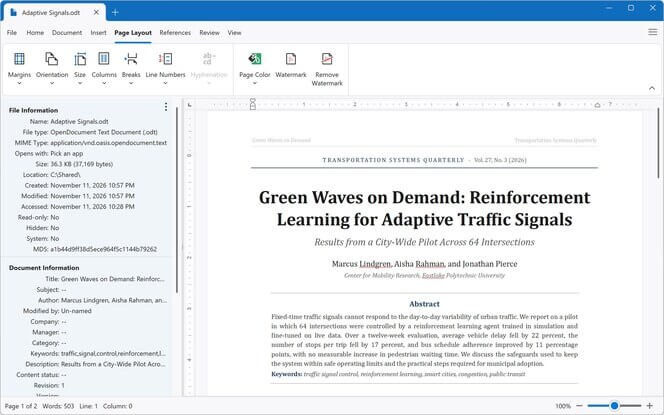
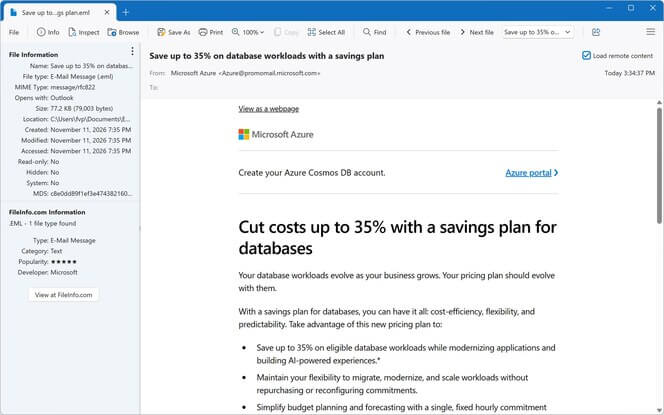
Improved email previews
View email messages with all of their formatting and attachments.
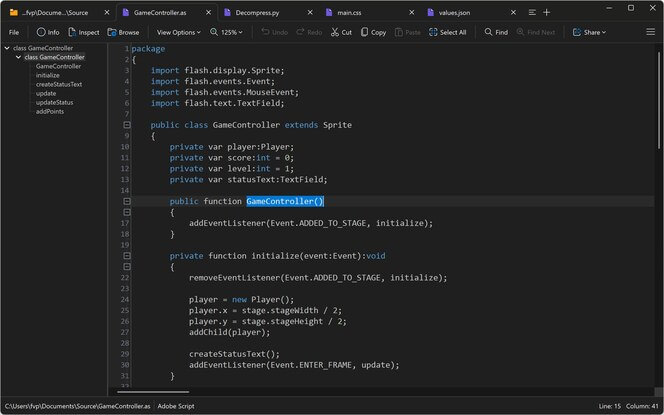
A modernized code editor
View and edit code with the improved source code editor.