File Viewer Plus is the Ultimate File Utility, a File Manager, an Office Editor, a PDF Converter, an Image Viewer, a Media Player, an Archive Extractor, an Email Viewer, a Document Scanner, a DICOM Viewer, a File Inspector.
See what's new in version 7 →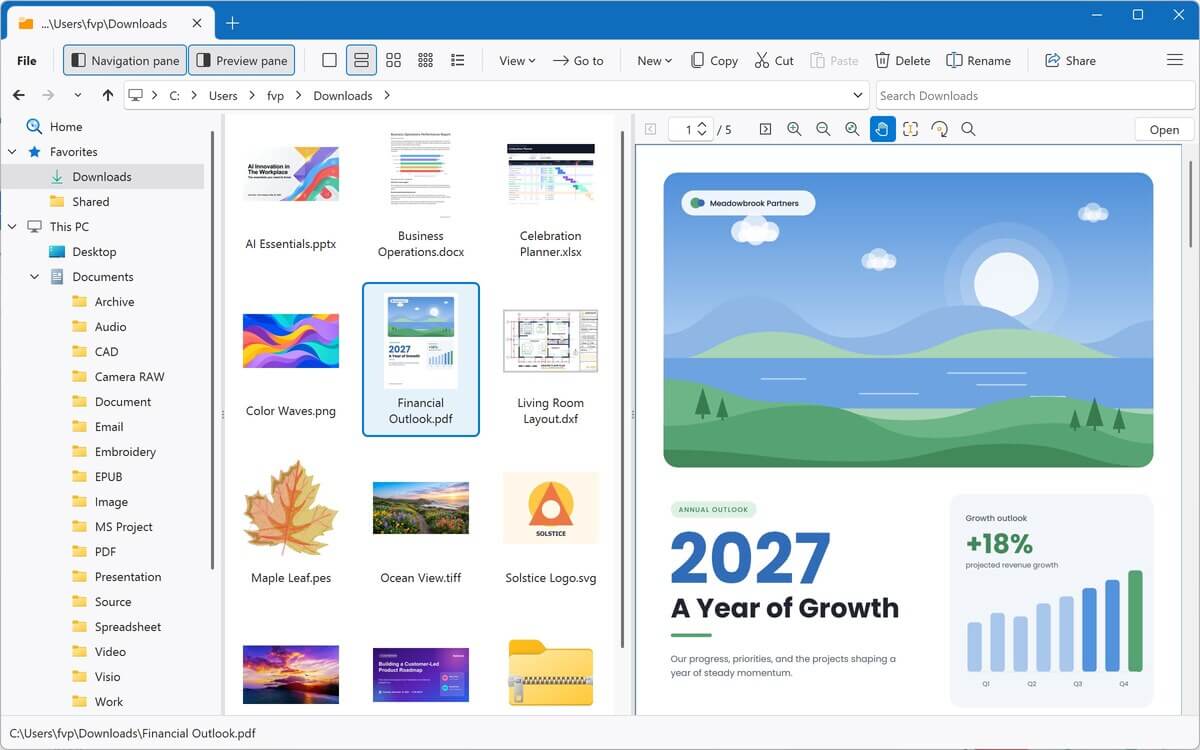
One program. 400+ file types.
Documents, PDFs, spreadsheets, photos, music, videos, archives, email, and more, all in one app for Windows. Pick a category above or search below to see what File Viewer Plus can do with each file type.
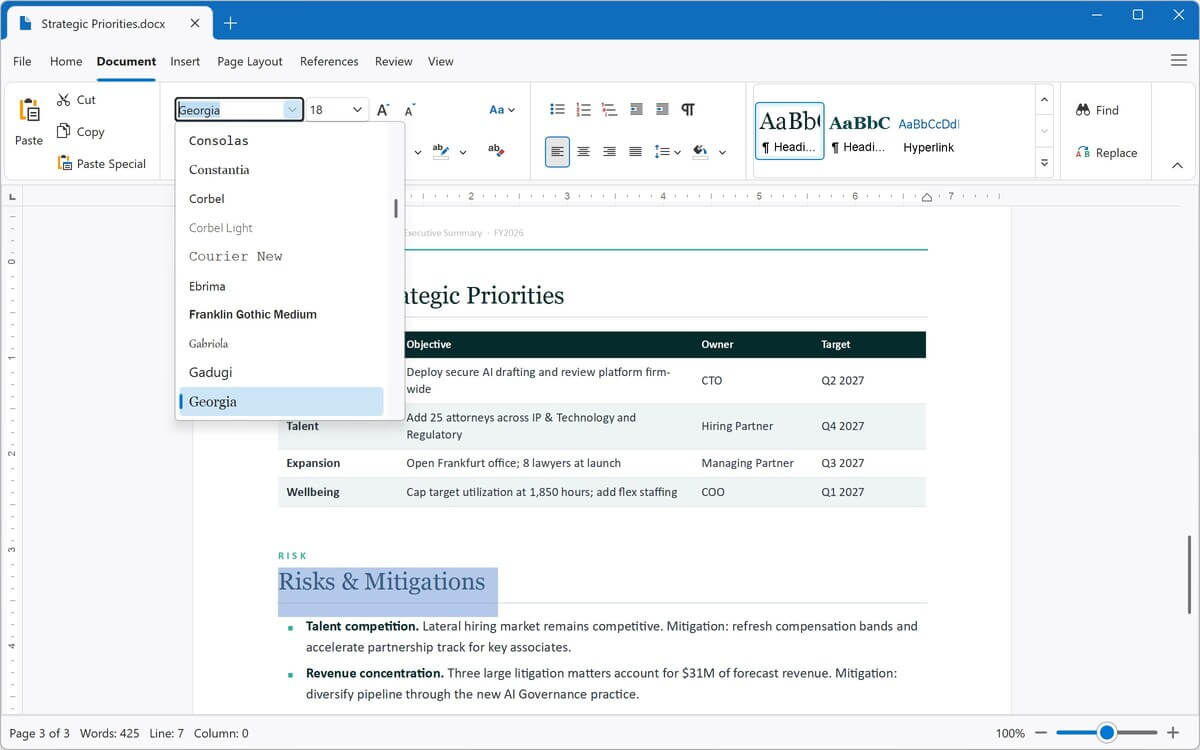
Open, edit, and save Word documents, plus ODT, RTF, EPUB, and plain text files, in the built-in word processor. Export them to PDF, DOCX, and other formats.
View PDFs and XPS documents, and convert PDFs to fully editable Word documents, Excel spreadsheets, PowerPoint presentations, images, or text.
Open, edit, and save Excel spreadsheets and CSV files. Convert between XLSX, XLS, and CSV, or export to PDF.
View PowerPoint and OpenDocument presentations, and convert them to PDF, JPEG, or PNG.
View Visio drawings, stencils, and templates, and export them to PDF, JPEG, or PNG.
View Microsoft Project plans and templates, and export them as JPEG or PNG images.
View AutoCAD drawings without AutoCAD. Zoom and rotate 2D and 3D objects, show or hide layers, and convert drawings to PDF or images.
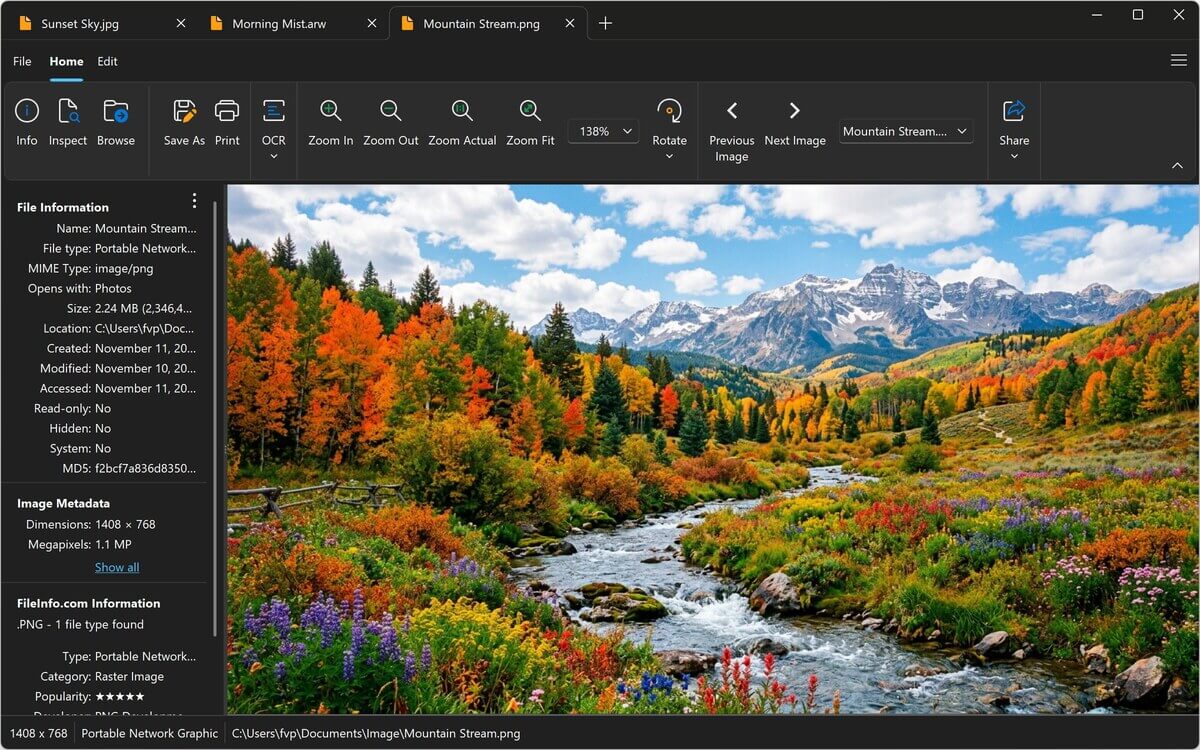
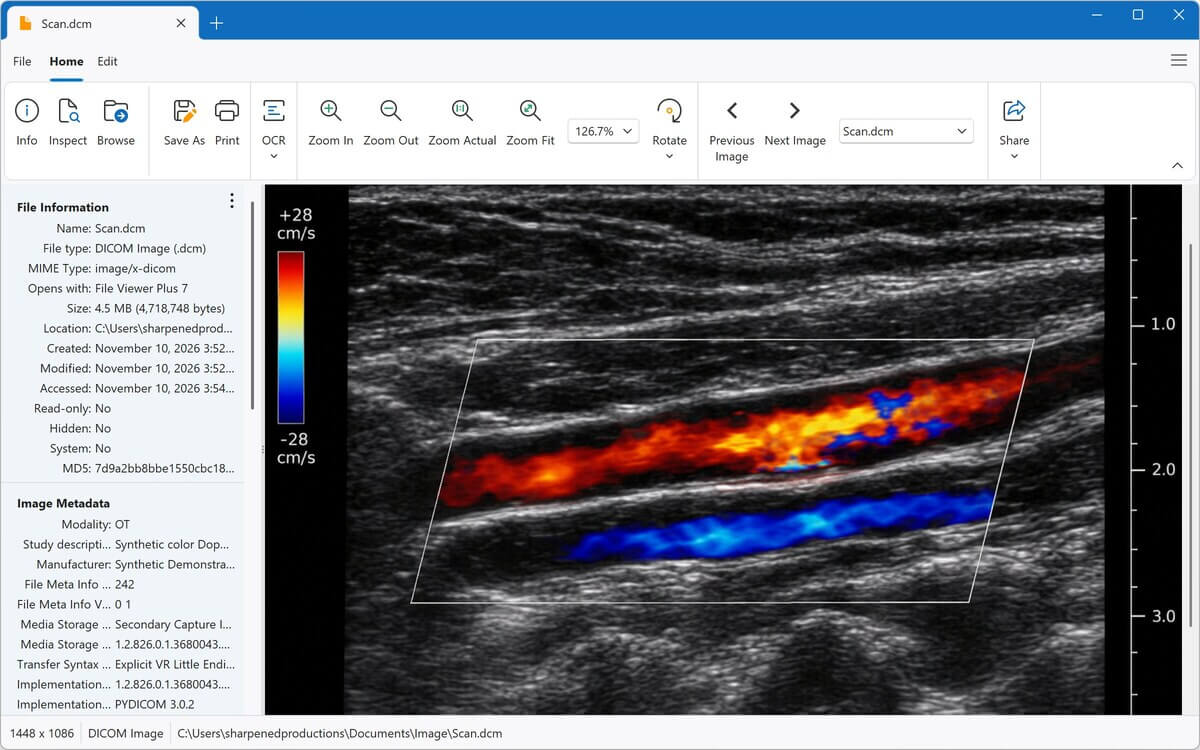
View and edit photos and graphics, including HEIC, PSD, camera raw, and DICOM medical images. Crop, resize, adjust color, and convert to JPEG, PNG, and more.
Play MP3, M4A, WAV, FLAC, and dozens more in the built-in media player, with waveforms and album art. Convert audio to MP3 or M4A.
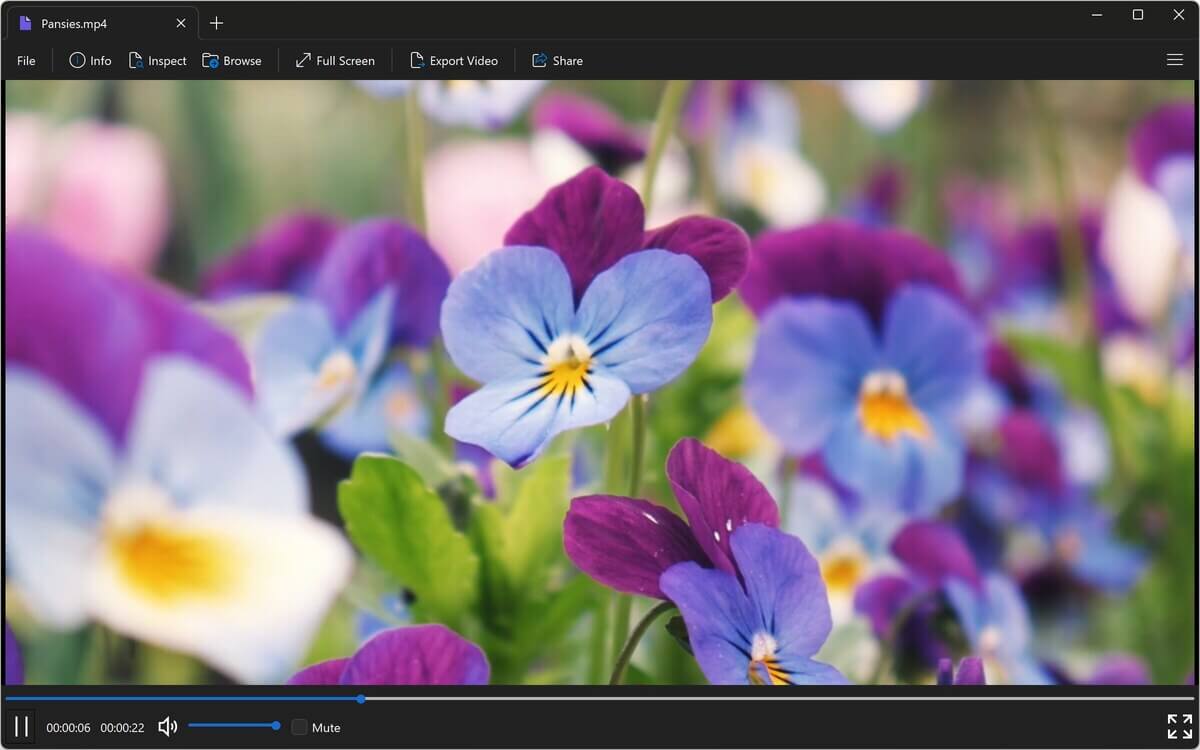
Play MP4, MOV, AVI, MKV, and dozens more, in a window or full screen. Convert videos to MP4, or save just the audio as MP3 or M4A.
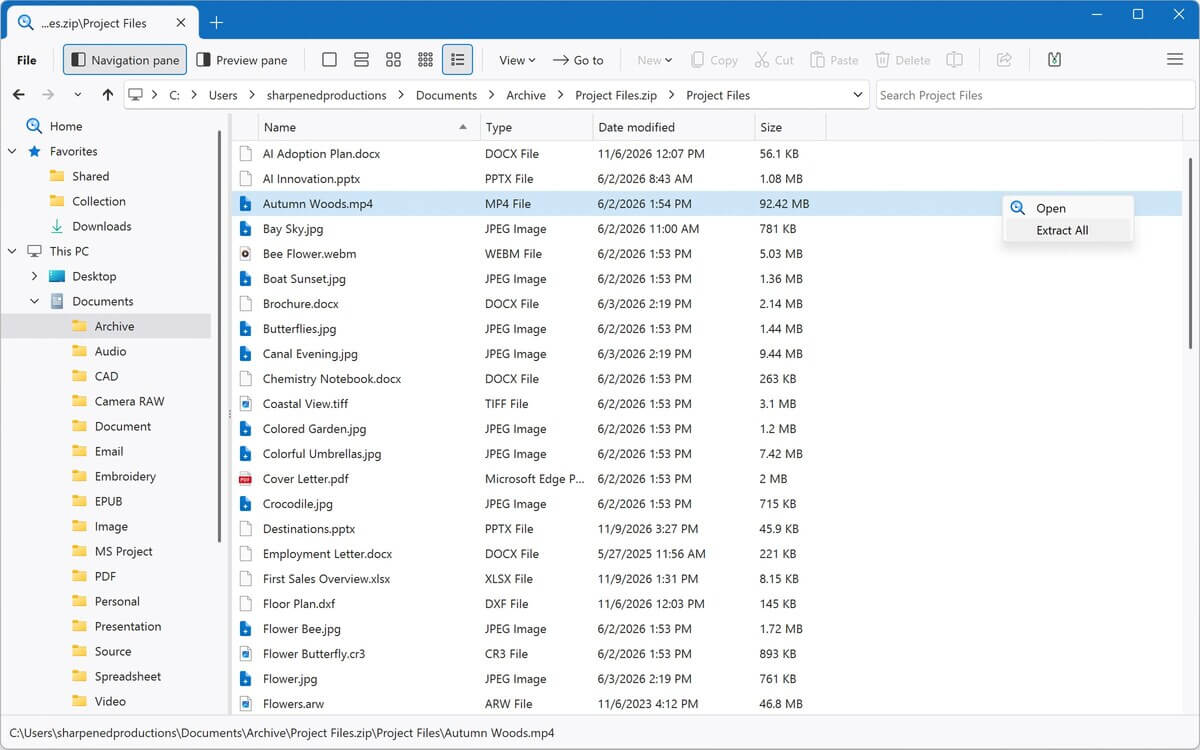
Browse ZIP, RAR, 7Z, ISO, and other archives like folders, and extract only the files you need.
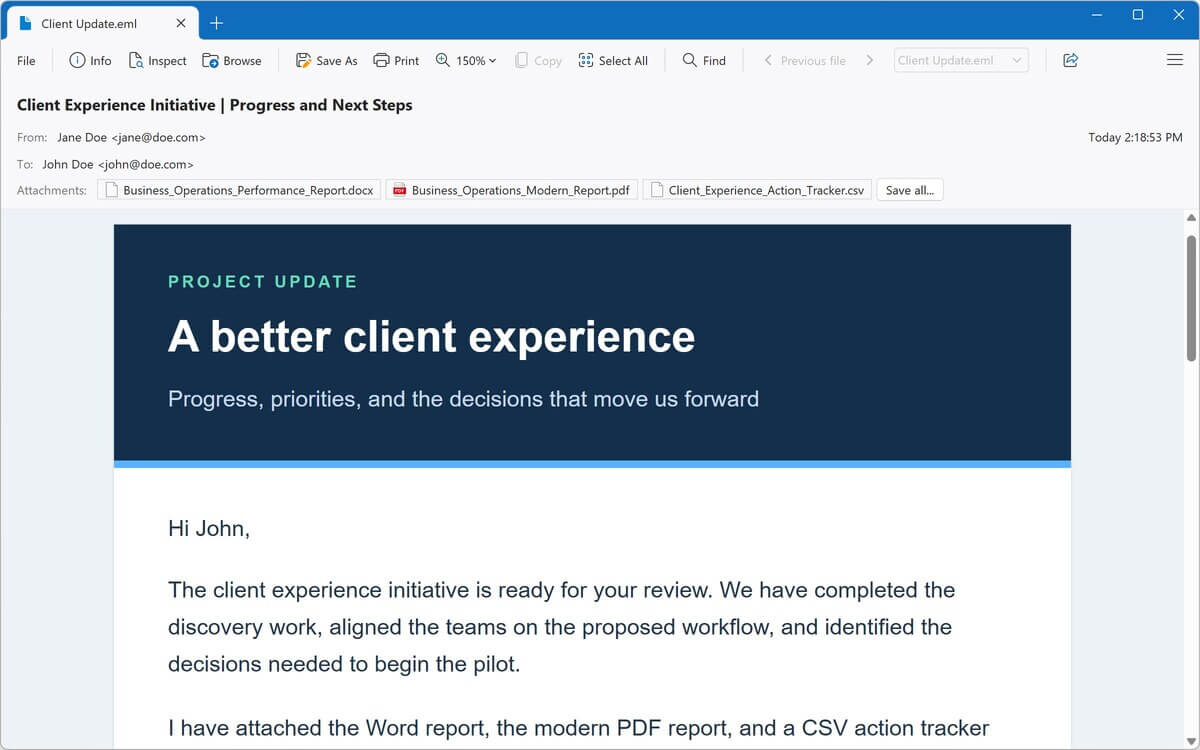
Open saved emails, including Outlook MSG and Winmail.dat files. Read the message, save attachments, and save emails as PDFs.
View saved web pages and MHTML web archives, and edit HTML in the built-in source code editor.
Open and edit code in dozens of programming languages, with syntax highlighting, line numbers, and code folding.
Try
See all file types →A better file explorer for Windows
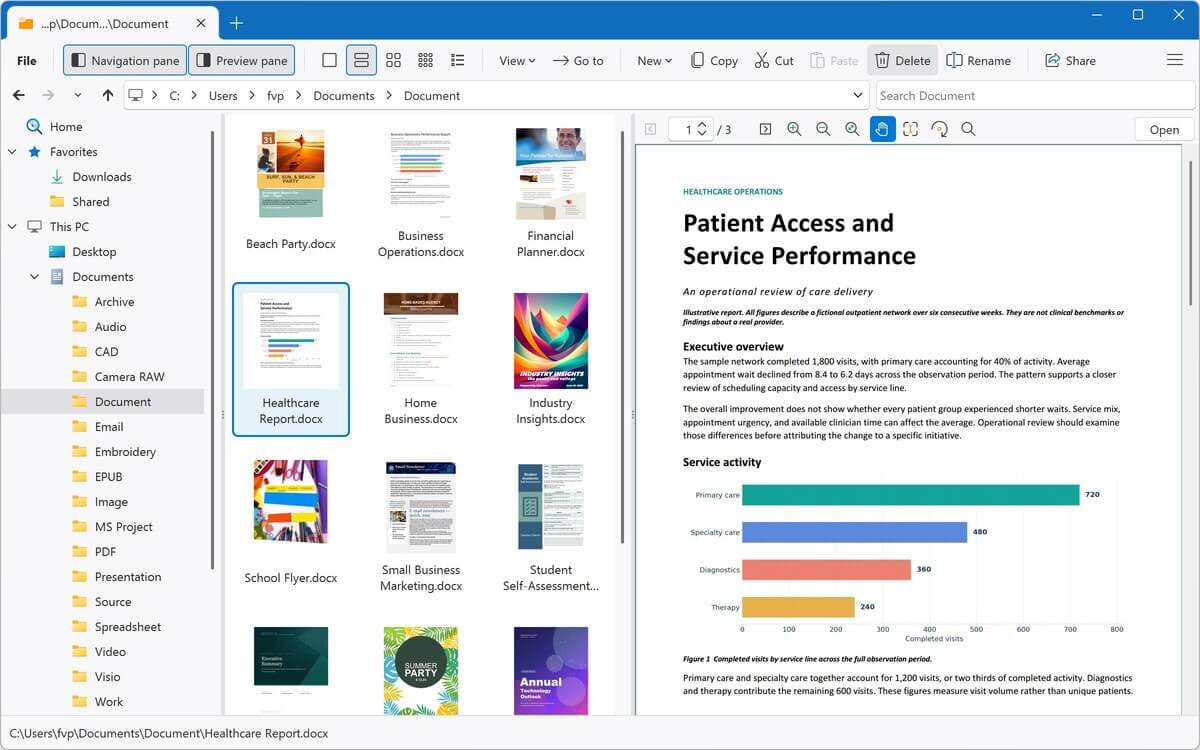
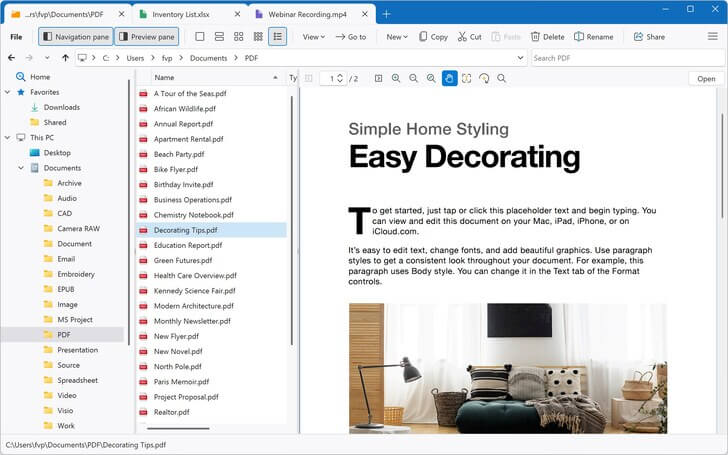
Find, preview, and open files faster with File Viewer Plus. Its built-in file explorer lets you browse, search, and preview your files without leaving the app.
-
Fast search
Search the current folder and all of its subfolders, your Favorites, or an open archive. Results appear as they're found.
-
Full file previews New in Version 7
Scroll through entire PDFs and Office documents, plus emails, web pages, and Markdown files, right in the preview pane.
-
Everything in one place
Copy, move, rename, and share files. Then open, edit, or convert them without switching to another app.
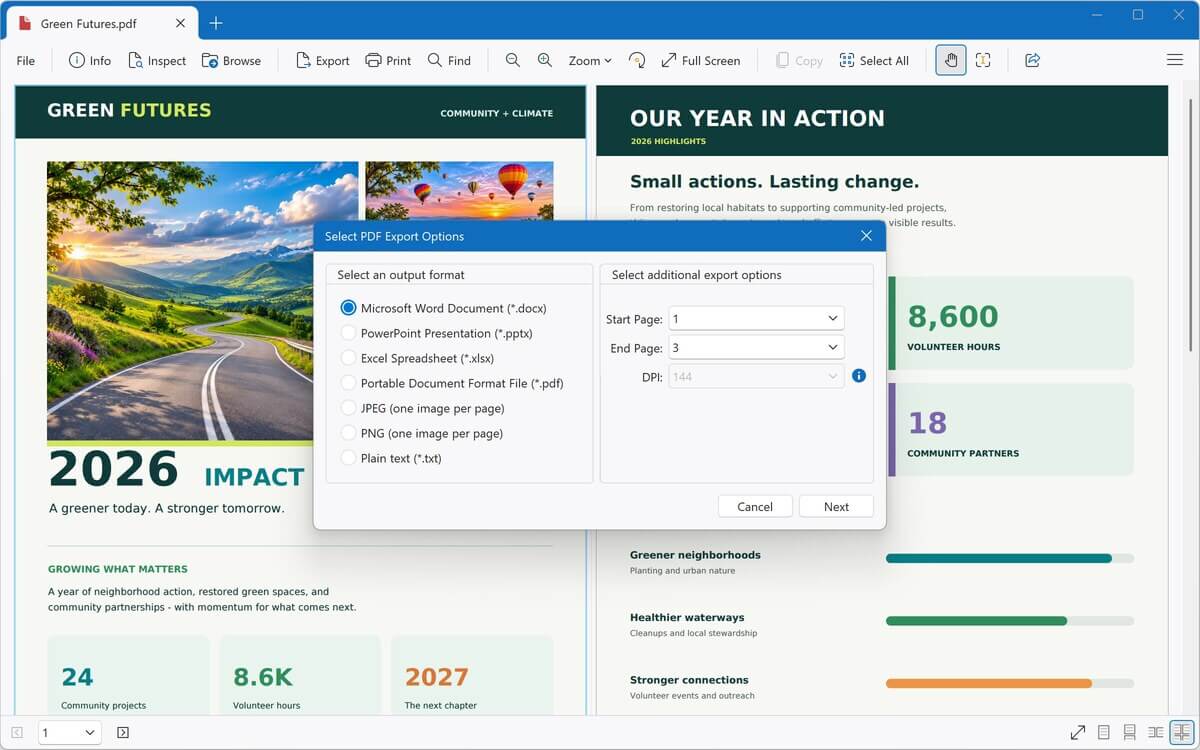
Convert PDFs to editable Word documents
Turn a PDF into a fully editable DOCX file, then make changes in the built-in word processor or Microsoft Word.
- Also convert PDFs to Excel, PowerPoint, JPEG, PNG, or plain text
- Save Word documents, spreadsheets, and presentations as PDFs
- Convert images, audio, and video to other formats
- Batch convert thousands of files at once, including entire folders
- Save conversion presets and rename files automatically
Advanced tools, built in
Go beyond viewing with tools for scanned documents and unknown files.
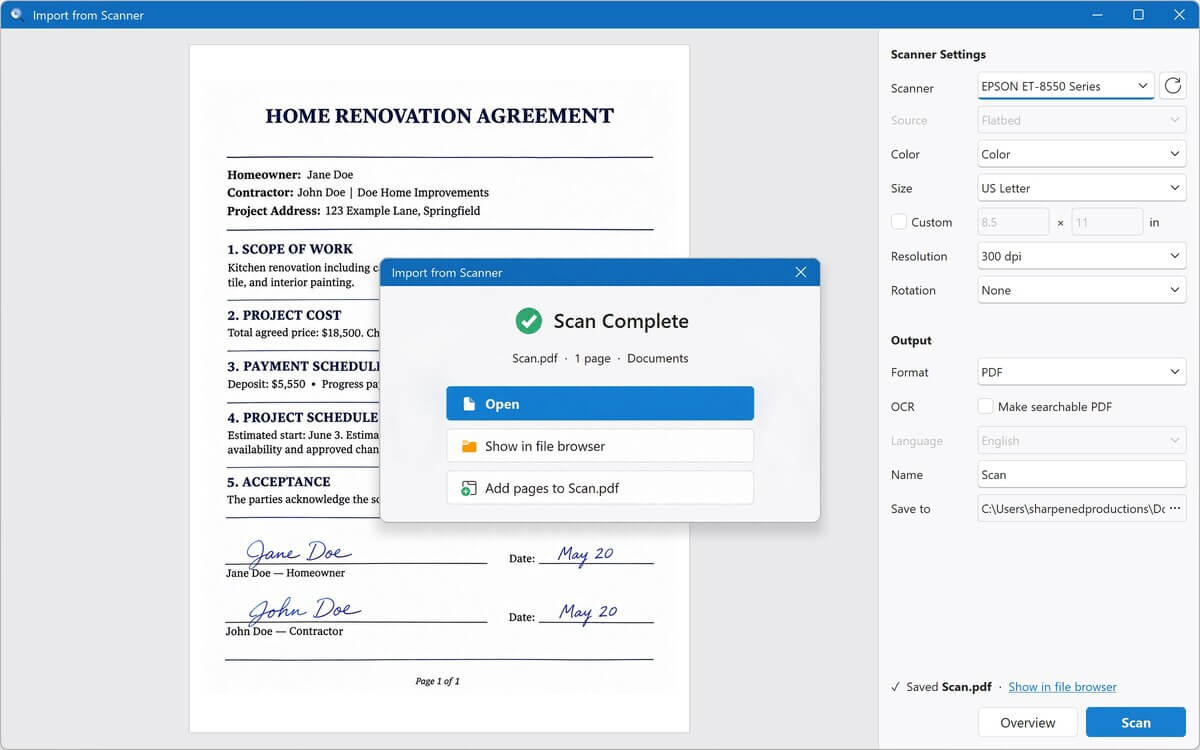
- Import from scanner New in Version 7
Scan straight into File Viewer Plus as a PDF or image, adding pages as you go - OCR New in Version 7
Pull text from scanned pages and photos to copy it or save a searchable PDF - File identifier
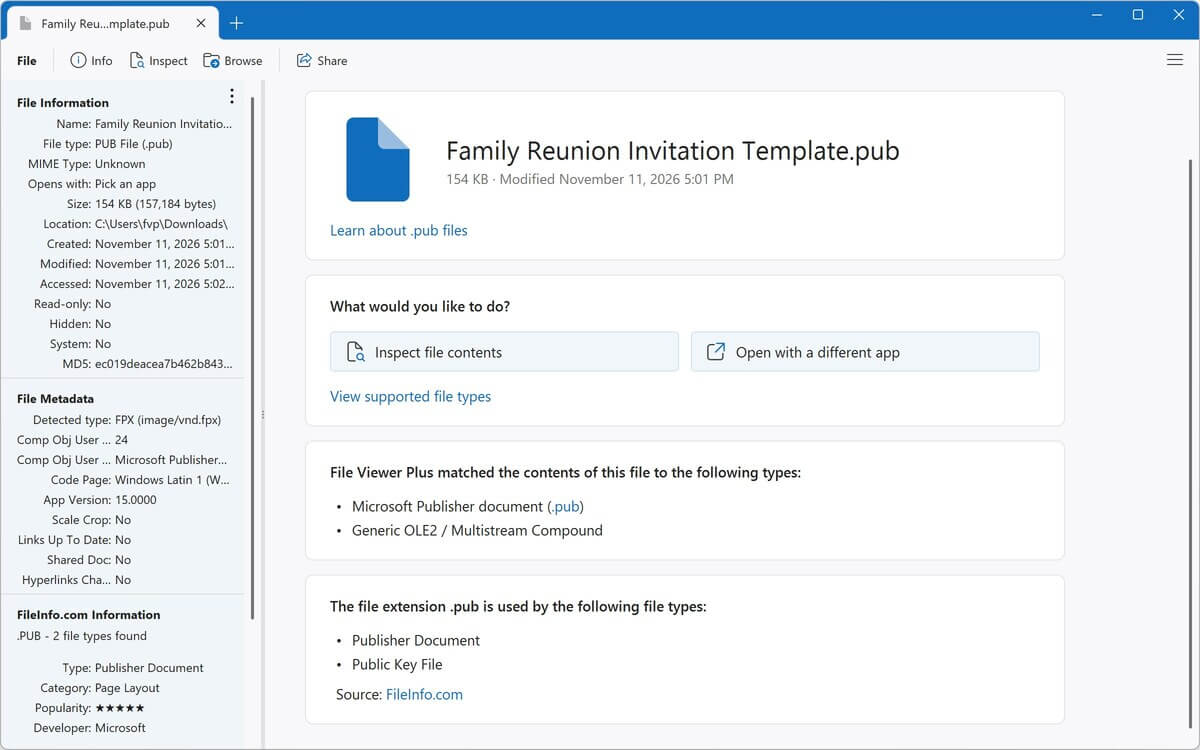
Identify unknown files, even without an extension, from over 10,000 formats - File inspector
Look inside any file with text and hex views, metadata, EXIF data, and hashes
Recent Reviews
Read more reviews →This is the best file viewer. It's easy to use and opens all kinds of files!
What a breeze. I downloaded another .XPS file viewer and converter program, and it was a bust, but File Viewer Plus worked like a charm!
File Viewer Plus is my go-to when I run into unexpected problems. It is an exceptional file viewer.
Wonderful software. File Viewer Plus is indispensable for every organisation, regardless of size, and it's an excellent tool for students as well. Since I started using it, all my conversions have been completely seamless.
This is the best thing to happen to my system, to the point that I have no clue how I used my computer without it! If you are still considering this app ... trust me, just get it.
File Viewer Plus is a fantastic, easy-to-use app, given the wide range of benefits it offers. The program has saved me more than once when looking for documents, pictures, presentations, and speeches. I would recommend it to anyone!
I have well over 300 Visio files and no longer have Visio access. I have been searching for a Visio file viewer, and this app worked smoothly on the first attempt!
File Viewer Plus has made it possible to view my embroidery files, which Windows won't do. I think it's a great program!
File Viewer Plus is quick and easy to use! It's especially helpful for opening my pictures in the proprietary Seattle Film Works format.
If you want to quickly check HEIC image files or batch convert them to JPG, I highly recommend downloading this program! The conversion results are excellent. Also, there are various preview options, so you can switch according to your preferences. It includes a simple, easy-to-understand interface design, a thoughtful design. Thank you to the developers for their dedication in providing such a high-quality app!
File Viewer Plus is excellent for teachers! I am a teacher, and students submit assignments using many different file types. This app really helps when I need to open unique file types, such as .HEIC files, that other apps can't open.
The app is simple and helpful. I've been looking for proper apps to open all my documents, as I don't have Office 365, and browsers don't help with editing them, but File Viewer Plus does it all!