File Viewer Plusは 究極のファイルユーティリティ, ファイルマネージャー, Officeエディター, PDFコンバーター, 画像ビューアー, メディアプレーヤー, アーカイブ解凍ツール, メールビューアー, ドキュメントスキャナー, DICOMビューアー, ファイルインスペクター.
バージョン7の新機能を見る →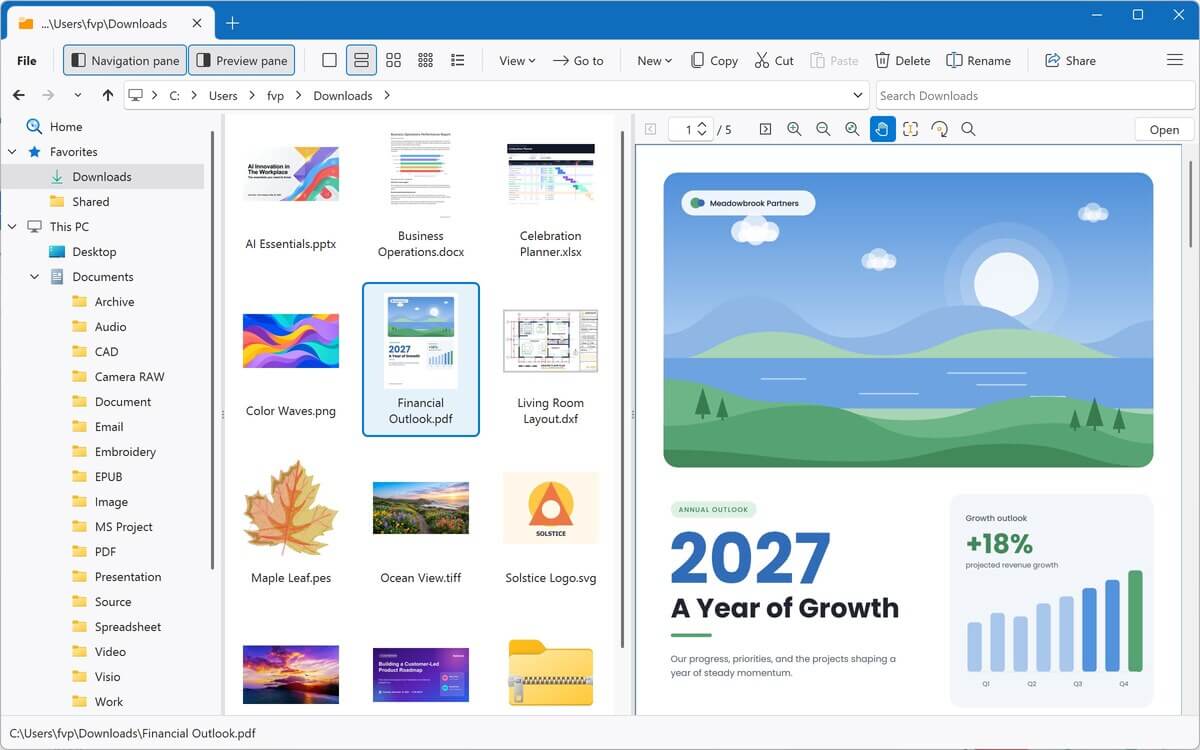
1つのプログラムで、400以上のファイル形式に対応。
ドキュメント、PDF、スプレッドシート、写真、音楽、動画、アーカイブ、メールなどを、Windows用の1つのアプリでまとめて扱えます。上のカテゴリーを選択するか、下から検索して、File Viewer Plusでそれぞれのファイル形式に対して何ができるかをご覧ください。
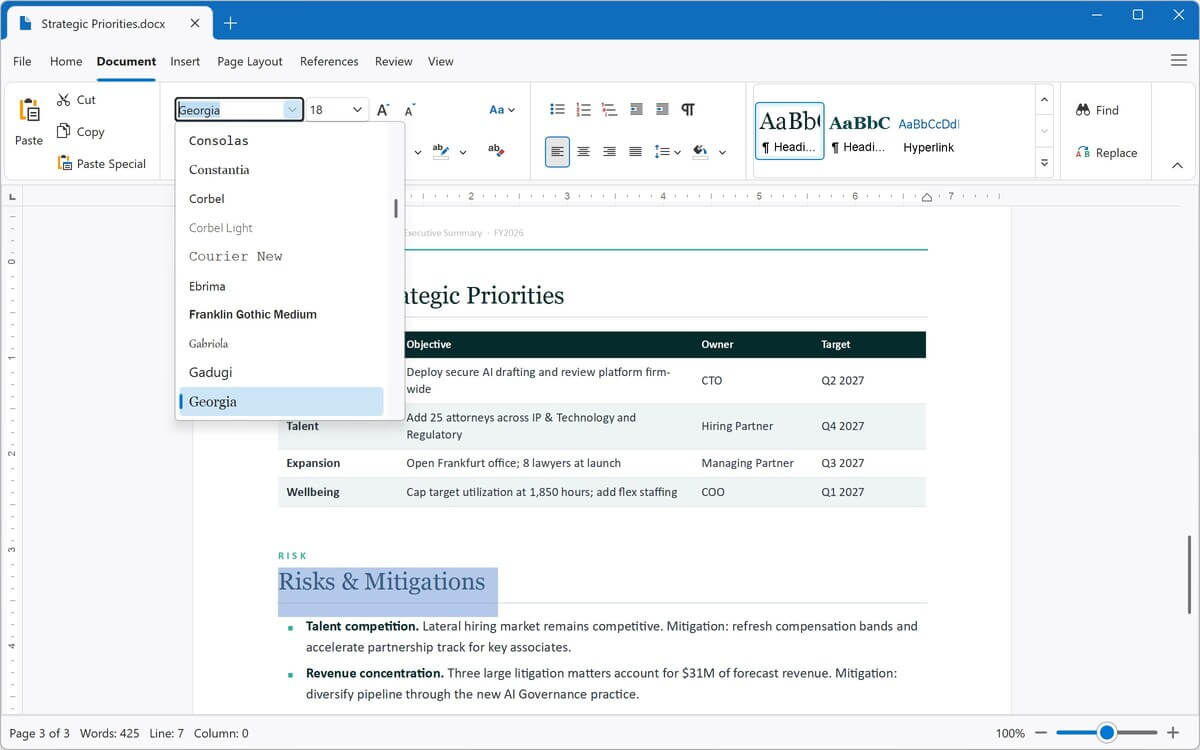
内蔵のワープロでWord文書を開き、編集、保存できます。ODT、RTF、EPUB、プレーンテキストファイルにも対応しています。PDF、DOCXなどの形式にエクスポートできます。
PDFとXPS文書を表示し、PDFを完全に編集可能なWord文書、Excelスプレッドシート、PowerPointプレゼンテーション、画像、テキストに変換できます。
ExcelスプレッドシートとCSVファイルを開き、編集、保存できます。XLSX、XLS、CSVの相互変換や、PDFへのエクスポートが可能です。
PowerPointとOpenDocumentのプレゼンテーションを表示し、PDF、JPEG、PNGに変換できます。
Visioの図面、ステンシル、テンプレートを表示し、PDF、JPEG、PNGにエクスポートできます。
Microsoft Projectの計画とテンプレートを表示し、JPEGまたはPNG画像としてエクスポートできます。
AutoCADなしでAutoCAD図面を表示できます。2Dおよび3Dオブジェクトをズーム、回転したり、レイヤーの表示・非表示を切り替えたり、図面をPDFや画像に変換したりできます。
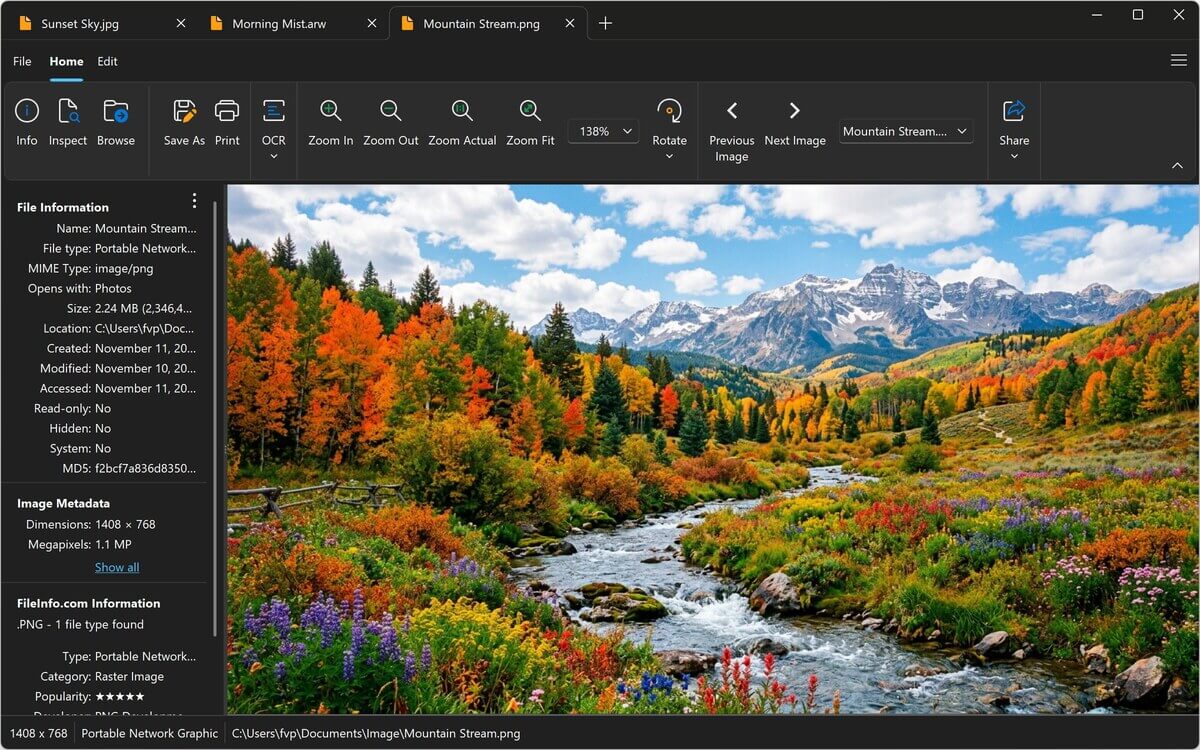
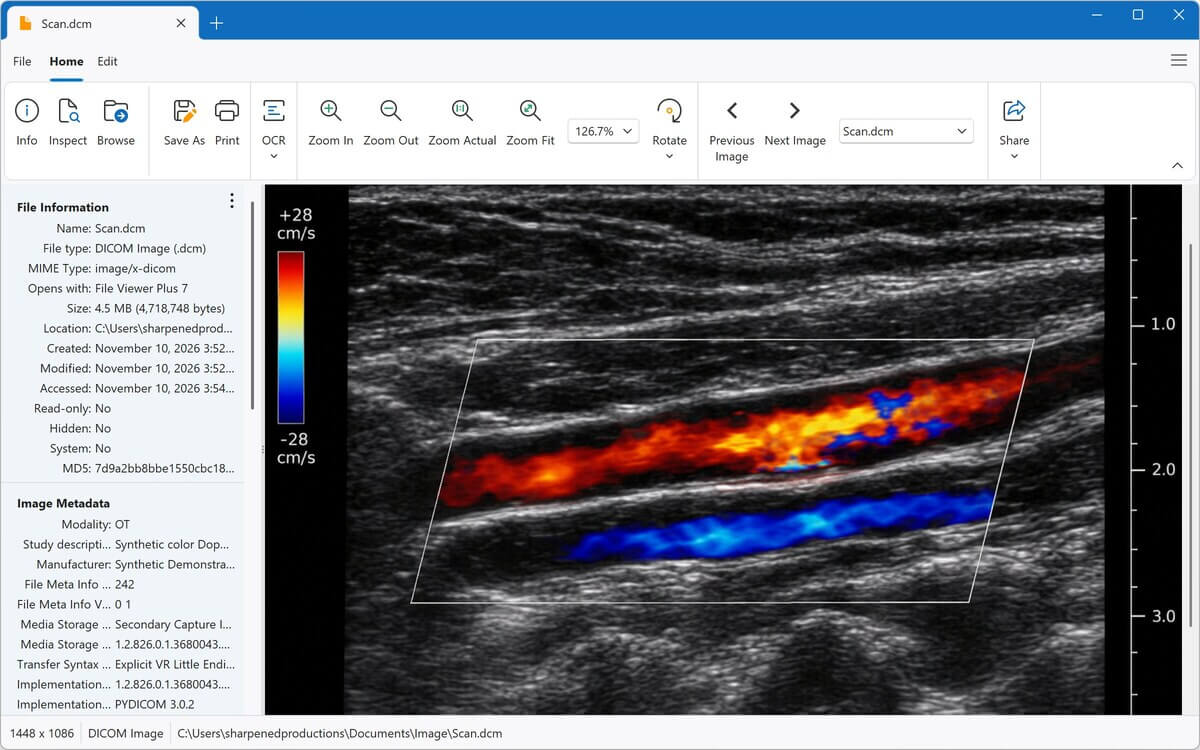
HEIC、PSD、カメラRAW、DICOM医療画像などの写真やグラフィックを表示、編集できます。トリミング、サイズ変更、色の調整を行い、JPEG、PNGなどに変換できます。
内蔵のメディアプレーヤーでMP3、M4A、WAV、FLACなど数十種類以上の形式を、波形やアルバムアートとともに再生できます。音声をMP3またはM4Aに変換できます。
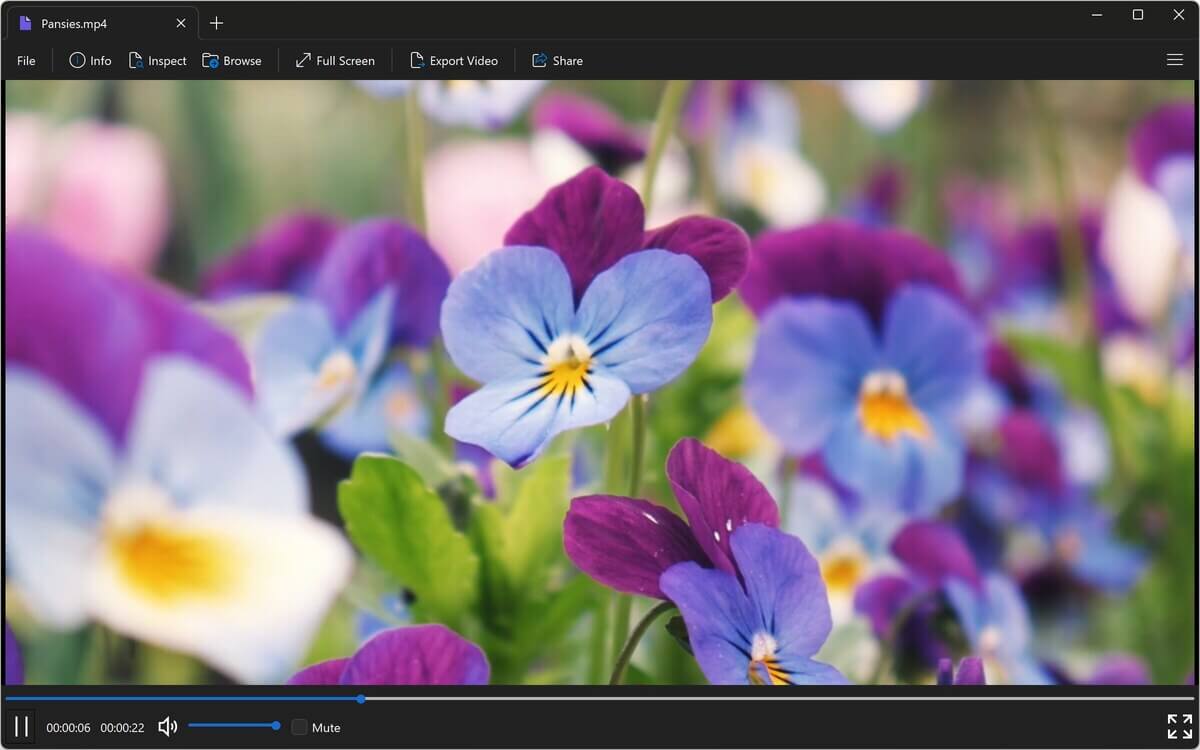
MP4、MOV、AVI、MKVなど数十種類以上の形式を、ウィンドウまたは全画面で再生できます。動画をMP4に変換したり、音声だけをMP3またはM4Aとして保存したりできます。
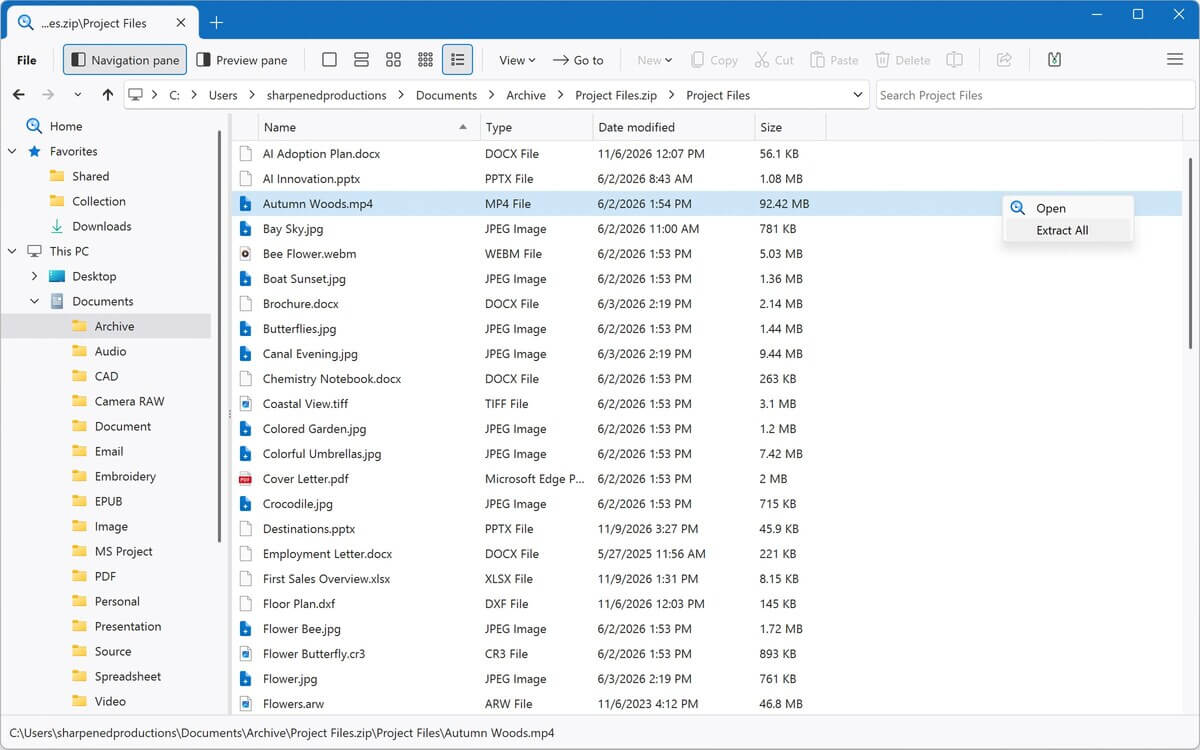
ZIP、RAR、7Z、ISOなどのアーカイブをフォルダーのように参照し、必要なファイルだけを展開できます。
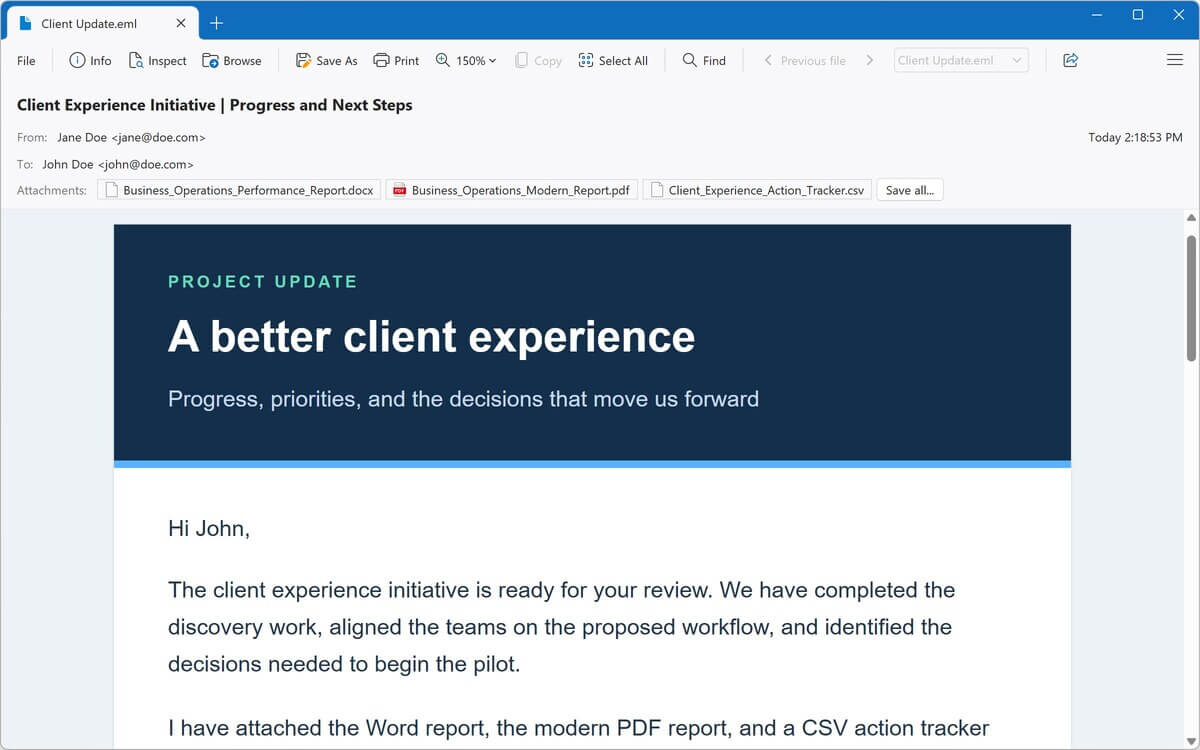
Outlook MSGやWinmail.datファイルなど、保存されたメールを開けます。メッセージの読み取り、添付ファイルの保存、メールのPDF保存が可能です。
保存したWebページやMHTML Webアーカイブを表示し、内蔵のソースコードエディターでHTMLを編集できます。
構文の強調表示、行番号、コードの折りたたみに対応し、数十種類のプログラミング言語のコードを開いて編集できます。
試す
すべてのファイル形式を見る →Windows用の、より便利なファイルエクスプローラー
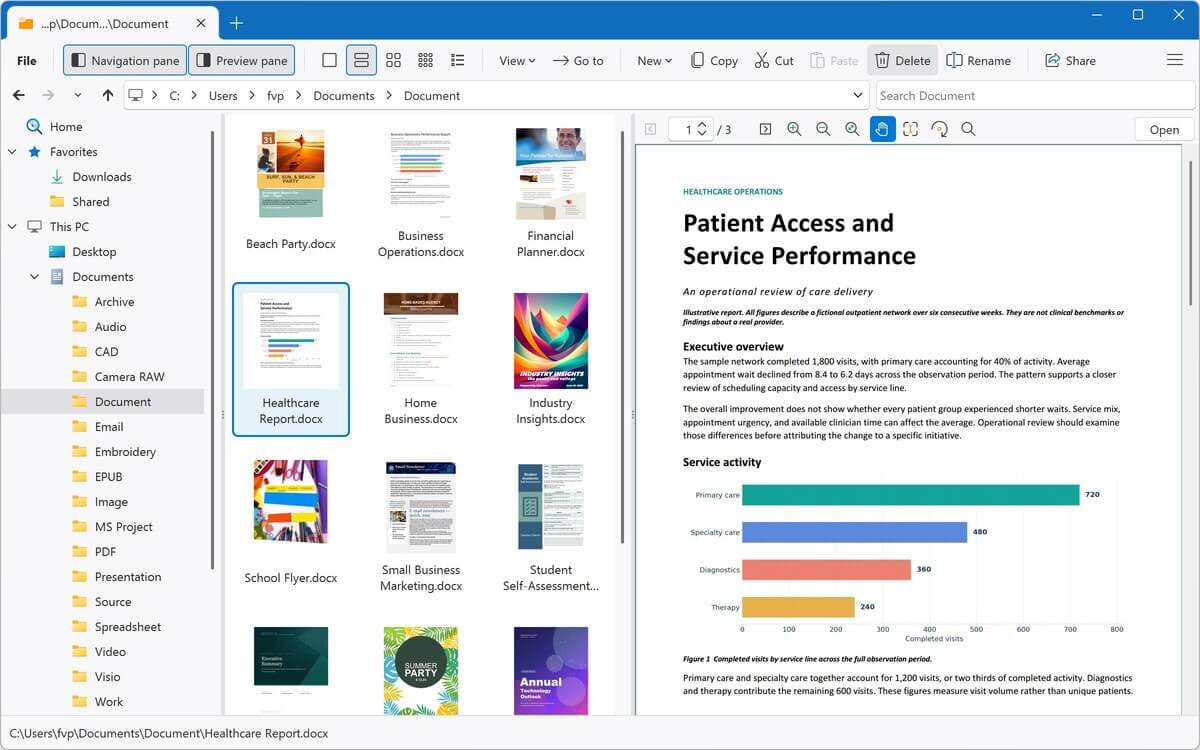
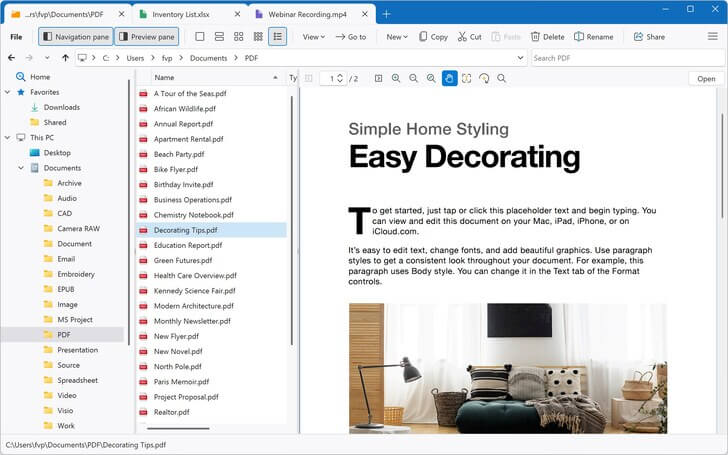
File Viewer Plusなら、ファイルをすばやく見つけて、プレビューし、開くことができます。内蔵のファイルエクスプローラーを使えば、アプリを切り替えずにファイルの参照、検索、プレビューができます。
-
高速検索
現在のフォルダーとそのすべてのサブフォルダー、お気に入り、または開いているアーカイブを検索できます。検索結果は見つかり次第表示されます。
-
ファイル全体のプレビュー バージョン7の新機能
プレビューウィンドウで、PDFやOfficeドキュメント全体をスクロールできるほか、メール、Webページ、Markdownファイルもその場で確認できます。
-
すべてを1か所で
ファイルのコピー、移動、名前の変更、共有ができます。その後、別のアプリに切り替えずに開く、編集する、変換することもできます。
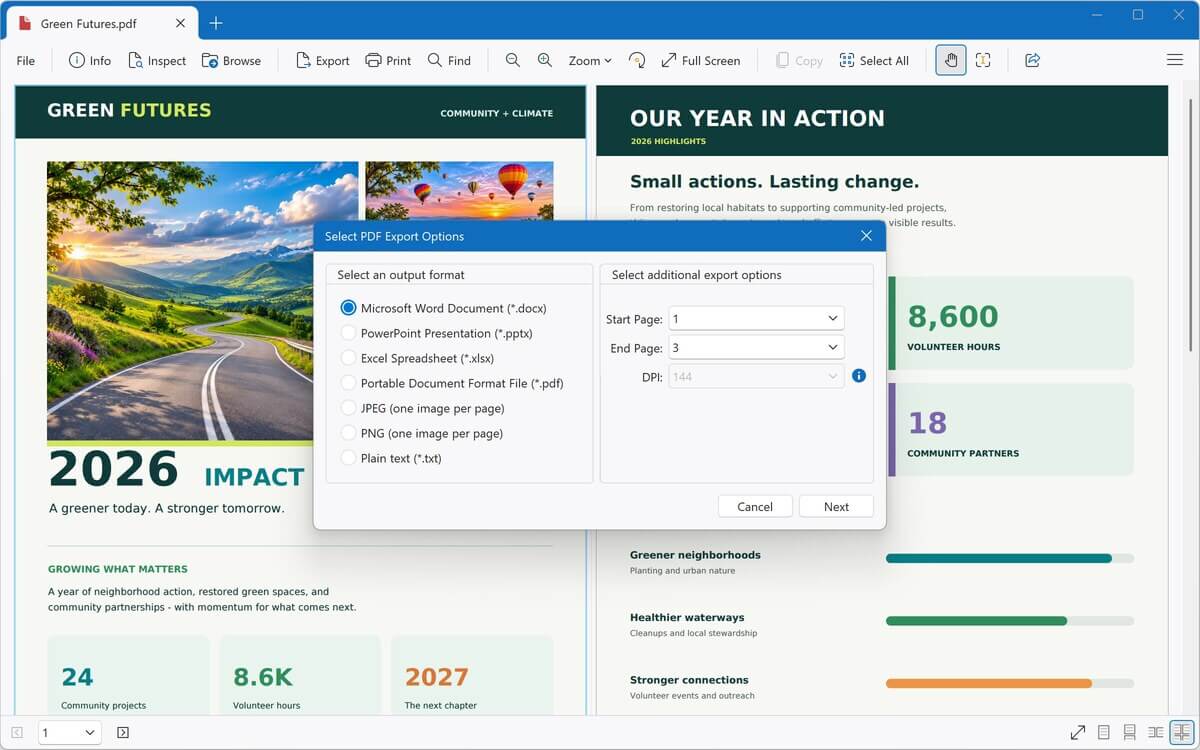
PDFを編集可能なWordドキュメントに変換
PDFを完全に編集可能なDOCXファイルに変換し、内蔵のワープロまたはMicrosoft Wordで変更を加えられます。
- PDFをExcel、PowerPoint、JPEG、PNG、またはプレーンテキストにも変換
- Wordドキュメント、スプレッドシート、プレゼンテーションをPDFとして保存
- 画像、音声、動画を他の形式に変換
- フォルダー全体を含む数千のファイルを一括変換
- 変換プリセットを保存し、ファイル名を自動的に変更
高度なツールを内蔵
スキャンしたドキュメントや不明なファイルに対応するツールで、表示だけにとどまらない操作ができます。
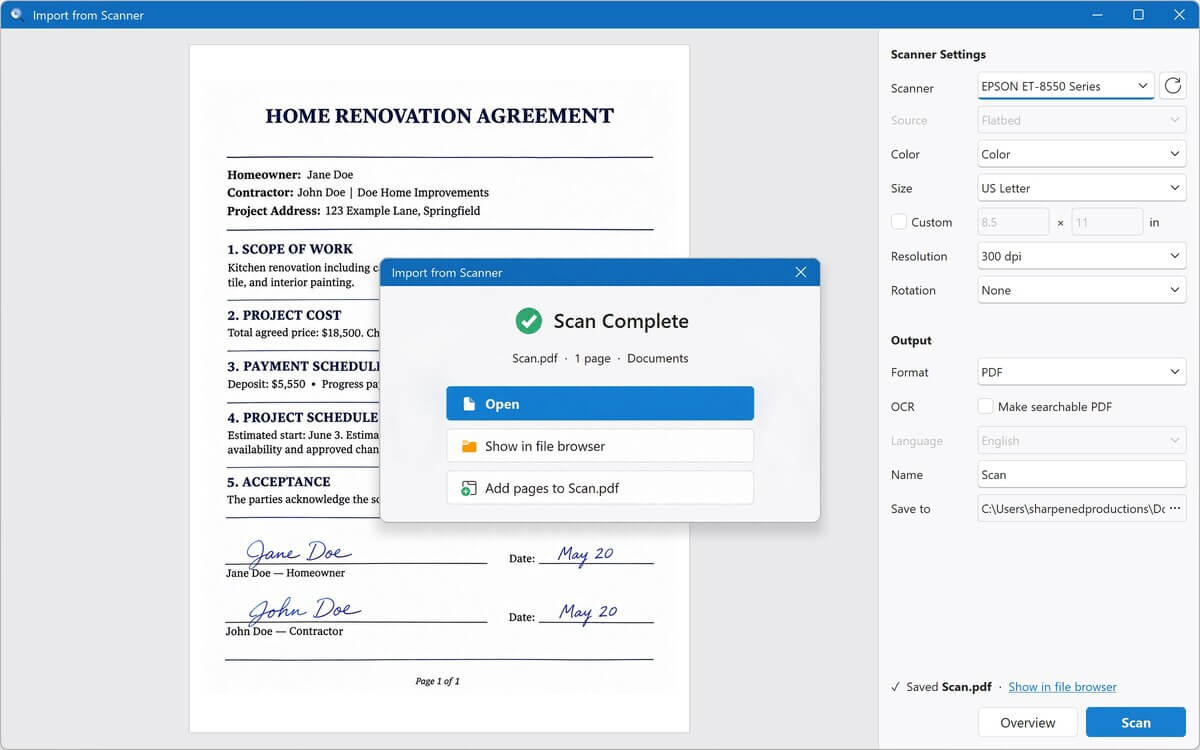
- スキャナーからインポート バージョン7の新機能
PDFまたは画像としてFile Viewer Plusに直接スキャンし、スキャンしながらページを追加できます - OCR バージョン7で新登場
スキャンしたページや写真からテキストを抽出し、コピーしたり検索可能なPDFとして保存したりできます - ファイル識別
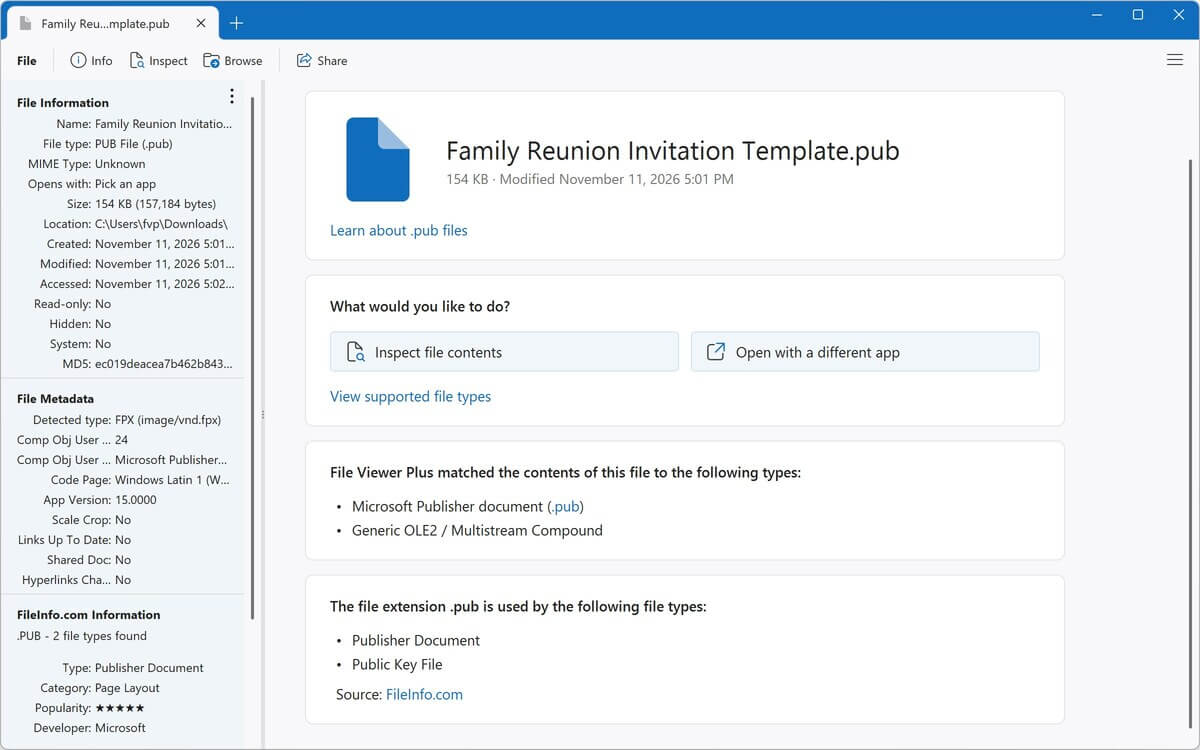
拡張子のないファイルも含め、10,000種類以上のファイル形式から不明なファイルを識別します - ファイルインスペクター
テキスト表示や16進数表示、メタデータ、EXIFデータ、ハッシュを使って、あらゆるファイルの内部を確認できます
最近のレビュー
さらにレビューを読む →This is the best file viewer. It's easy to use and opens all kinds of files!
What a breeze. I downloaded another .XPS file viewer and converter program, and it was a bust, but File Viewer Plus worked like a charm!
File Viewer Plus is my go-to when I run into unexpected problems. It is an exceptional file viewer.
Wonderful software. File Viewer Plus is indispensable for every organisation, regardless of size, and it's an excellent tool for students as well. Since I started using it, all my conversions have been completely seamless.
This is the best thing to happen to my system, to the point that I have no clue how I used my computer without it! If you are still considering this app ... trust me, just get it.
File Viewer Plus is a fantastic, easy-to-use app, given the wide range of benefits it offers. The program has saved me more than once when looking for documents, pictures, presentations, and speeches. I would recommend it to anyone!
I have well over 300 Visio files and no longer have Visio access. I have been searching for a Visio file viewer, and this app worked smoothly on the first attempt!
File Viewer Plus has made it possible to view my embroidery files, which Windows won't do. I think it's a great program!
File Viewer Plus is quick and easy to use! It's especially helpful for opening my pictures in the proprietary Seattle Film Works format.
If you want to quickly check HEIC image files or batch convert them to JPG, I highly recommend downloading this program! The conversion results are excellent. Also, there are various preview options, so you can switch according to your preferences. It includes a simple, easy-to-understand interface design, a thoughtful design. Thank you to the developers for their dedication in providing such a high-quality app!
File Viewer Plus is excellent for teachers! I am a teacher, and students submit assignments using many different file types. This app really helps when I need to open unique file types, such as .HEIC files, that other apps can't open.
The app is simple and helpful. I've been looking for proper apps to open all my documents, as I don't have Office 365, and browsers don't help with editing them, but File Viewer Plus does it all!