File Viewer Plus是 终极文件工具, 文件管理器, Office编辑器, PDF转换器, 图像查看器, 媒体播放器, 压缩文件解压工具, 电子邮件查看器, 文档扫描工具, DICOM查看器, 文件检查器.
查看版本7中的新功能 →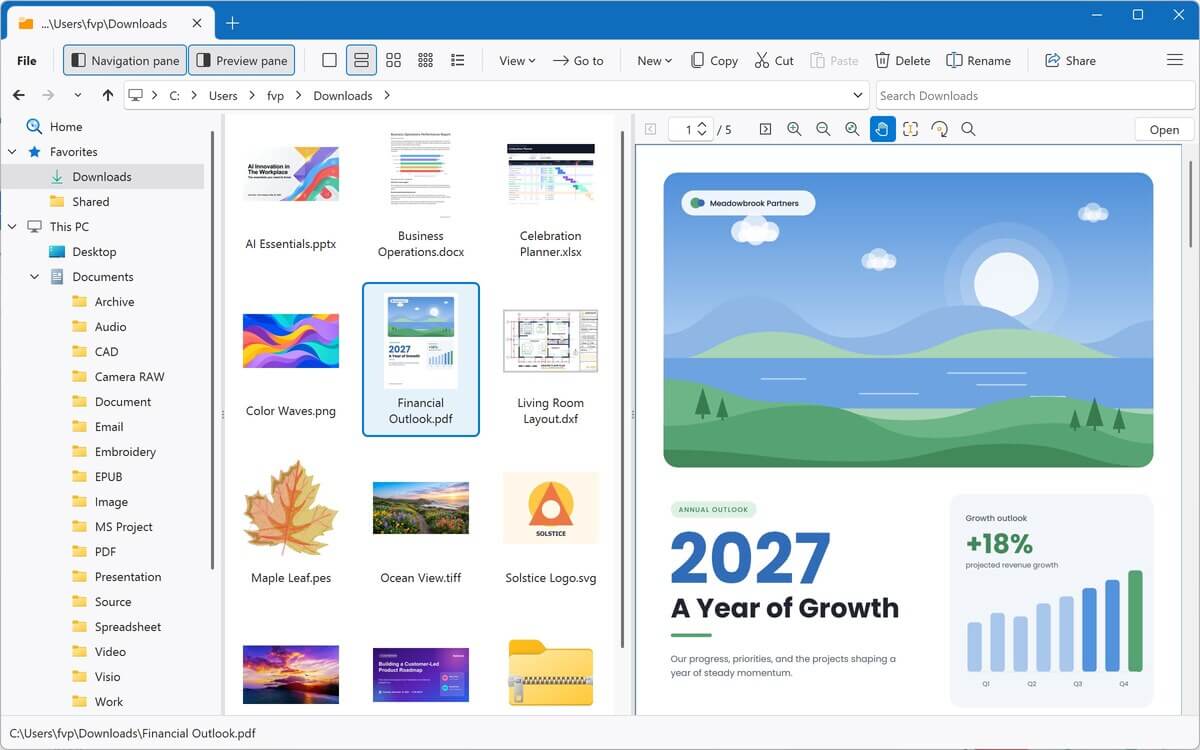
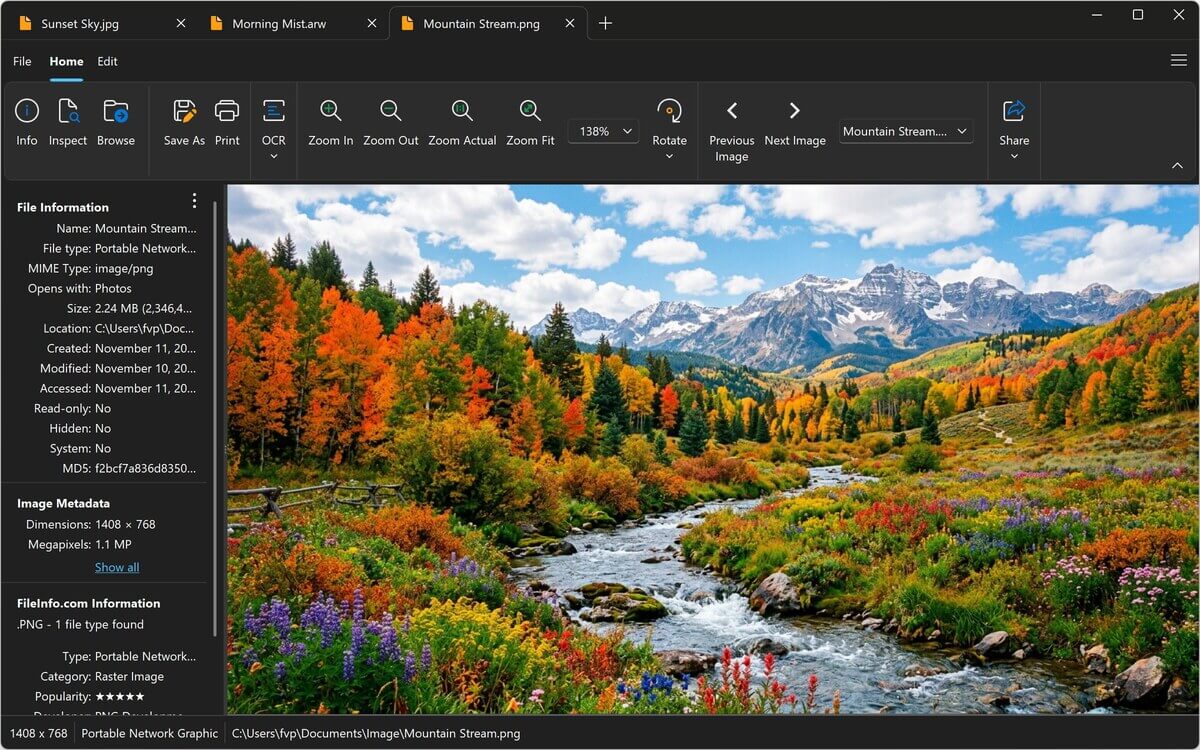
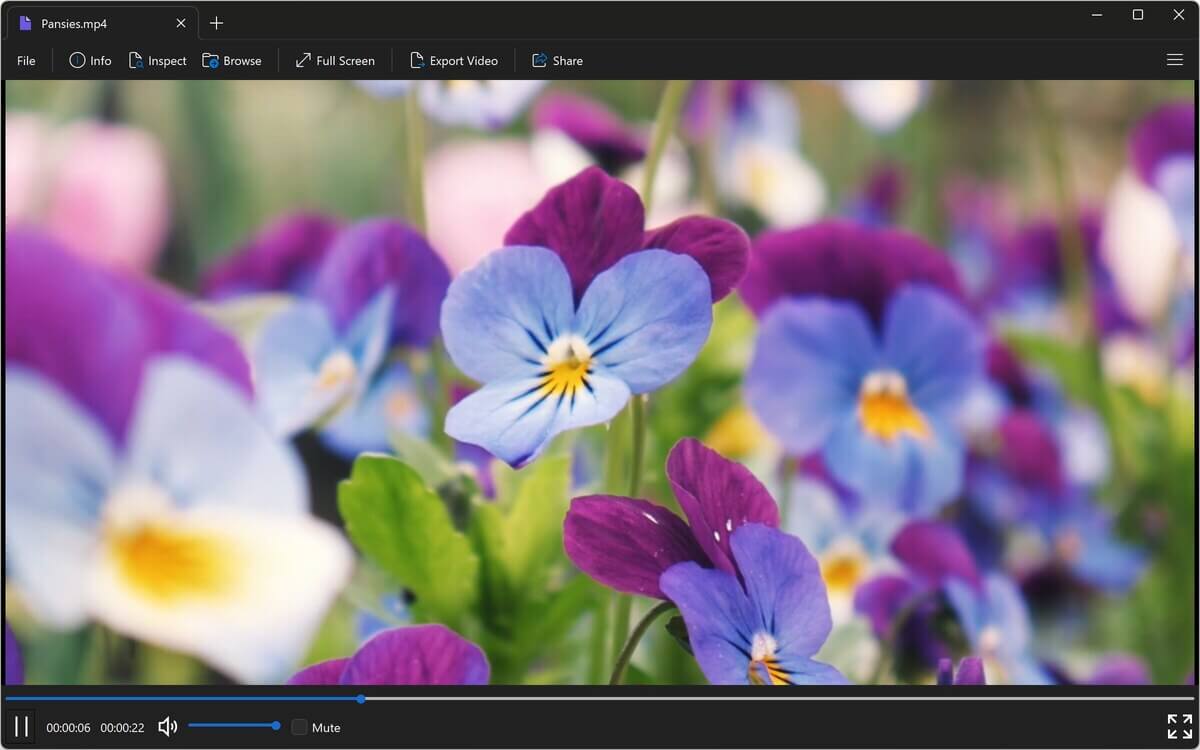
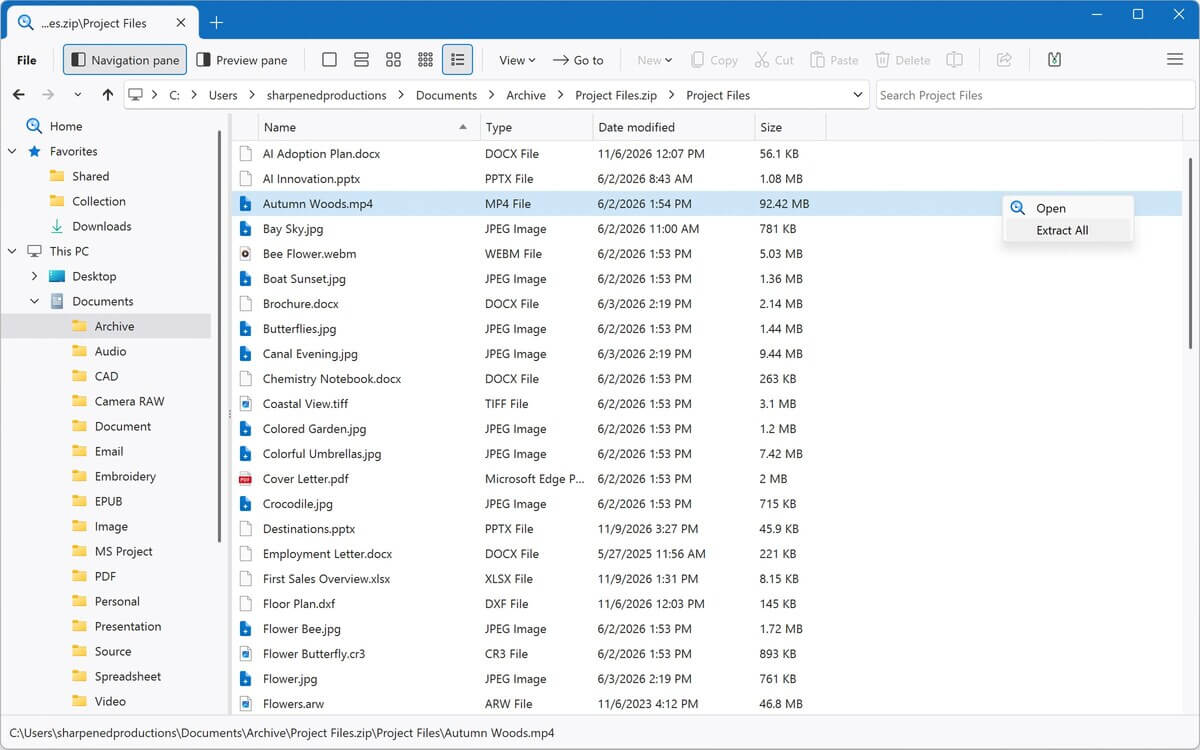
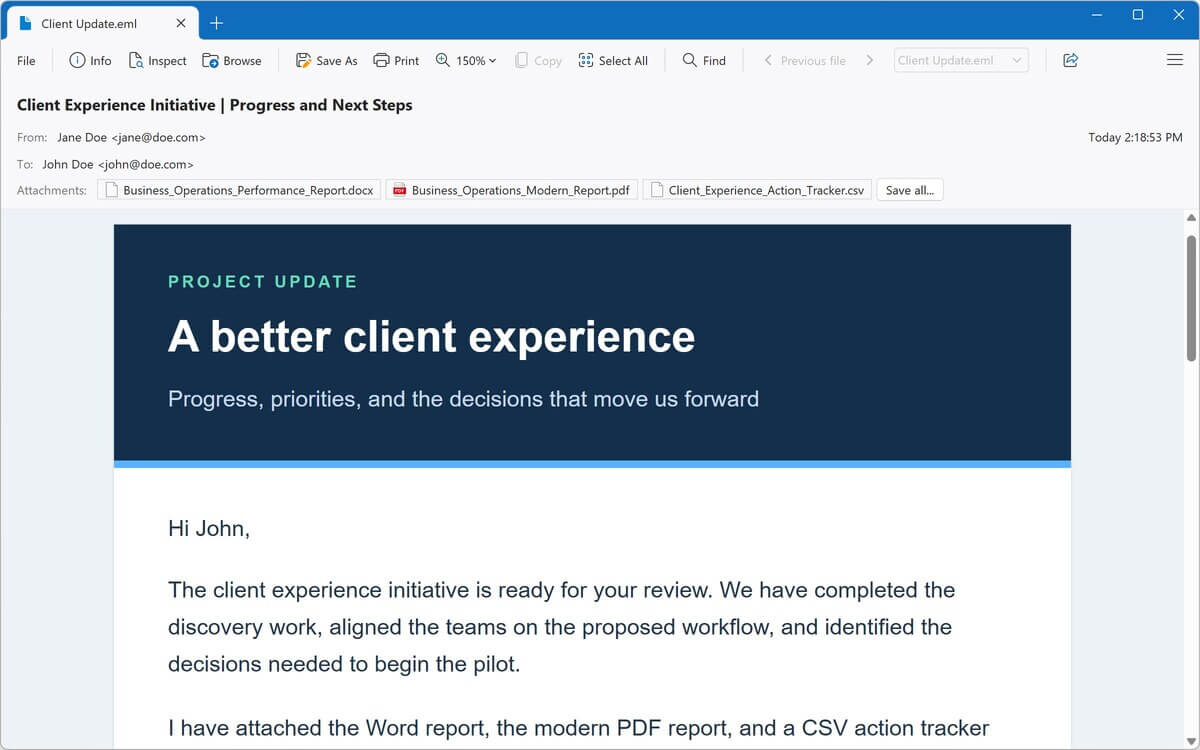
一个程序,支持400多种文件类型
文档、PDF、电子表格、照片、音乐、视频、压缩包、电子邮件等,全部集中在一个Windows应用中。选择上方的类别,或在下方搜索,了解File Viewer Plus可以对每种文件类型执行哪些操作。
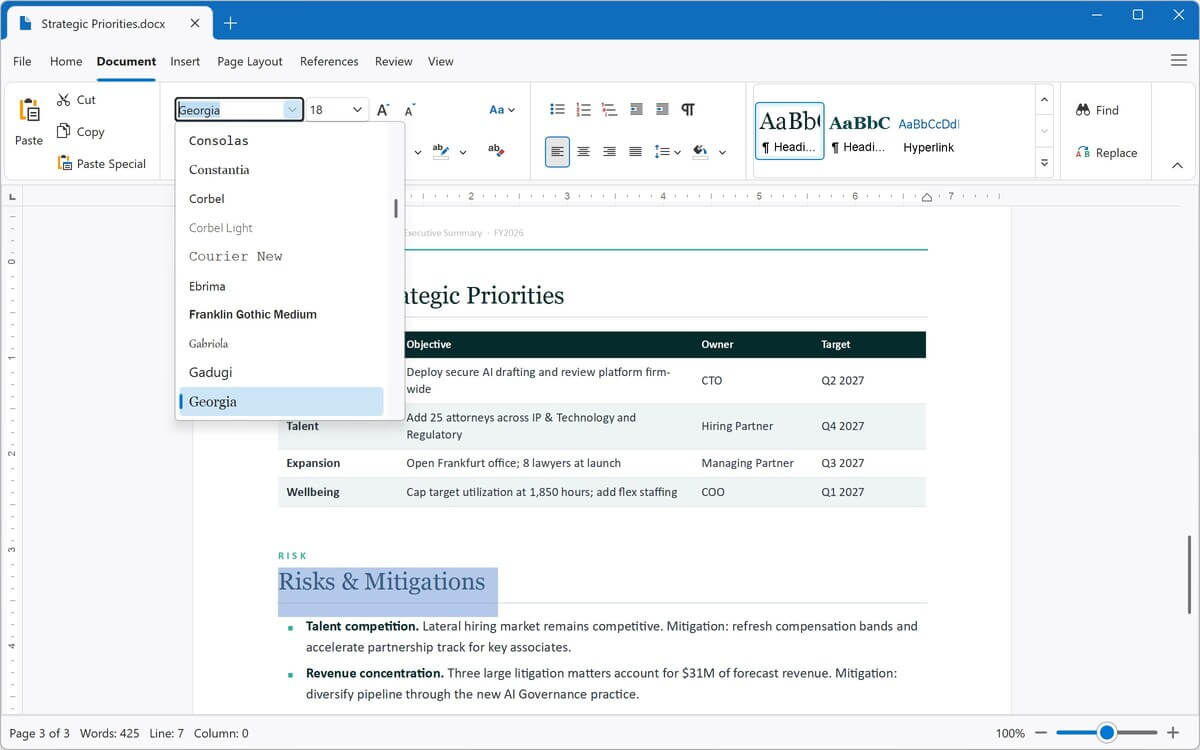
使用内置文字处理器打开、编辑和保存Word文档,以及ODT、RTF、EPUB和纯文本文件。将它们导出为PDF、DOCX和其他格式。
查看PDF和XPS文档,并将PDF转换为完全可编辑的Word文档、Excel电子表格、PowerPoint演示文稿、图像或文本。
打开、编辑和保存Excel电子表格及CSV文件。在XLSX、XLS和CSV之间进行转换,或导出为PDF。
查看PowerPoint和OpenDocument演示文稿,并将其转换为PDF、JPEG或PNG。
查看Visio绘图、模具和模板,并将其导出为PDF、JPEG或PNG。
查看Microsoft Project计划和模板,并将其导出为JPEG或PNG图像。
无需AutoCAD即可查看AutoCAD绘图。缩放和旋转二维及三维对象,显示或隐藏图层,并将绘图转换为PDF或图像。
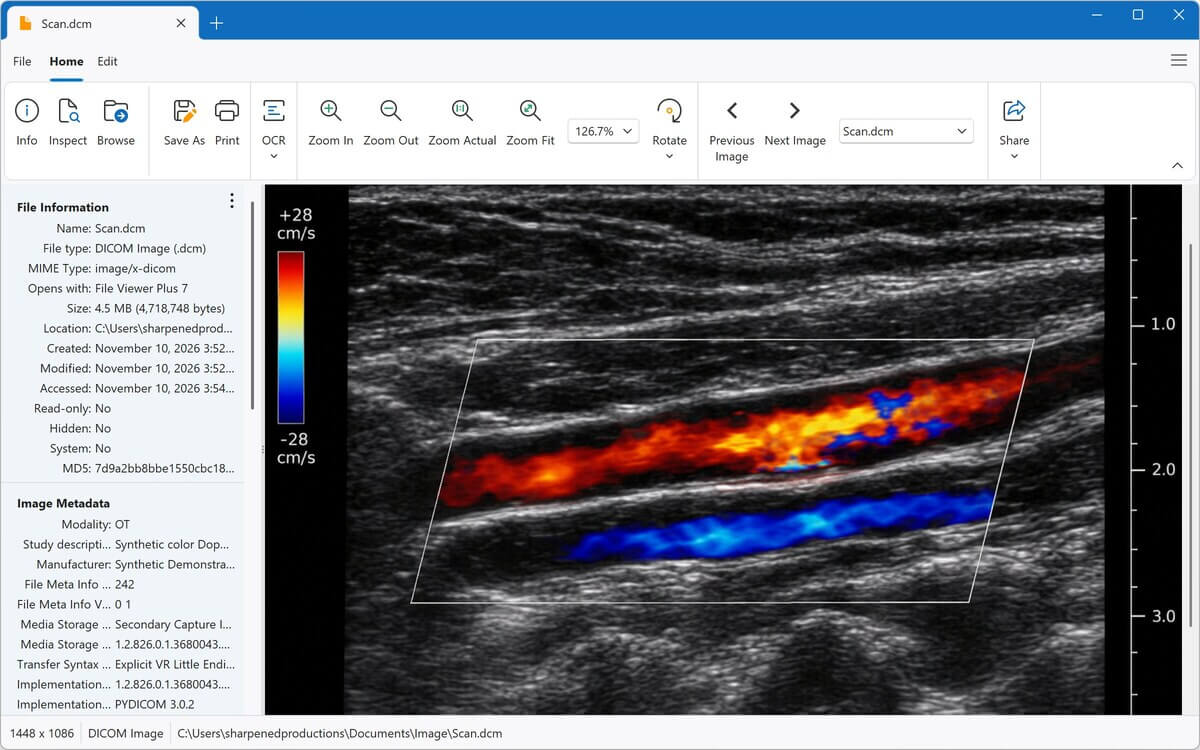
查看和编辑照片及图形,包括HEIC、PSD、相机原始文件和DICOM医学图像。裁剪、调整大小、调整颜色,并转换为JPEG、PNG等格式。
在内置媒体播放器中播放MP3、M4A、WAV、FLAC及数十种其他格式,并显示波形和专辑封面。将音频转换为MP3或M4A。
在窗口或全屏模式下播放MP4、MOV、AVI、MKV及数十种其他格式。将视频转换为MP4,或仅将音频保存为MP3或M4A。
像浏览文件夹一样浏览ZIP、RAR、7Z、ISO及其他存档文件,并仅提取所需文件。
打开已保存的电子邮件,包括Outlook MSG和Winmail.dat文件。阅读邮件、保存附件,并将电子邮件保存为PDF。
查看已保存的网页和MHTML网页存档,并在内置源代码编辑器中编辑HTML。
打开和编辑数十种编程语言的代码,并使用语法突出显示、行号和代码折叠功能。
试用
查看所有文件类型 →更出色的Windows文件资源管理器
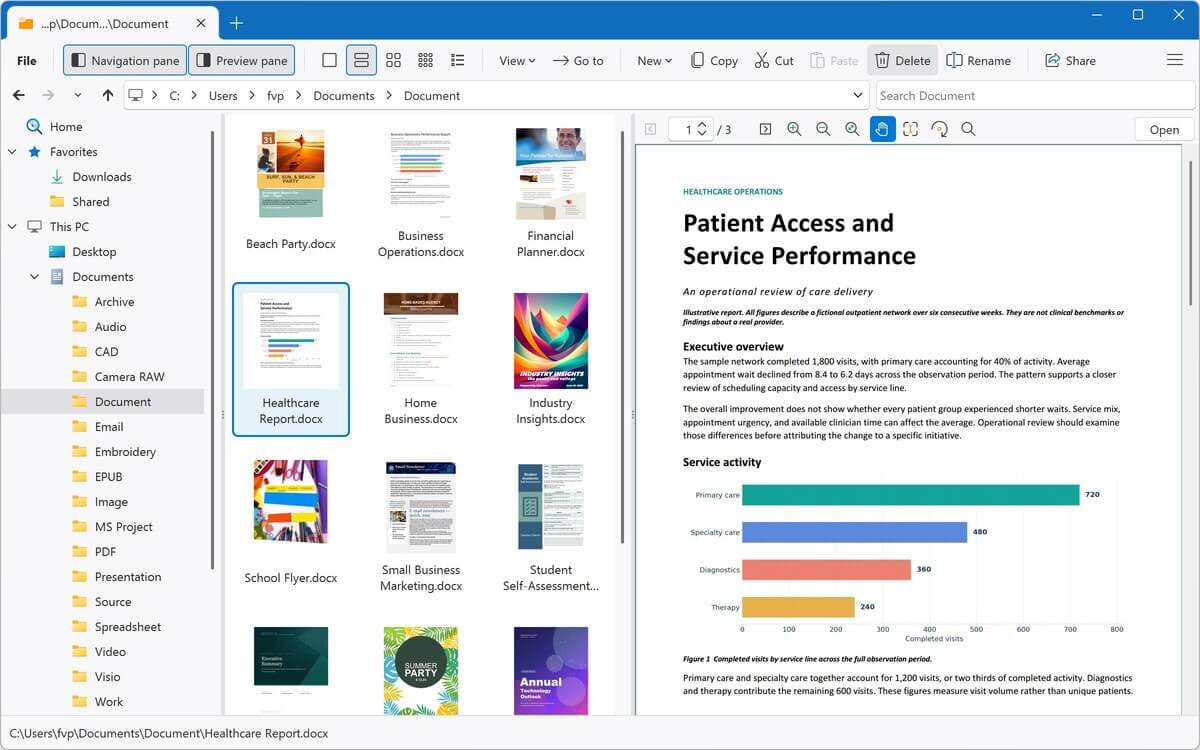
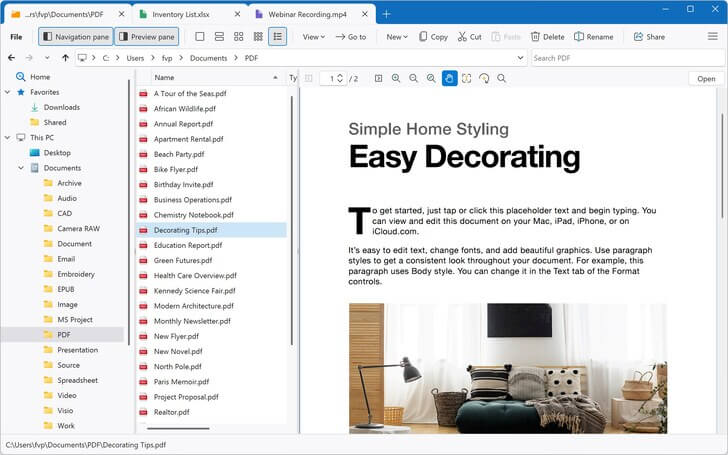
使用File Viewer Plus更快地查找、预览和打开文件。内置文件资源管理器让您无需离开应用即可浏览、搜索和预览文件。
-
快速搜索
搜索当前文件夹及其所有子文件夹、收藏夹或打开的压缩包。搜索结果会在找到后立即显示。
-
完整文件预览版本7新增
直接在预览窗格中滚动查看完整的PDF和Office文档,以及电子邮件、网页和Markdown文件。
-
一站式完成所有操作
复制、移动、重命名和共享文件,然后无需切换到其他应用即可打开、编辑或转换文件。
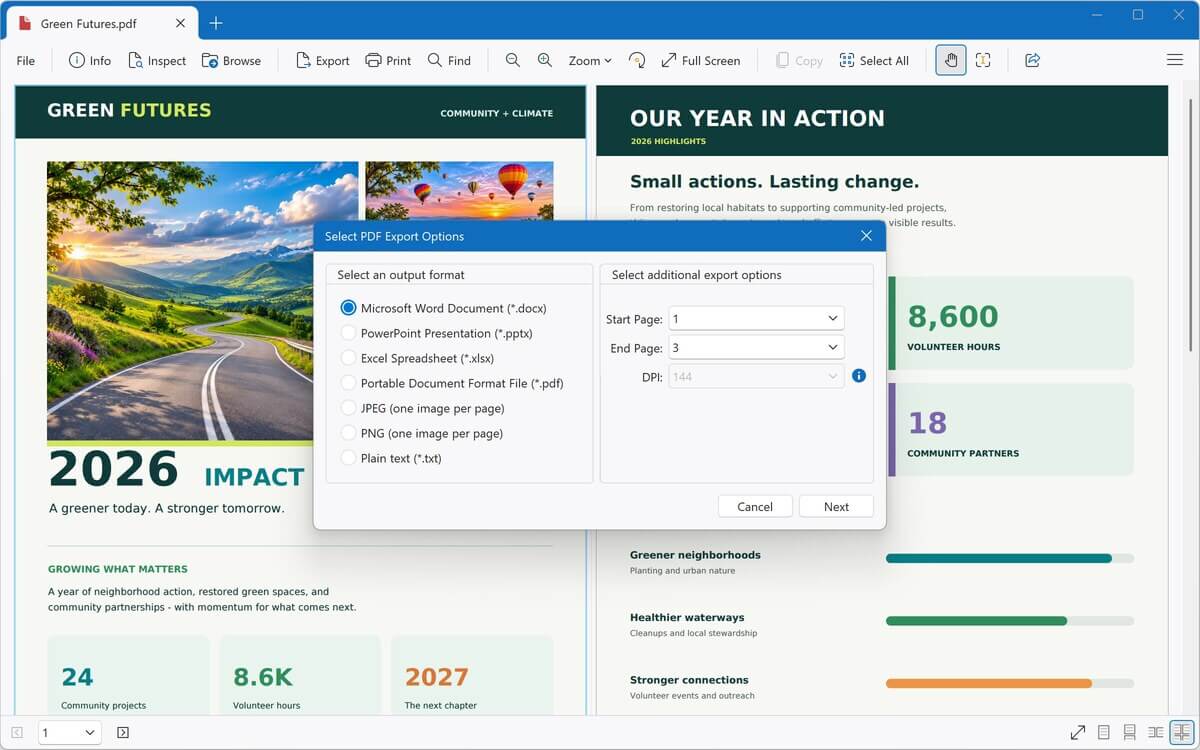
将PDF转换为可编辑的Word文档
将PDF转换为完全可编辑的DOCX文件,然后在内置文字处理器或Microsoft Word中进行修改。
- 还可将PDF转换为Excel、PowerPoint、JPEG、PNG或纯文本
- 将Word文档、电子表格和演示文稿保存为PDF
- 将图像、音频和视频转换为其他格式
- 一次批量转换数千个文件,包括整个文件夹
- 保存转换预设并自动重命名文件
内置高级工具
借助扫描文档和未知文件处理工具,不止于查看文件。
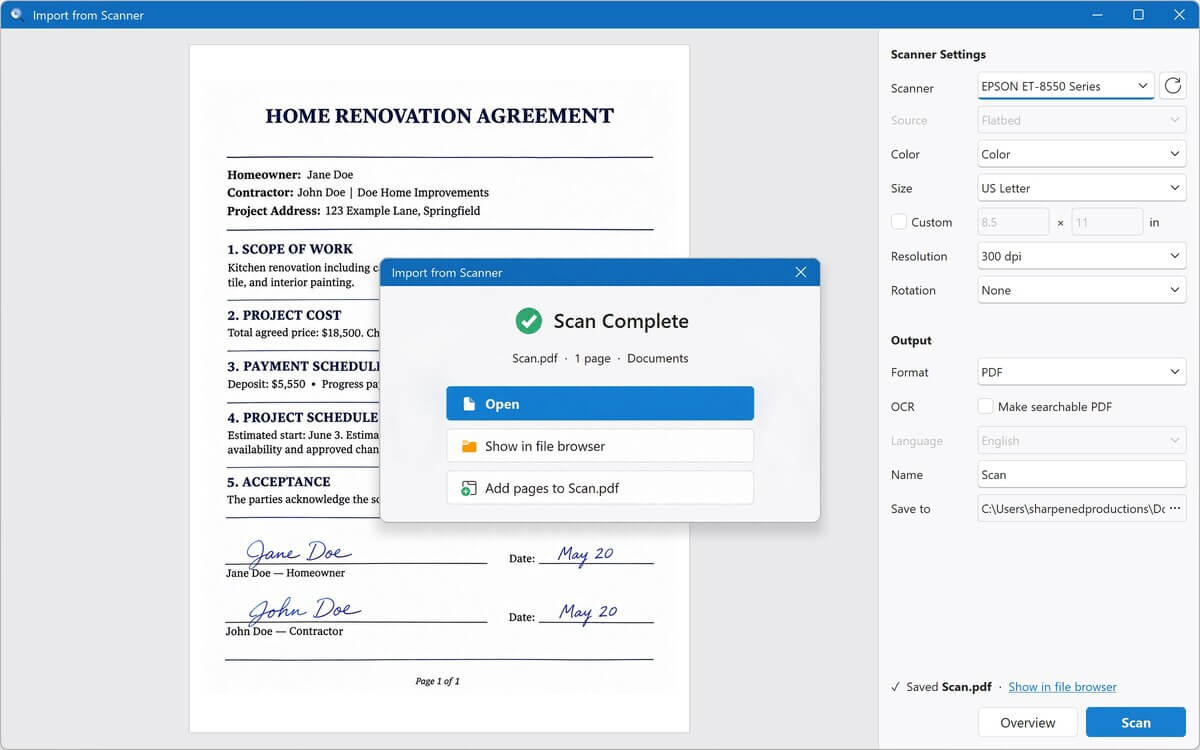
- 从扫描仪导入 版本7新增
将内容直接扫描到File Viewer Plus中,保存为PDF或图像,并可边扫描边添加页面 - OCR 版本7新增
从扫描页面和照片中提取文本,以便复制或保存为可搜索的PDF - 文件识别器
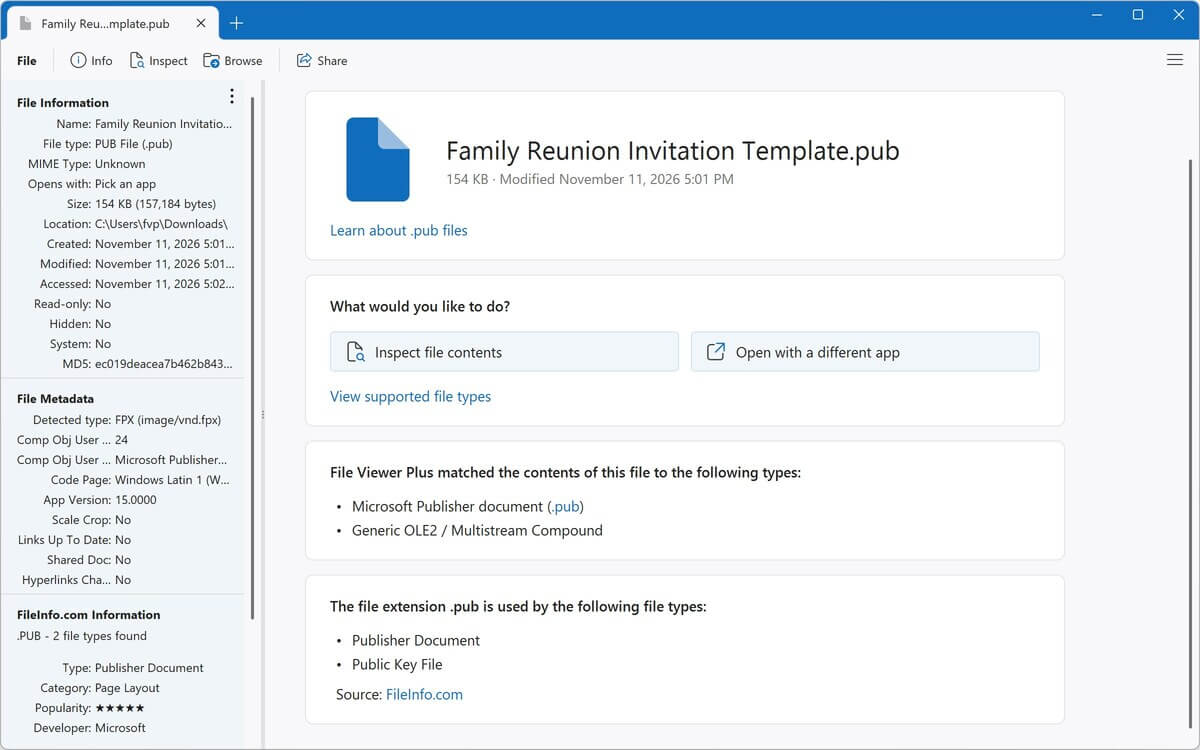
从超过10,000种格式中识别未知文件,即使文件没有扩展名 - 文件检查器
通过文本和十六进制视图、元数据、EXIF数据及哈希值查看任意文件的内部内容
近期评价
阅读更多评价 →This is the best file viewer. It's easy to use and opens all kinds of files!
What a breeze. I downloaded another .XPS file viewer and converter program, and it was a bust, but File Viewer Plus worked like a charm!
File Viewer Plus is my go-to when I run into unexpected problems. It is an exceptional file viewer.
Wonderful software. File Viewer Plus is indispensable for every organisation, regardless of size, and it's an excellent tool for students as well. Since I started using it, all my conversions have been completely seamless.
This is the best thing to happen to my system, to the point that I have no clue how I used my computer without it! If you are still considering this app ... trust me, just get it.
File Viewer Plus is a fantastic, easy-to-use app, given the wide range of benefits it offers. The program has saved me more than once when looking for documents, pictures, presentations, and speeches. I would recommend it to anyone!
I have well over 300 Visio files and no longer have Visio access. I have been searching for a Visio file viewer, and this app worked smoothly on the first attempt!
File Viewer Plus has made it possible to view my embroidery files, which Windows won't do. I think it's a great program!
File Viewer Plus is quick and easy to use! It's especially helpful for opening my pictures in the proprietary Seattle Film Works format.
If you want to quickly check HEIC image files or batch convert them to JPG, I highly recommend downloading this program! The conversion results are excellent. Also, there are various preview options, so you can switch according to your preferences. It includes a simple, easy-to-understand interface design, a thoughtful design. Thank you to the developers for their dedication in providing such a high-quality app!
File Viewer Plus is excellent for teachers! I am a teacher, and students submit assignments using many different file types. This app really helps when I need to open unique file types, such as .HEIC files, that other apps can't open.
The app is simple and helpful. I've been looking for proper apps to open all my documents, as I don't have Office 365, and browsers don't help with editing them, but File Viewer Plus does it all!