File Viewer Plus è l'utilità definitiva per i file, un gestore di file, un editor per Office, un convertitore PDF, un visualizzatore di immagini, un lettore multimediale, un estrattore di archivi, un visualizzatore di email, uno scanner di documenti, un visualizzatore DICOM, un analizzatore di file.
Scopri le novità della versione 7 →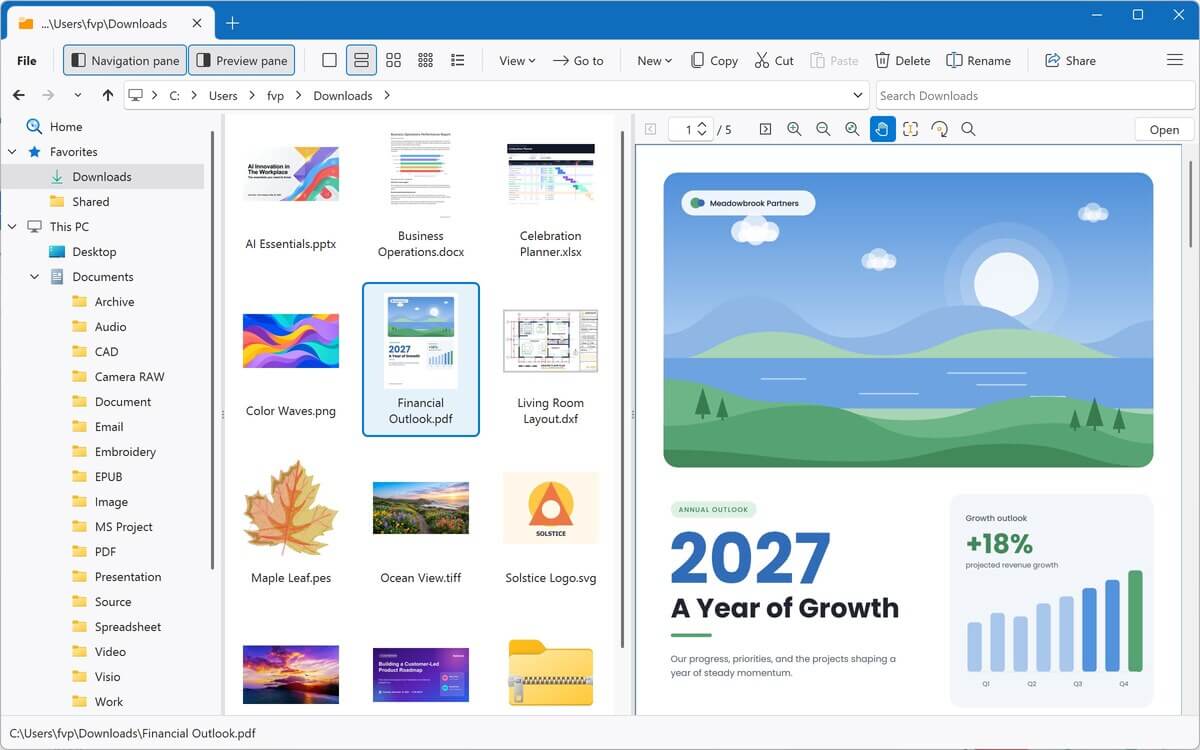
Un programma. Oltre 400 tipi di file.
Documenti, PDF, fogli di calcolo, foto, musica, video, archivi, email e molto altro, tutto in un'unica app per Windows. Scegli una categoria qui sopra o cerca qui sotto per scoprire cosa può fare File Viewer Plus con ogni tipo di file.
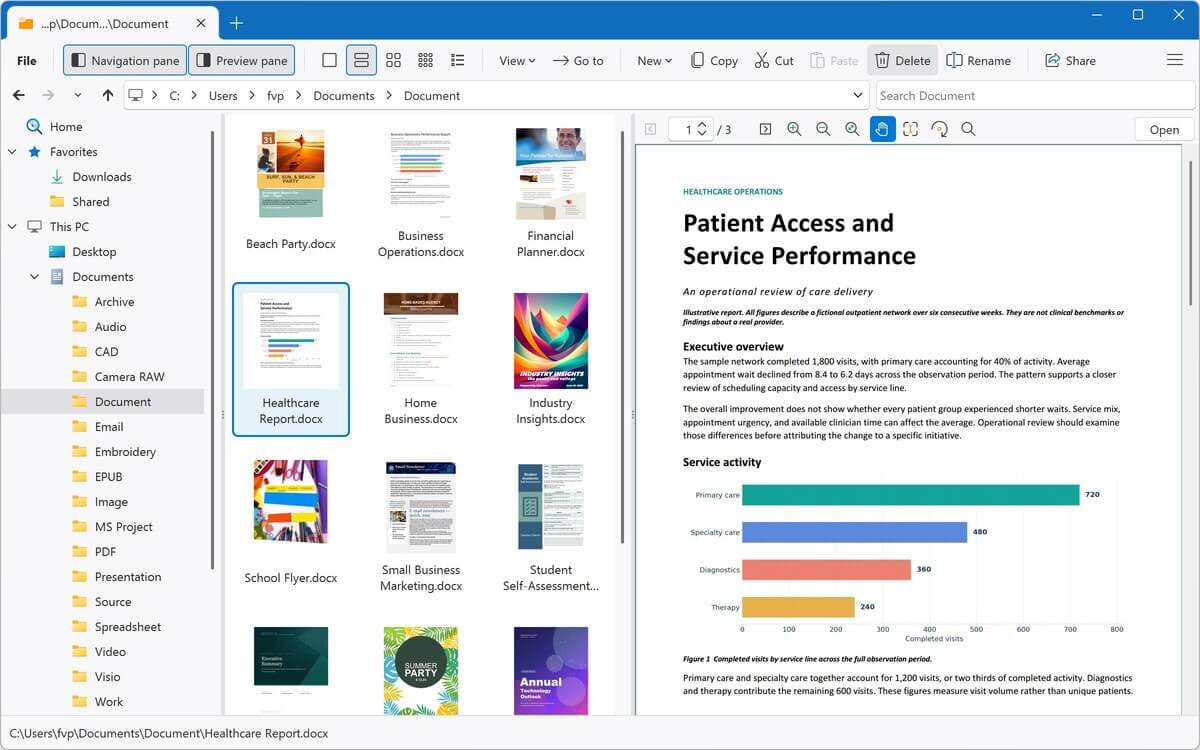
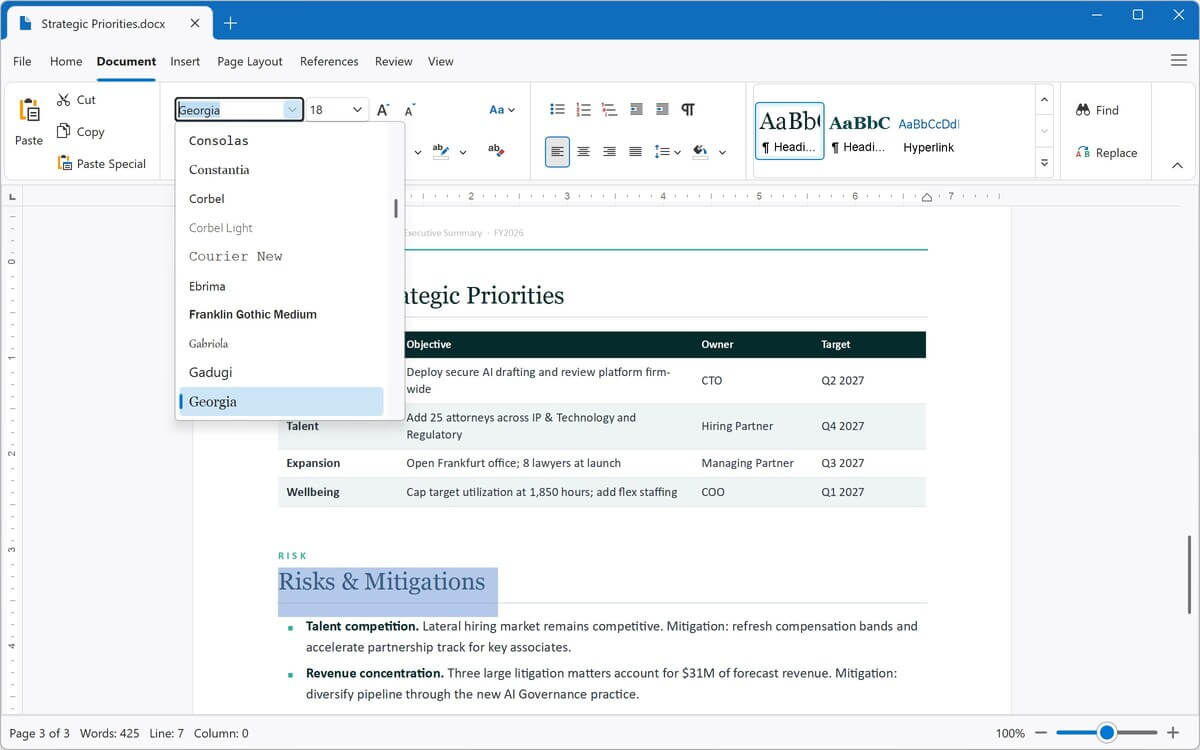
Apri, modifica e salva documenti Word, oltre a file ODT, RTF, EPUB e di testo semplice, nell'elaboratore di testi integrato. Esportali in PDF, DOCX e altri formati.
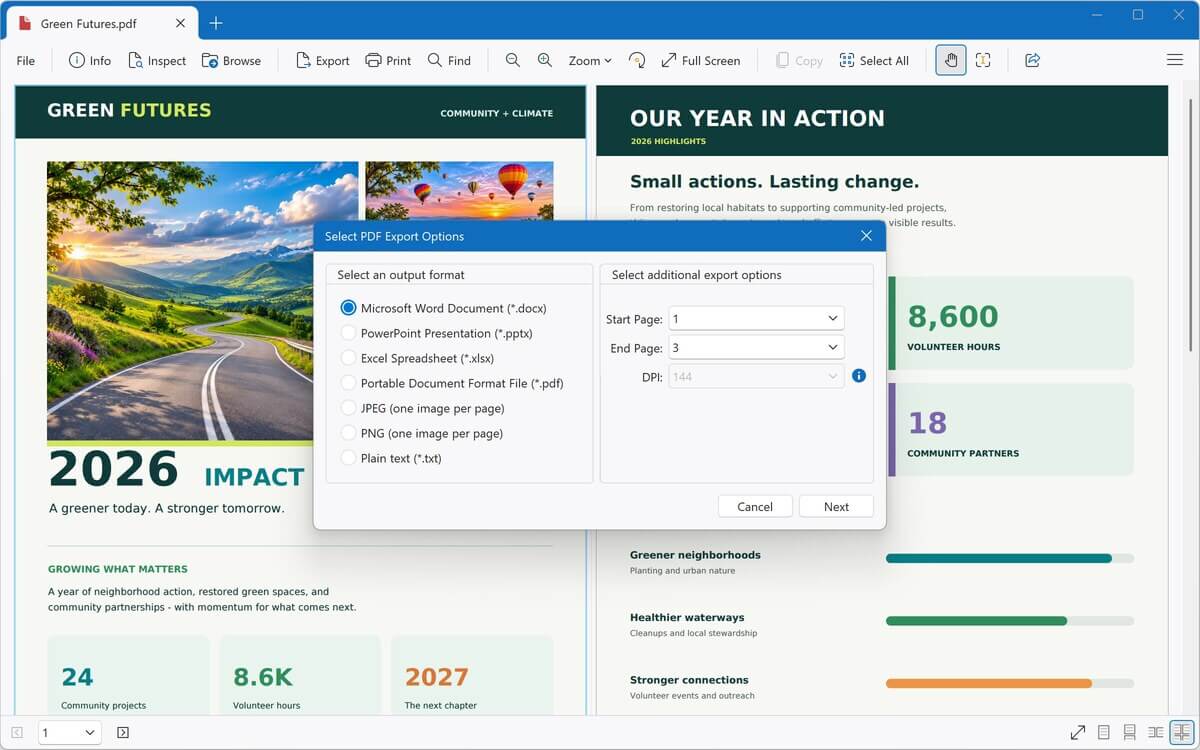
Visualizza PDF e documenti XPS e converti i PDF in documenti Word completamente modificabili, fogli di calcolo Excel, presentazioni PowerPoint, immagini o testo.
Apri, modifica e salva fogli di calcolo Excel e file CSV. Converti tra XLSX, XLS e CSV oppure esporta in PDF.
Visualizza presentazioni PowerPoint e OpenDocument e convertille in PDF, JPEG o PNG.
Visualizza disegni, stencil e modelli Visio ed esportali in PDF, JPEG o PNG.
Visualizza piani e modelli di Microsoft Project ed esportali come immagini JPEG o PNG.
Visualizza disegni AutoCAD senza AutoCAD. Ingrandisci e ruota oggetti 2D e 3D, mostra o nascondi i livelli e converti i disegni in PDF o immagini.
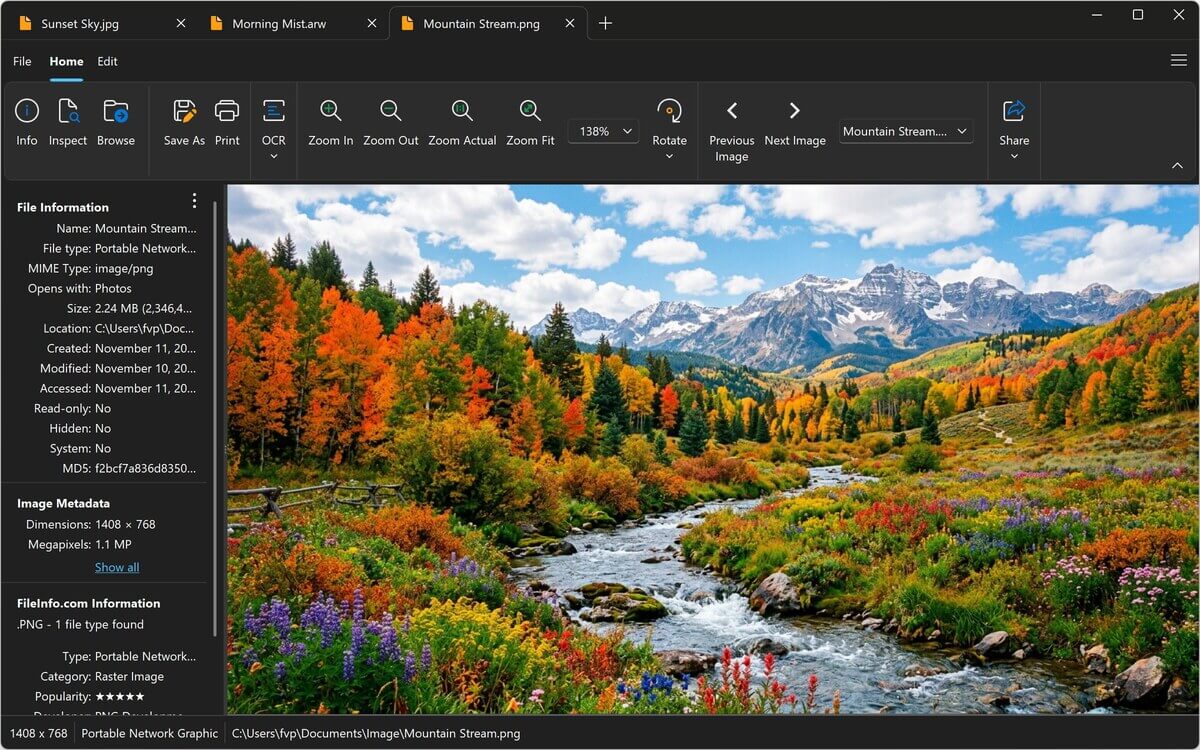
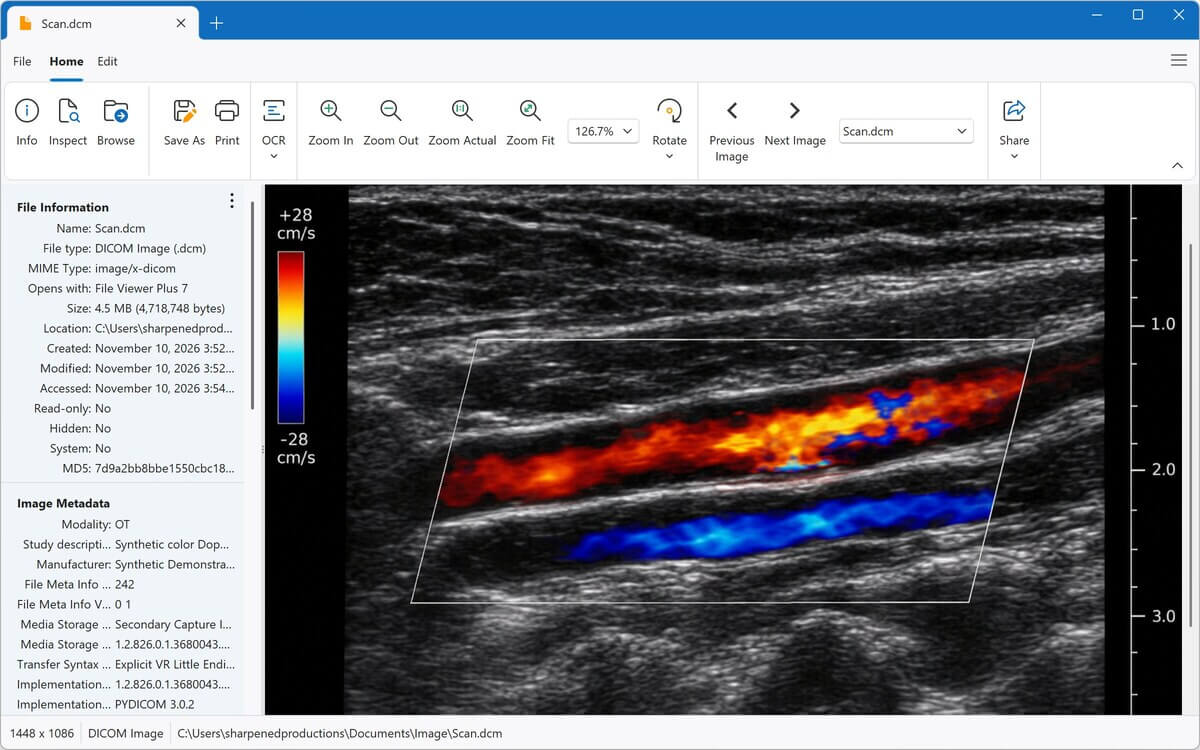
Visualizza e modifica foto e grafiche, incluse immagini HEIC, PSD, raw della fotocamera e immagini mediche DICOM. Ritaglia, ridimensiona, regola il colore e converti in JPEG, PNG e altri formati.
Riproduci MP3, M4A, WAV, FLAC e decine di altri formati nel lettore multimediale integrato, con forme d'onda e copertine degli album. Converti l'audio in MP3 o M4A.
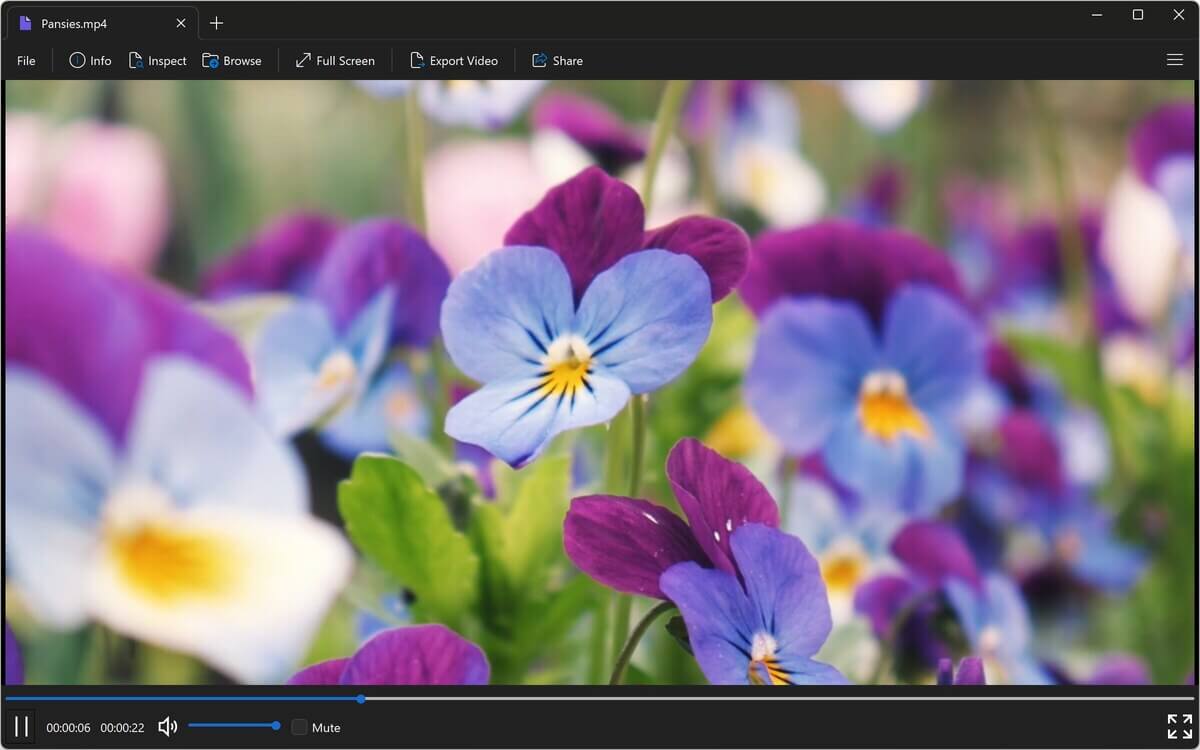
Riproduci MP4, MOV, AVI, MKV e decine di altri formati in una finestra o a schermo intero. Converti i video in MP4 oppure salva solo l'audio come MP3 o M4A.
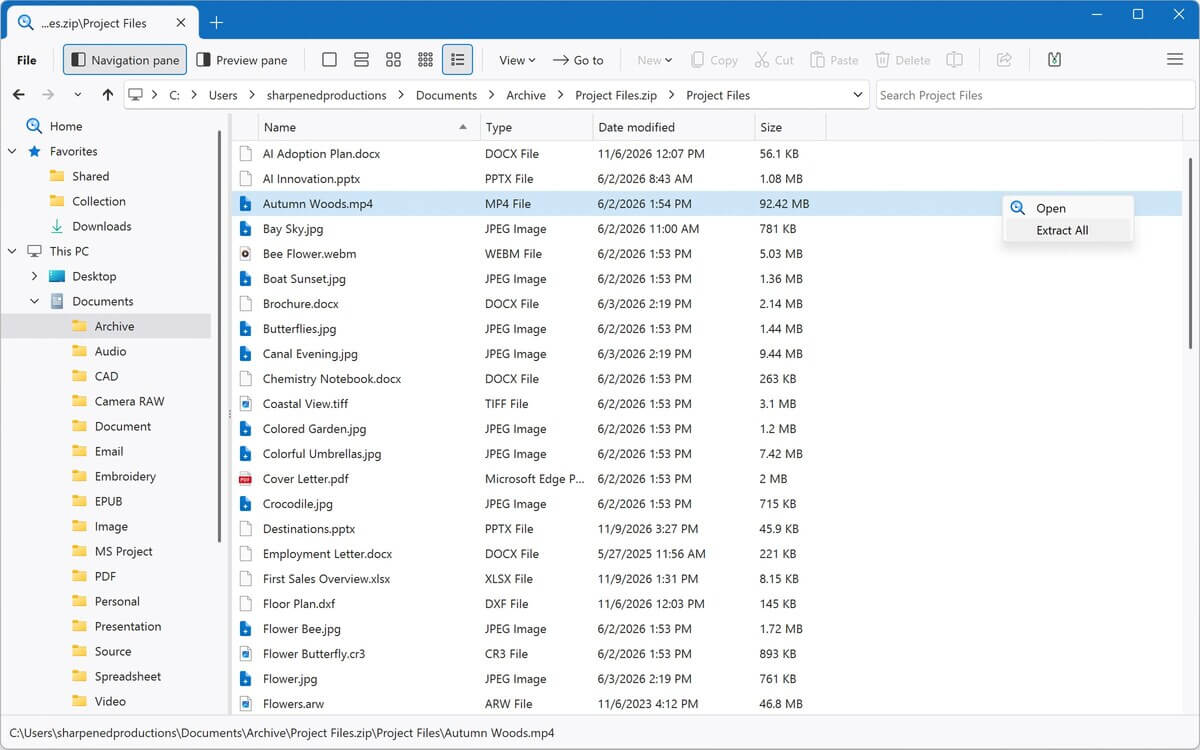
Sfoglia archivi ZIP, RAR, 7Z, ISO e altri archivi come cartelle ed estrai solo i file che ti servono.
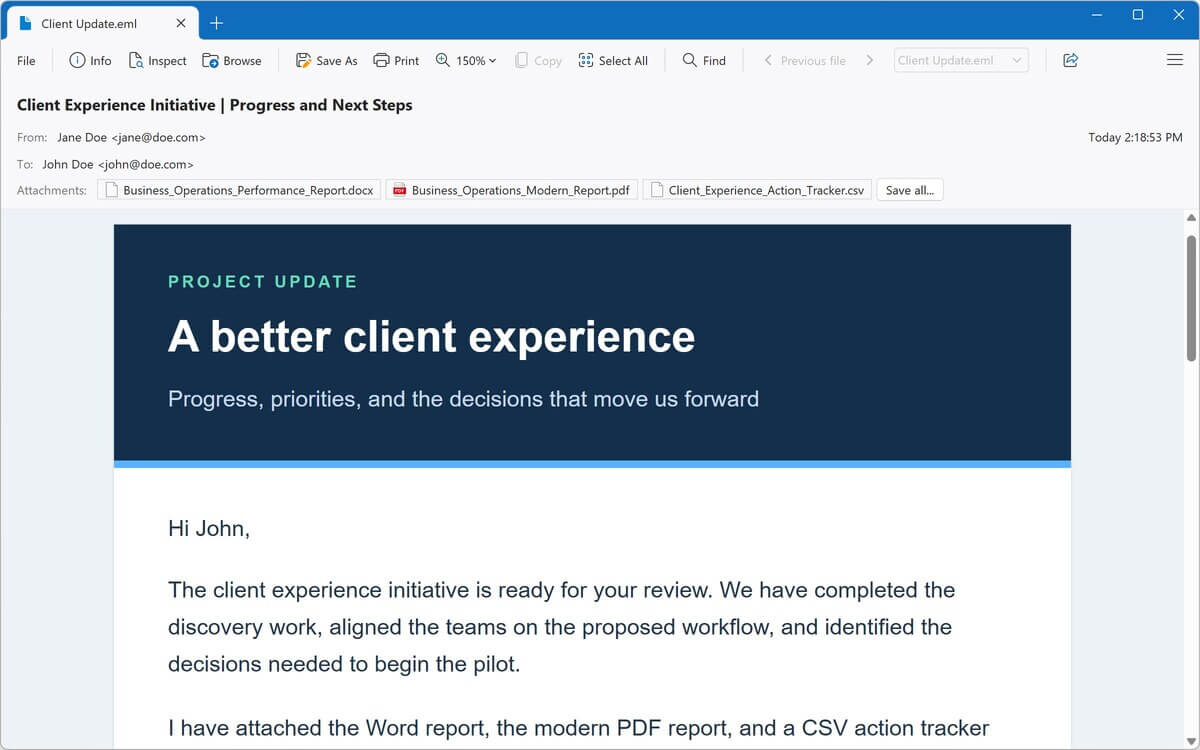
Apri le email salvate, inclusi i file MSG di Outlook e Winmail.dat. Leggi il messaggio, salva gli allegati e salva le email come PDF.
Visualizza le pagine web salvate e gli archivi web MHTML e modifica l'HTML nell'editor di codice sorgente integrato.
Apri e modifica il codice in decine di linguaggi di programmazione, con evidenziazione della sintassi, numeri di riga e compressione del codice.
Prova
Visualizza tutti i tipi di file →Un esplora file migliore per Windows
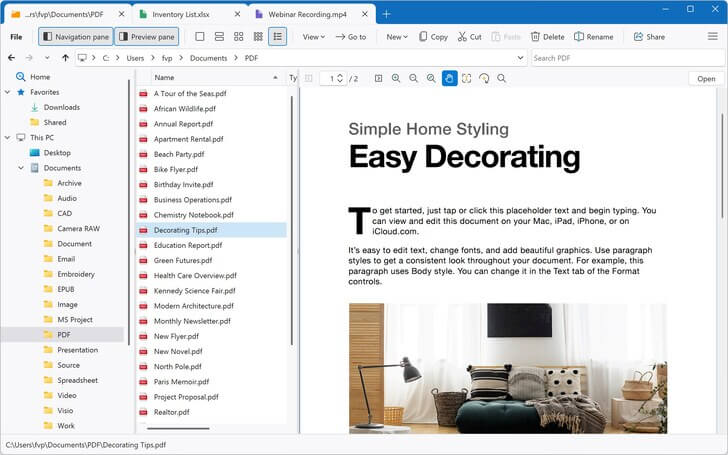
Trova, visualizza in anteprima e apri i file più velocemente con File Viewer Plus. Il suo esplora file integrato ti consente di sfogliare, cercare e visualizzare in anteprima i tuoi file senza uscire dall'app.
-
Ricerca veloce
Cerca nella cartella corrente e in tutte le relative sottocartelle, nei tuoi Preferiti o in un archivio aperto. I risultati vengono visualizzati man mano che vengono trovati.
-
Anteprime complete dei file Novità della versione 7
Scorri interi PDF e documenti Office, oltre a email, pagine web e file Markdown, direttamente nel riquadro di anteprima.
-
Tutto in un unico posto
Copia, sposta, rinomina e condividi i file. Poi aprili, modificali o convertili senza passare a un'altra app.
Converti i PDF in documenti Word modificabili
Trasforma un PDF in un file DOCX completamente modificabile, quindi apporta le modifiche nell'elaboratore di testi integrato o in Microsoft Word.
- Converti anche i PDF in Excel, PowerPoint, JPEG, PNG o testo semplice
- Salva documenti Word, fogli di calcolo e presentazioni come PDF
- Converti immagini, audio e video in altri formati
- Converti in batch migliaia di file contemporaneamente, incluse intere cartelle
- Salva i preset di conversione e rinomina automaticamente i file
Strumenti avanzati integrati
Vai oltre la semplice visualizzazione con strumenti per documenti scansionati e file sconosciuti.
- Importa da scanner Novità della versione 7
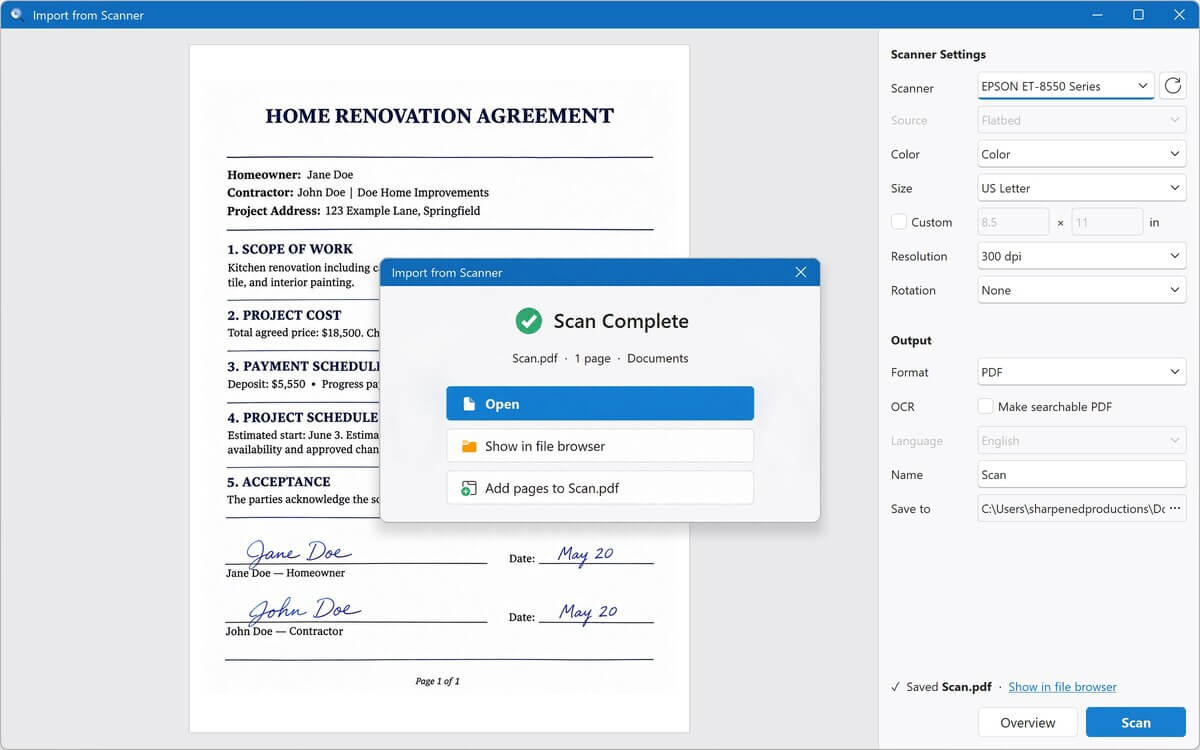
Scansiona direttamente in File Viewer Plus come PDF o immagine, aggiungendo pagine man mano che procedi - OCR Novità della versione 7
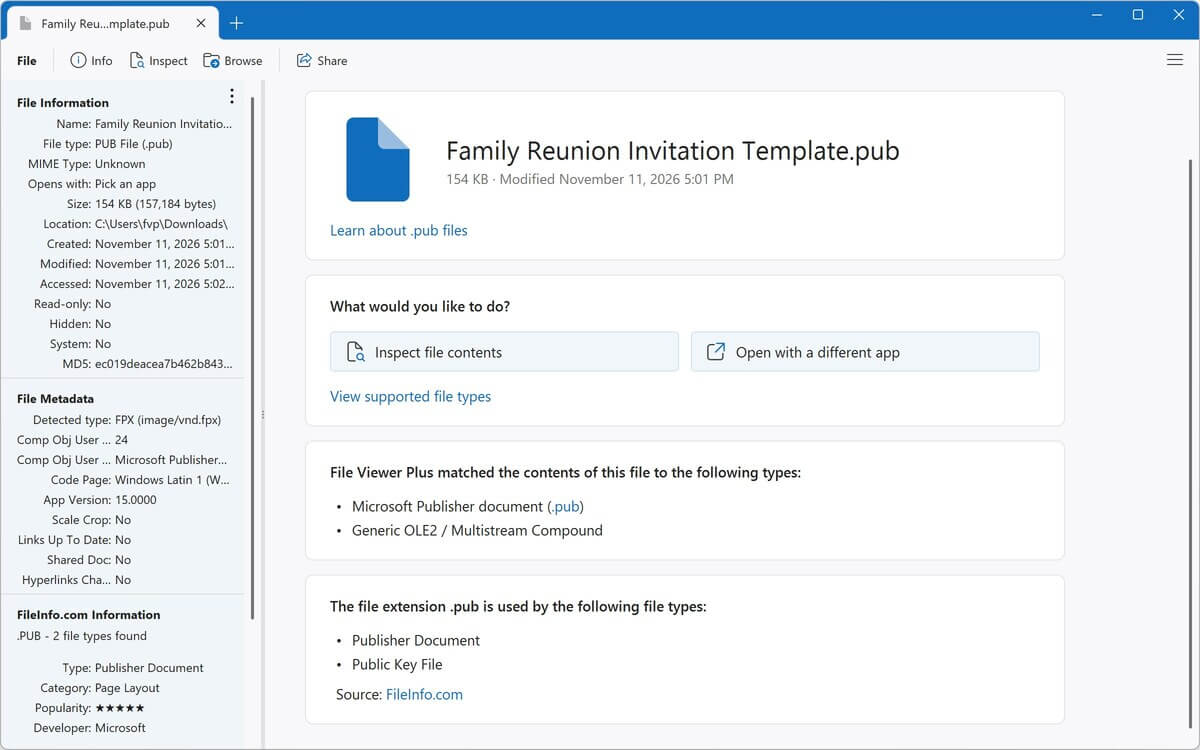
Estrai il testo da pagine scansionate e foto per copiarlo o salvarlo come PDF ricercabile - Identificatore di file
Identifica i file sconosciuti, anche senza estensione, tra oltre 10.000 formati - Ispettore dei file
Esamina qualsiasi file con visualizzazioni testuali ed esadecimali, metadati, dati EXIF e hash
Recensioni recenti
Leggi altre recensioni →This is the best file viewer. It's easy to use and opens all kinds of files!
What a breeze. I downloaded another .XPS file viewer and converter program, and it was a bust, but File Viewer Plus worked like a charm!
File Viewer Plus is my go-to when I run into unexpected problems. It is an exceptional file viewer.
Wonderful software. File Viewer Plus is indispensable for every organisation, regardless of size, and it's an excellent tool for students as well. Since I started using it, all my conversions have been completely seamless.
This is the best thing to happen to my system, to the point that I have no clue how I used my computer without it! If you are still considering this app ... trust me, just get it.
File Viewer Plus is a fantastic, easy-to-use app, given the wide range of benefits it offers. The program has saved me more than once when looking for documents, pictures, presentations, and speeches. I would recommend it to anyone!
I have well over 300 Visio files and no longer have Visio access. I have been searching for a Visio file viewer, and this app worked smoothly on the first attempt!
File Viewer Plus has made it possible to view my embroidery files, which Windows won't do. I think it's a great program!
File Viewer Plus is quick and easy to use! It's especially helpful for opening my pictures in the proprietary Seattle Film Works format.
If you want to quickly check HEIC image files or batch convert them to JPG, I highly recommend downloading this program! The conversion results are excellent. Also, there are various preview options, so you can switch according to your preferences. It includes a simple, easy-to-understand interface design, a thoughtful design. Thank you to the developers for their dedication in providing such a high-quality app!
File Viewer Plus is excellent for teachers! I am a teacher, and students submit assignments using many different file types. This app really helps when I need to open unique file types, such as .HEIC files, that other apps can't open.
The app is simple and helpful. I've been looking for proper apps to open all my documents, as I don't have Office 365, and browsers don't help with editing them, but File Viewer Plus does it all!