File Viewer Plus Enterprise
Enterprise Ready
File Viewer Plus Enterprise is the secure offline document management and viewing solution for your organization. Open hundreds of file types, including all major office document formats, with a single desktop application.
Buy File Viewer Plus Enterprise on the Microsoft Marketplace, or contact our team for a quote and answers to your questions.
- Volume pricing
- Site-wide licensing
- Read-only version available
Low-cost
One budget-friendly app
Open documents, spreadsheets, PDFs, drawings, images, and video for a fraction of the price of other apps.
Volume pricing
Discounts based on your number of users keep the cost per user low.
Simple
One site-wide key
Activate every computer with a single key, or optionally manage licenses in Microsoft 365. No individual license keys to track.
Automated deployment options
Install silently with the MSI for GPO and SCCM, from the command line, or with one automated script.
Secure
Works offline
A desktop app, not a cloud service. Files open on your users' computers, and optional offline activation works without internet.
Optional read-only version
Let users view and print every format without creating, editing, or converting files.
One app for every file your team opens
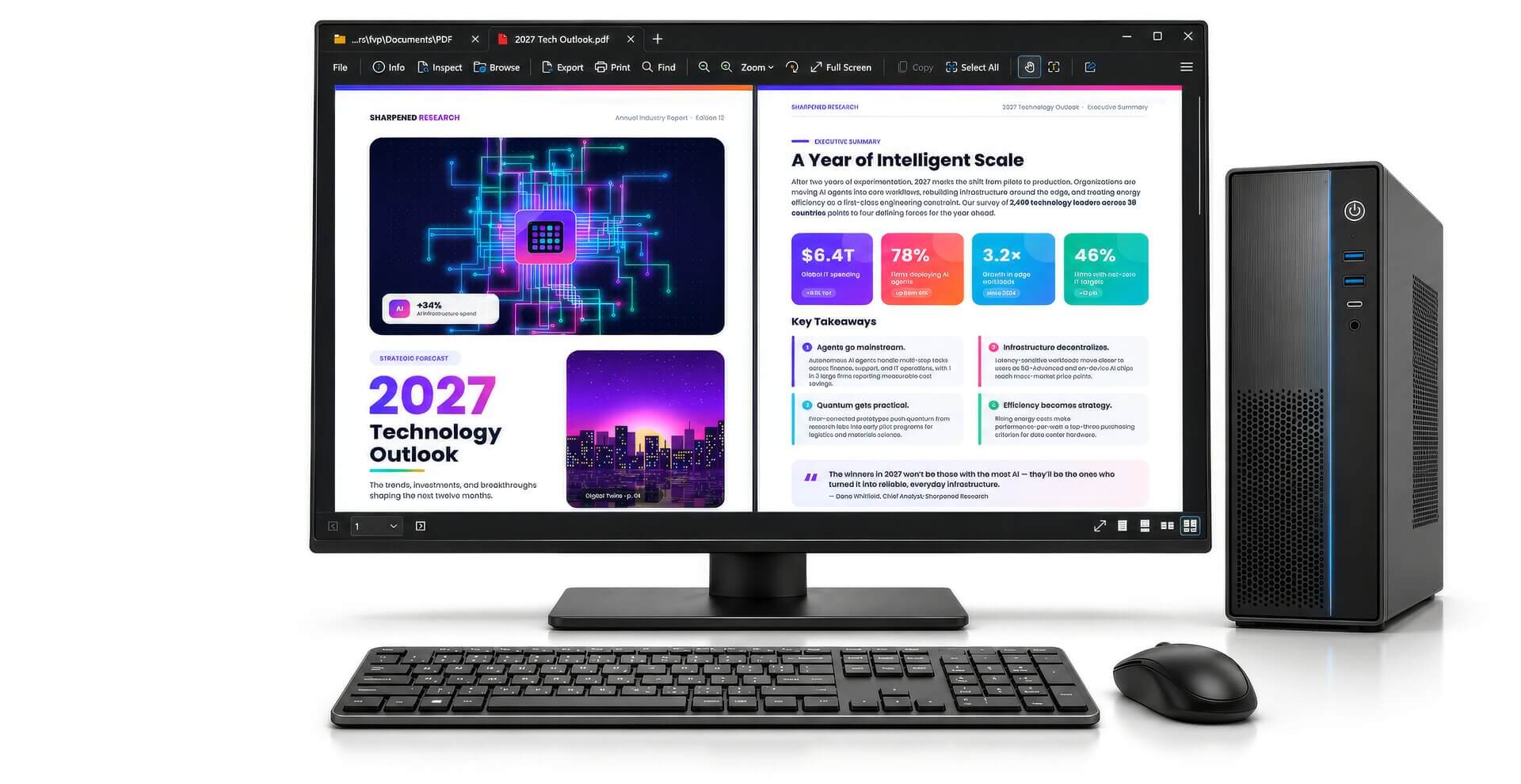
View, edit, and convert hundreds of file types in one window, from documents and spreadsheets to images, email, and CAD drawings.
Deploy it your way
Install and activate in a single step, or fit File Viewer Plus Enterprise into the tools your IT team already uses.
- MSI installer for GPO and SCCMCustomize with command-line options or MST transforms.
- Install and activate with one scriptReady-made scripts for online, offline, and Microsoft Marketplace licenses.
- Silent, customizable installsChoose the install folder, shortcuts, context menu, and file associations.
- Online or offline activationActivate from the command line, even without internet access.
Runs on desktops, laptops, Remote Desktop Services, and virtual machines. No automatic updater or purchase prompts.
# Install silently with the MSI
msiexec.exe /i fvp_setup_ent.msi /quiet

# Or customize the install with a transform
msiexec.exe /i fvp_setup_ent.msi /quiet TRANSFORMS=custom.mst

# Activate with your site-wide key
fvp7.exe /activate XXXXX-XXXXX-XXXXX-XXXXX-XXXXX

# Activate without internet access
fvp7.exe /activate-offline XXXXX-XXXXX-XXXXX-XXXXX-XXXXX

# Or activate with Microsoft 365
fvp7.exe /activate-microsoft-marketplace
Two ways to buy
Buy and manage File Viewer Plus Enterprise in the Microsoft ecosystem you already use, or work with our sales team directly.
On the Microsoft Marketplace
Buy through your existing Microsoft purchasing agreements and Azure billing, then manage users in Microsoft 365.
- Assign licenses in Microsoft 365 admin center
- Users activate by signing in with their work account
- Silent activation on Entra ID joined devices
- No activation keys to distribute
- Start a free trial right from the Marketplace
From our sales team
Get a quote for your organization and a site-wide activation key for all of your users.
- One site-wide activation key
- Online or offline activation
- Volume discounts based on your number of users
- Add prorated licenses as you grow
- Free trial of the full and read-only versions
- Ongoing supportOur team is here to help for as long as you own File Viewer Plus Enterprise.
- Every release includedYour subscription includes all updates, including major versions.
- Made in the USADeveloped and supported in Minneapolis, Minnesota.
Already using File Viewer Plus Enterprise?Find deployment guides, activation help, and answers to common questions.
Go to Enterprise SupportEnterprise FAQ
Is there a free trial?
Yes. Start a trial from the Microsoft Marketplace, or contact sales to set up a trial with both the full and read-only versions.
How is Enterprise different from the standard version?
The features are the same. Enterprise adds an enterprise EULA, automated deployment, an MSI installer with deployment options, site-wide or Microsoft 365 licensing, and a read-only version. It doesn't include the automatic updater or purchase prompts.
Can it run on shared or virtual systems?
Yes. File Viewer Plus Enterprise can be installed on desktops, laptops, Remote Desktop Services (terminal servers), and virtual machines, as long as you have licenses for your total number of users.
Can we activate without internet access?
Yes. Licenses purchased from our sales team support offline activation. Microsoft Marketplace licenses activate online by signing in with a Microsoft work or school account.