License Activation with an Activation Key
If you purchase File Viewer Plus Enterprise directly from Sharpened Productions, you receive a site-wide activation key. Use this key to activate the software for all users in your organization. Key-based activation supports both online and offline methods. See Online vs. Offline Activation for details on which method to choose.
Activation with the Command Line
To activate the license from the command line, use the following commands, where "C:\path\to\fvp6.exe" is the post-install path to the main program executable ("C:\Program Files (x86)\File Viewer Plus Enterprise\fvp6.exe" by default) and XXXXX-XXXXX-XXXXX-XXXXX-XXXXX is your activation key.
Online Activation
"C:\path\to\fvp6.exe" /activate XXXXX-XXXXX-XXXXX-XXXXX-XXXXX
Offline Activation
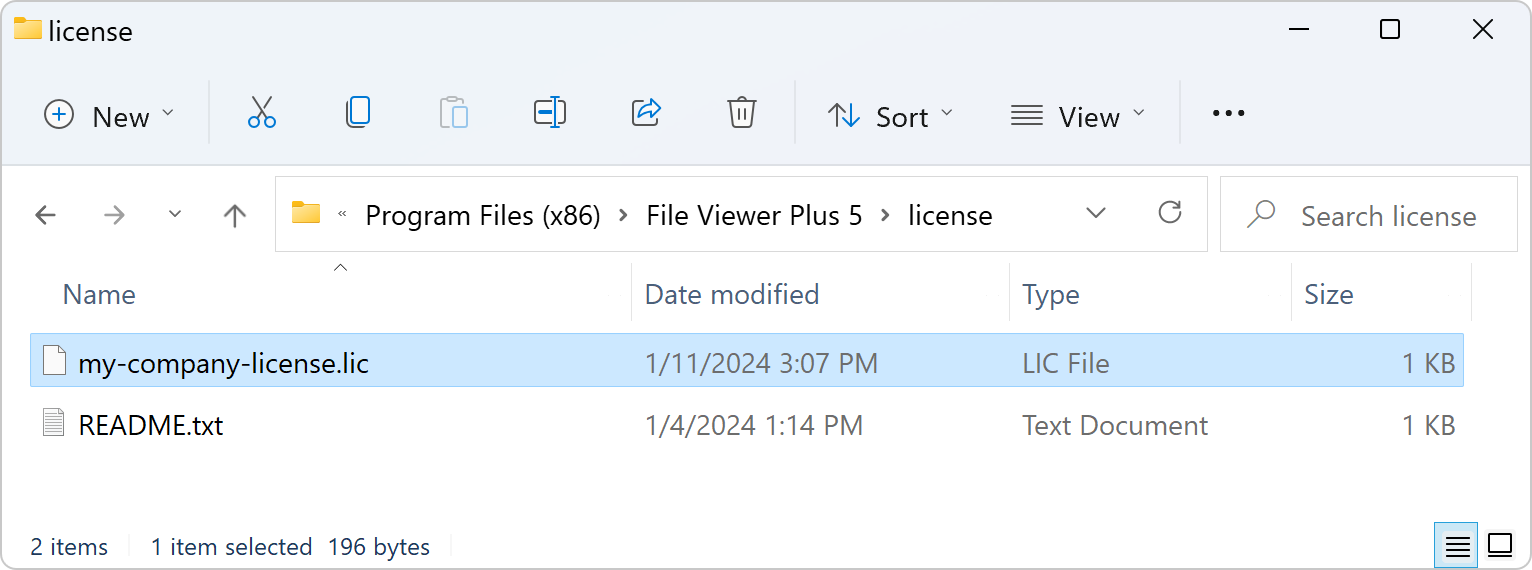
Before offline activation, you must place your offline license (.lic) file in the license\ directory of the installation. See offline license activation for further information.
"C:\path\to\fvp6.exe" /activate-offline XXXXX-XXXXX-XXXXX-XXXXX-XXXXX
When activation is complete, a node-locked license file is created at "%PUBLIC%\File Viewer Plus\fvp6.lic", which typically resolves to C:\Users\Public\File Viewer Plus\fvp6.lic.
Activation with the License Window
When no license is available on the system, the software displays the licensing window on startup. Choose whether to activate your license online or offline.
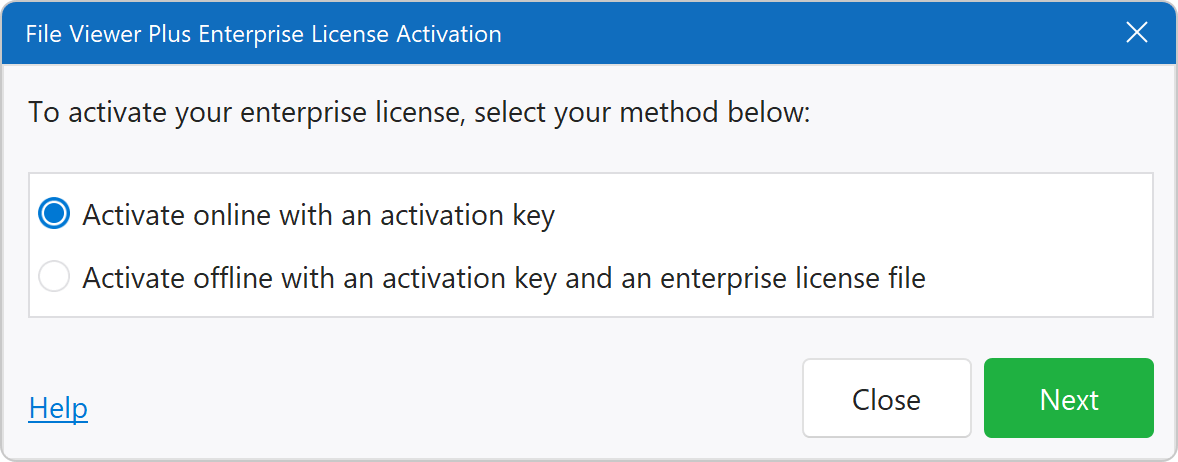
Online Activation
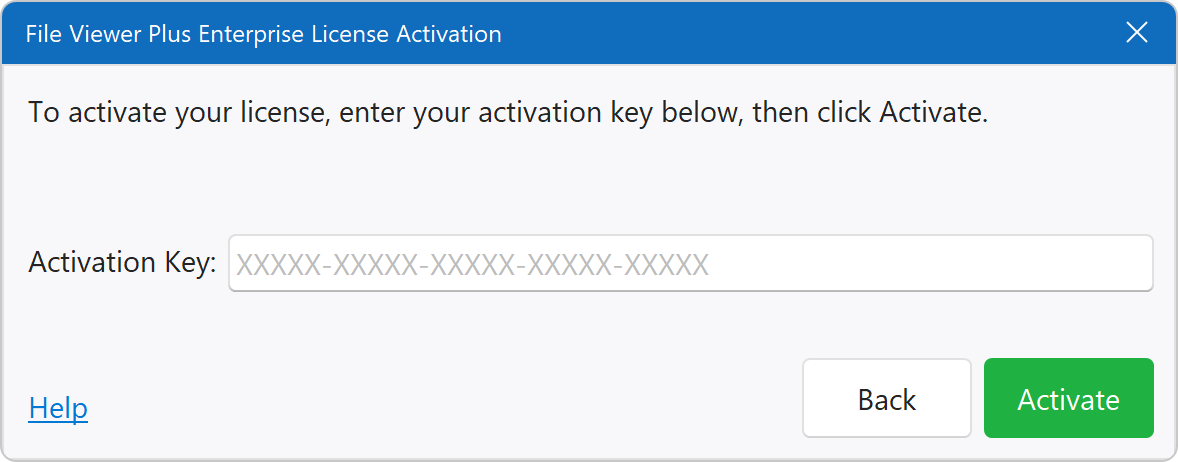
For online activation, input your activation key and click Activate:
Offline Activation
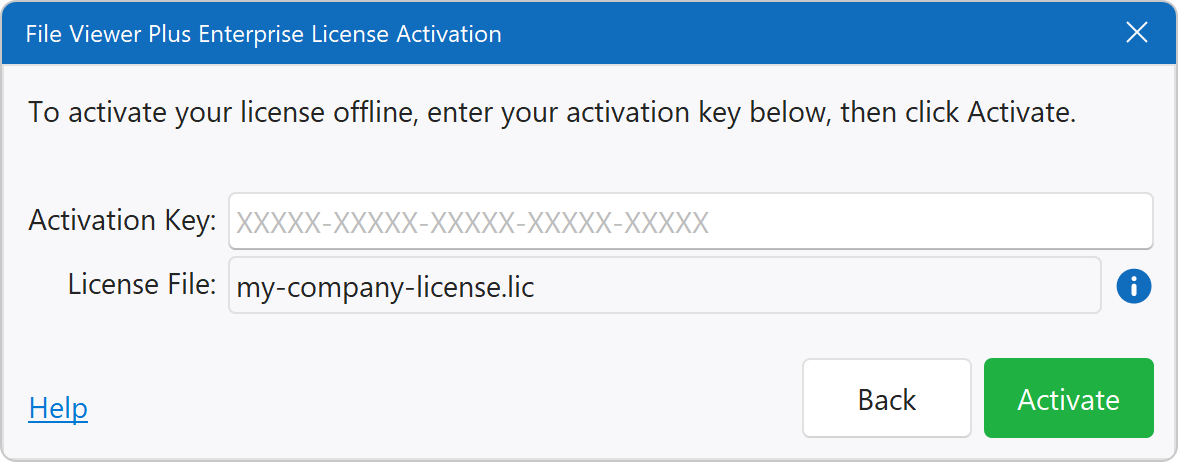
For offline activation, ensure that your offline license (.lic) file is in the license\ directory of the software installation (see offline license activation). The software automatically locates the license file and displays it in the window. Next, input your activation key and click Activate:
Online vs. Offline Activation
Key-based licenses can be activated online or offline. At the time of purchase, you specify which option you'd like to use.
Online Activation
The software connects to its online Internet activation server to activate and renew licenses. This type of activation requires your systems to allow network access to https://lic.fileviewerplus.com on port 443. When your subscription renews, the software automatically refreshes the license over the Internet so that the license is valid for the next subscription period.
Offline Activation
The software activates licenses without an Internet connection, but both an activation key and an enterprise license file are required. If you choose this activation method, an enterprise license (.lic) file is delivered to you after purchase, and it must be placed in the license\ directory of the software installation. Each time your subscription renews, you receive a new license file that must be propagated to all computers.