Installation Wizard
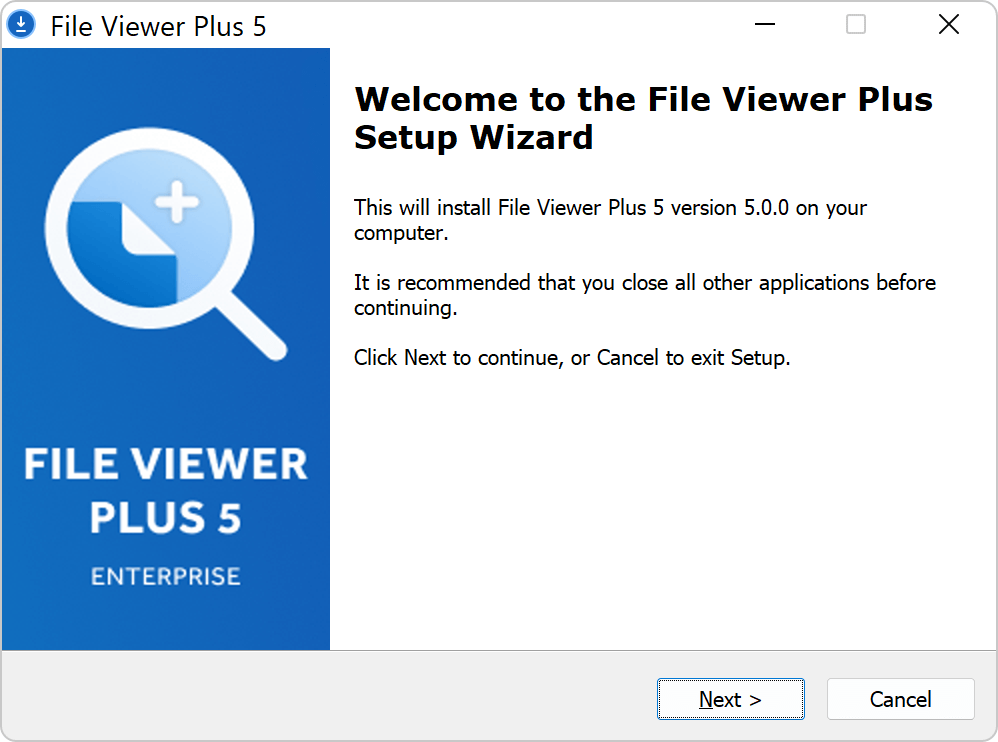
If you do not wish to use automated or command-line methods for installation, you can install the software manually using the installation wizard.
Double-click the software installer file to launch the installation wizard, and follow the instructions to complete software installation. NOTE: The MSI installer does not show the installation wizard user interface. If you run the MSI installer manually, it silently installs the software with default parameters.