Archives
Opening Archives
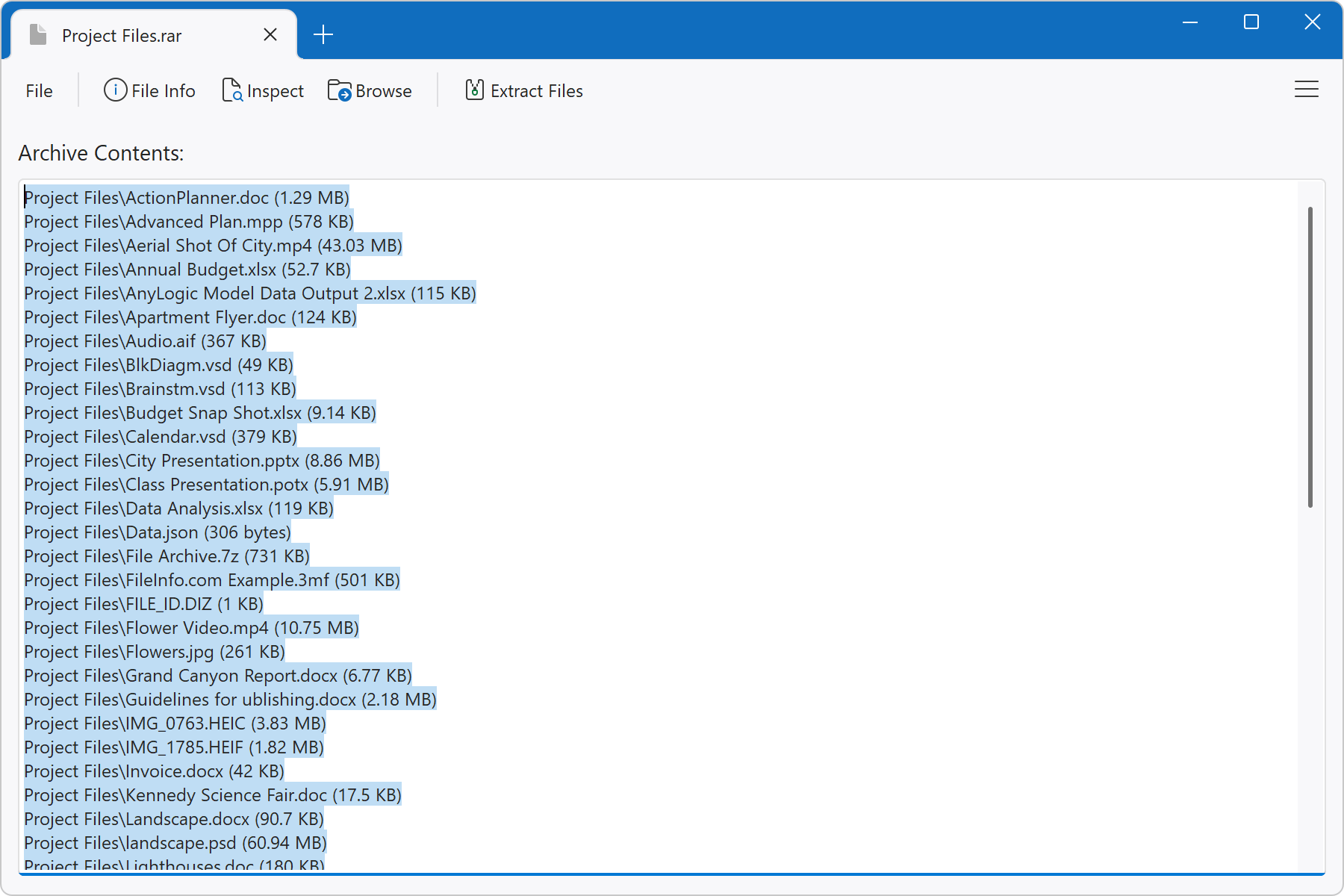
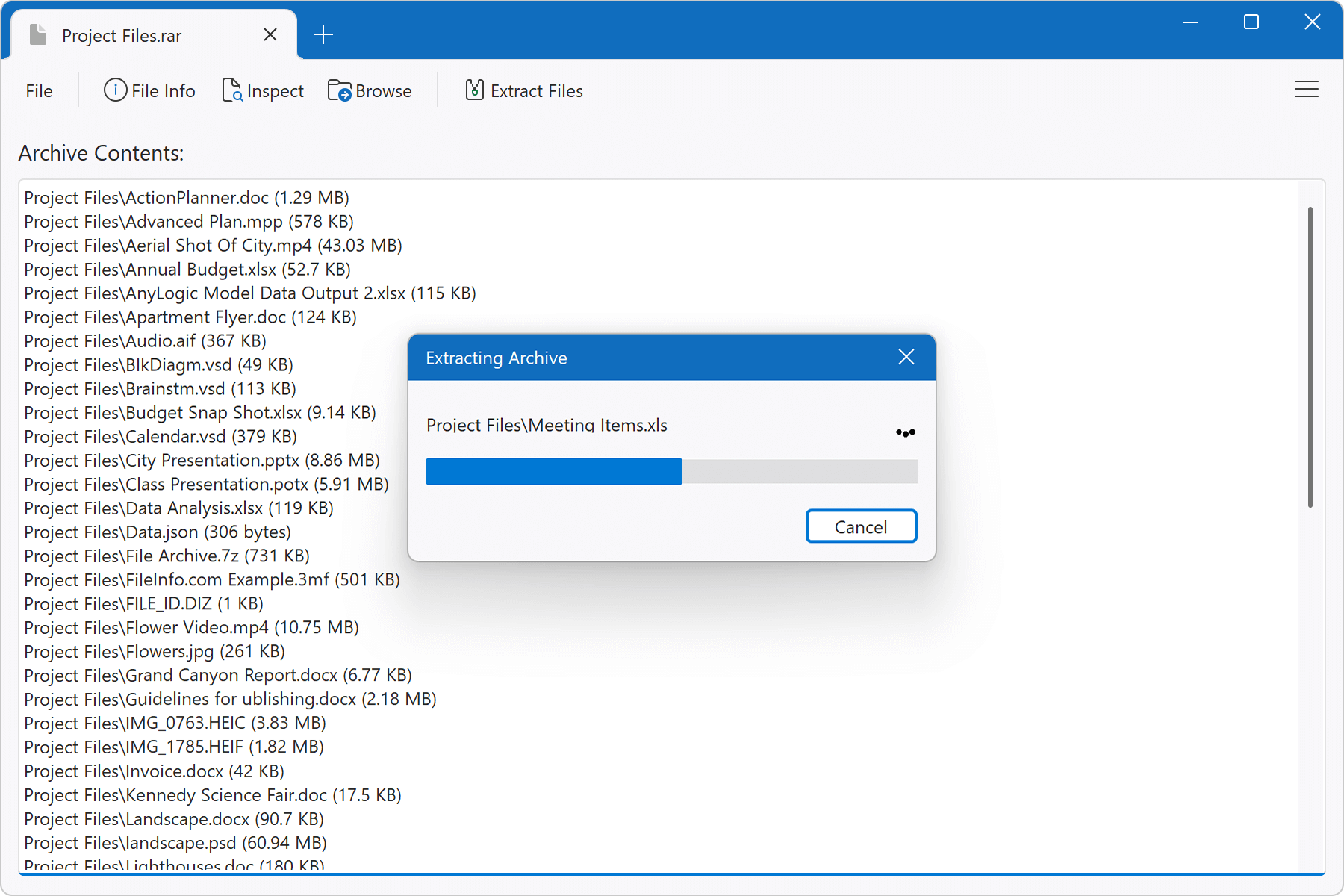
File Viewer Plus supports over 30 archive formats, including popular formats such as Zip, RAR, and 7-Zip (.7Z). You can preview the contents of the archive before extracting them.
Archive Extraction
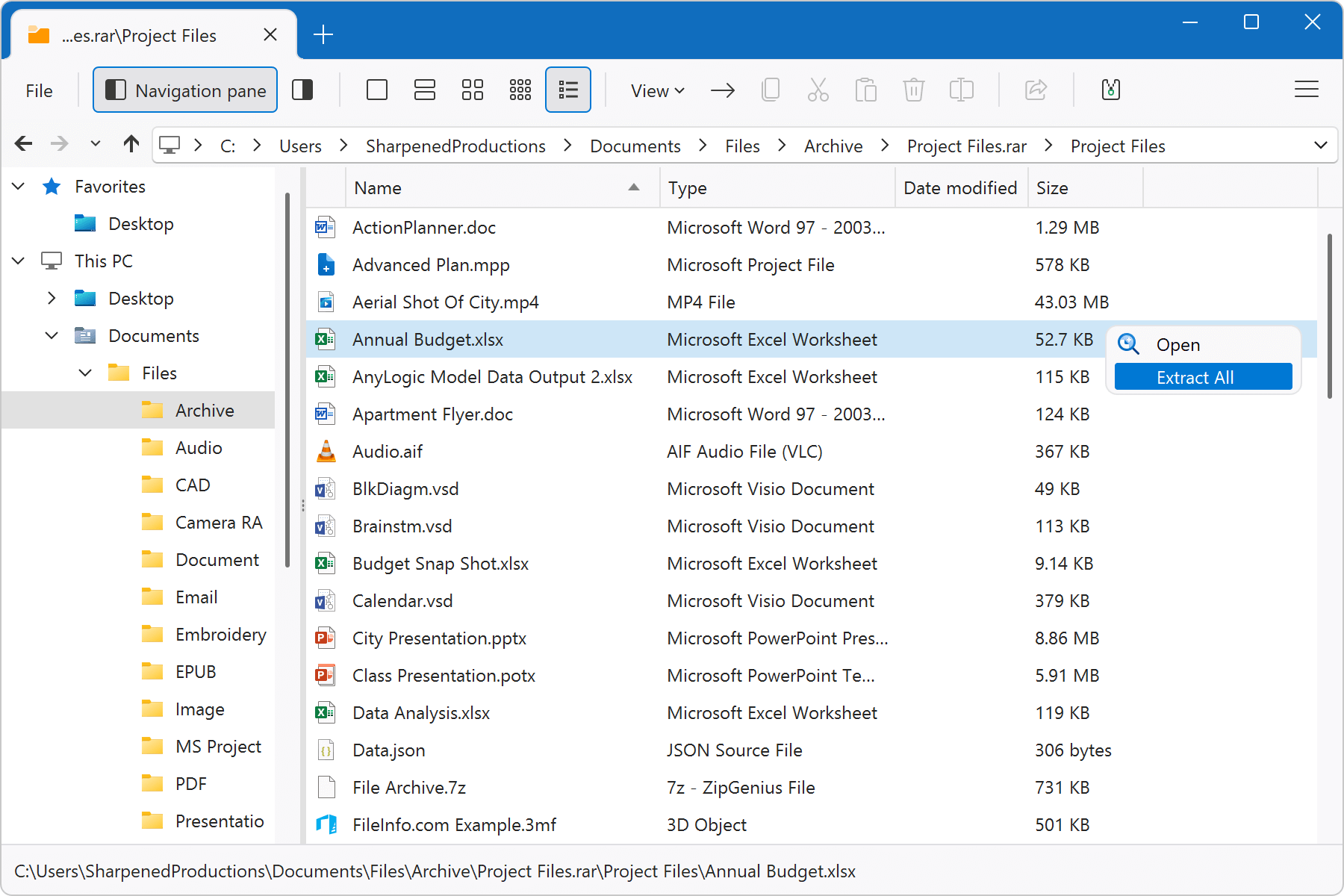
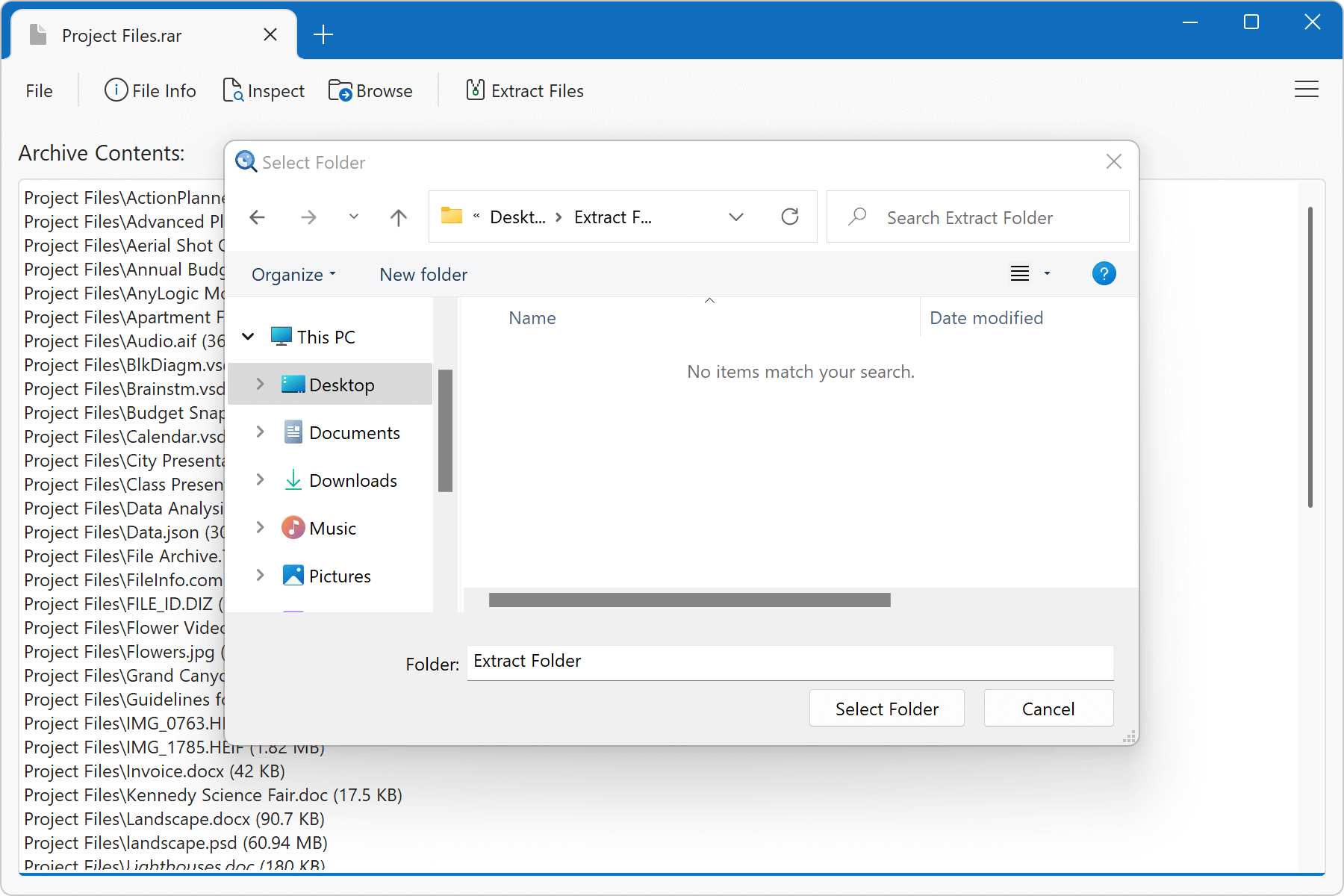
You can choose to extract individual files or all of them. To open an individual file, right-click the file and select Open. To extract all files in the archive, select Extract All.
Password-protected Archives
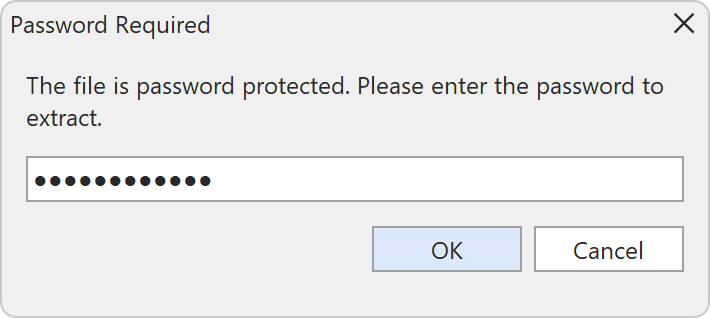
If you open or extract the contents of an password-protected archive, File Viewer Plus prompts you for the password. Some archives require a password before viewing the file contents in the archive, while others allow you to view the contents of the archive but only require the password when extracting the files to your computer.